34
○○○○○○○○○○○○○○○○○○○○○○○○○○○○○○○○○
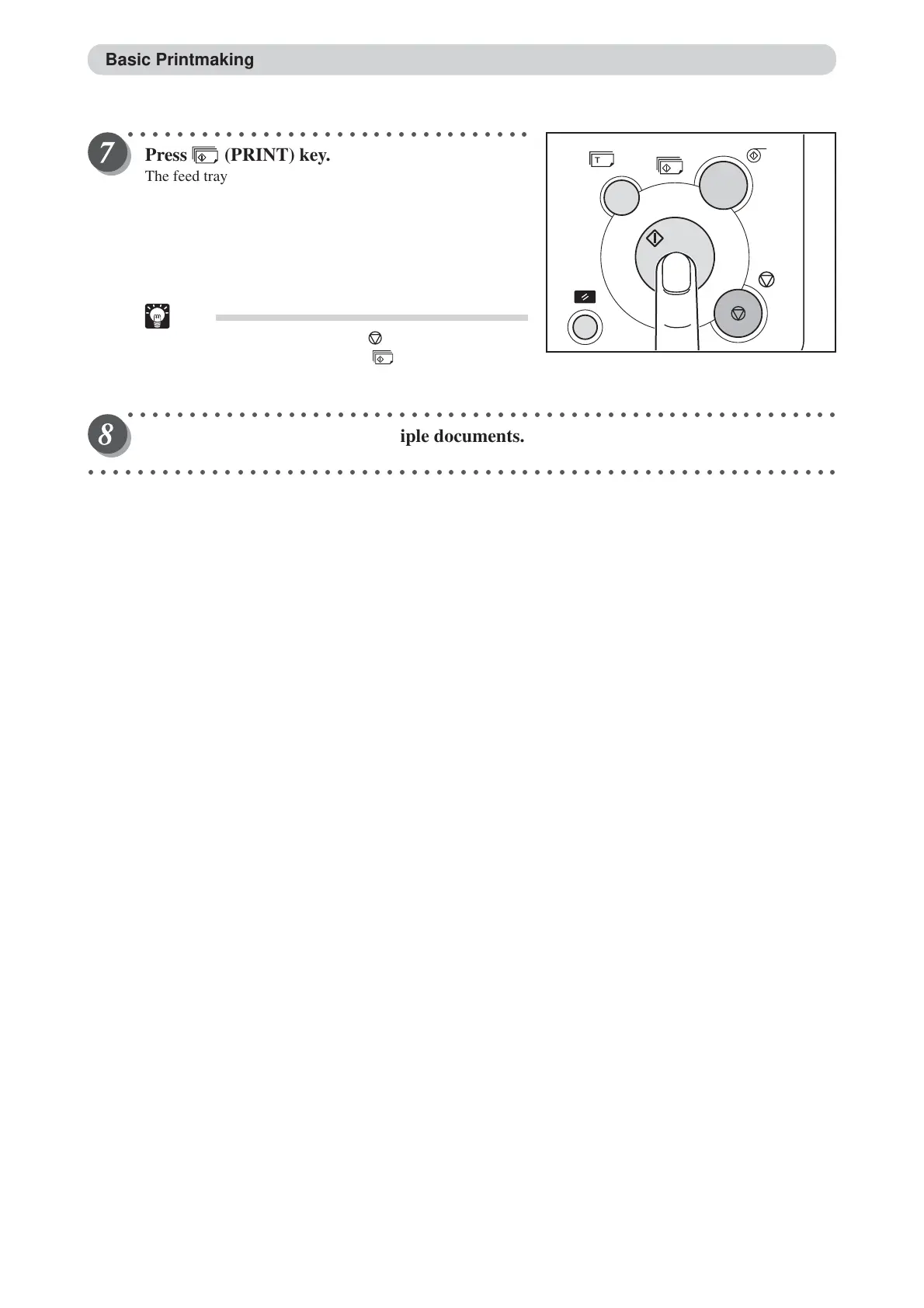
Press (PRINT) key.
The feed tray rises so that the top of the paper stack is the
height of the feed ring. The print tray rises to its highest
position.
The print run starts and the count displayed on the LCD
panel is decremented by one for each print made.
The printed pages are output to the print tray. (
a
See page
43, “Print Output”.)
Tip
•To stop a print run, press (STOP) key. To
restart the print run, press (PRINT) key
again.
○○○○○○○○○○○○○○○○○○○○○○○○○○○○○○○○○○○○○○○○○○○○○○○○○○○○○○○○○○
Repeat steps 3 to 7 to print multiple documents.
○○○○○○○○○○○○○○○○○○○○○○○○○○○○○○○○○○○○○○○○○○○○○○○○○○○○○○○○○○○○○
Basic Printmaking






 To Next Page