SV-EMS-220 Installation and Configuration
SkyView System Installation Guide - Revision K 7-57
The white box around the widget denotes that that widget is the one that is currently being
configured.
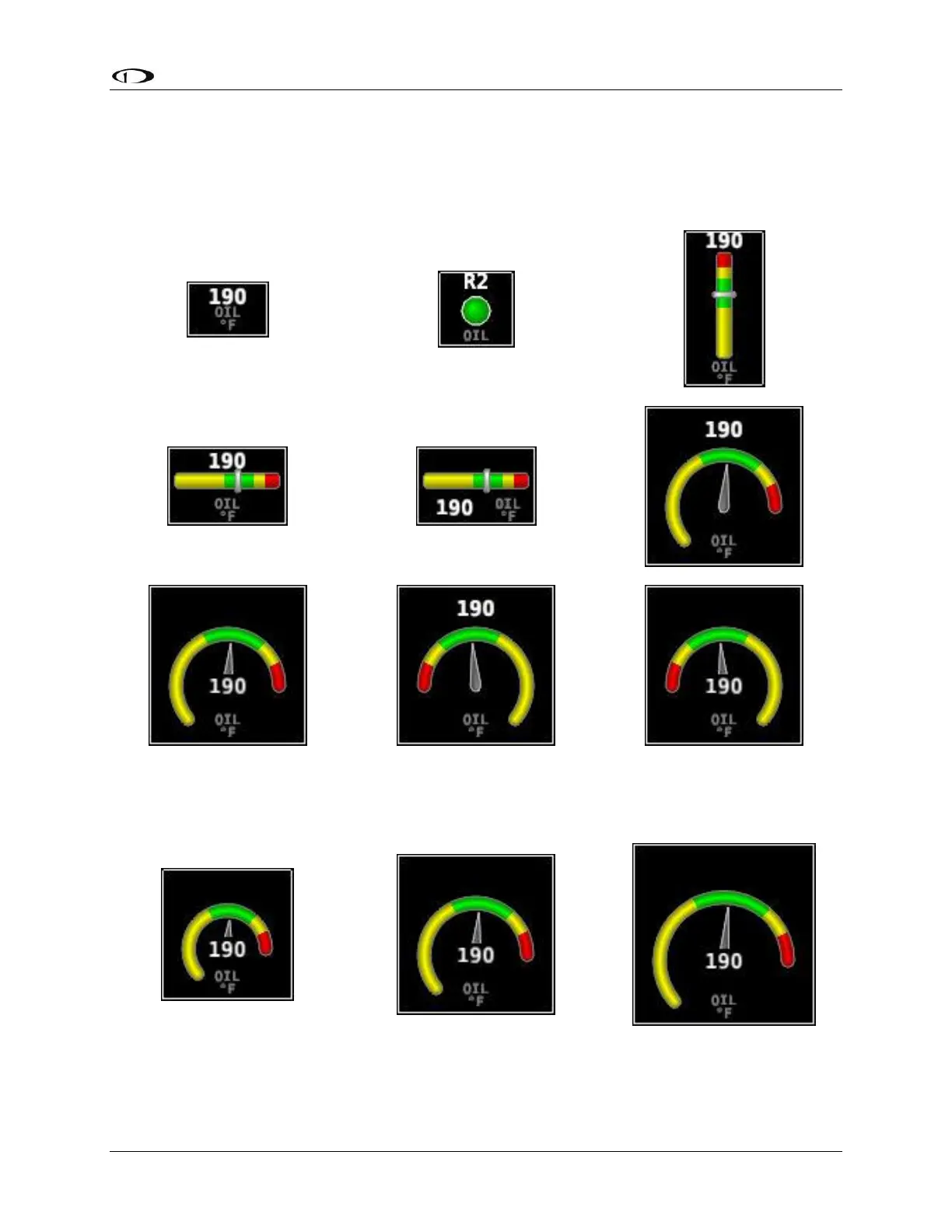
You can scroll through the available styles of the widget by pressing STYLE or by turning either
joystick. The following widgets illustrate different styles for oil temperature:
Figure 45–Example Oil Temperature Widget Styles
You can also adjust the size of the widget by pressing SIZE.
Figure 46–Example Oil Temperature Widget Sizes



 To Next Page