SkyView System Installation Guide - Revision K 9-1
9. SV-BAT-320 Installation
This chapter contains information that specifically applies to the installation of the SV-BAT-320
Backup Battery. After reading this chapter, you should be able to determine how to prepare the
installation location, mount the module, connect it to a display, monitor its voltage, and make
sure it is charged.
SkyView displays are designed to work with the SV-BAT-320 Backup Battery. Using
any other different battery will void any warranties and is a significant safety
hazard. Do not extend the SV-BAT-320’s battery wiring.
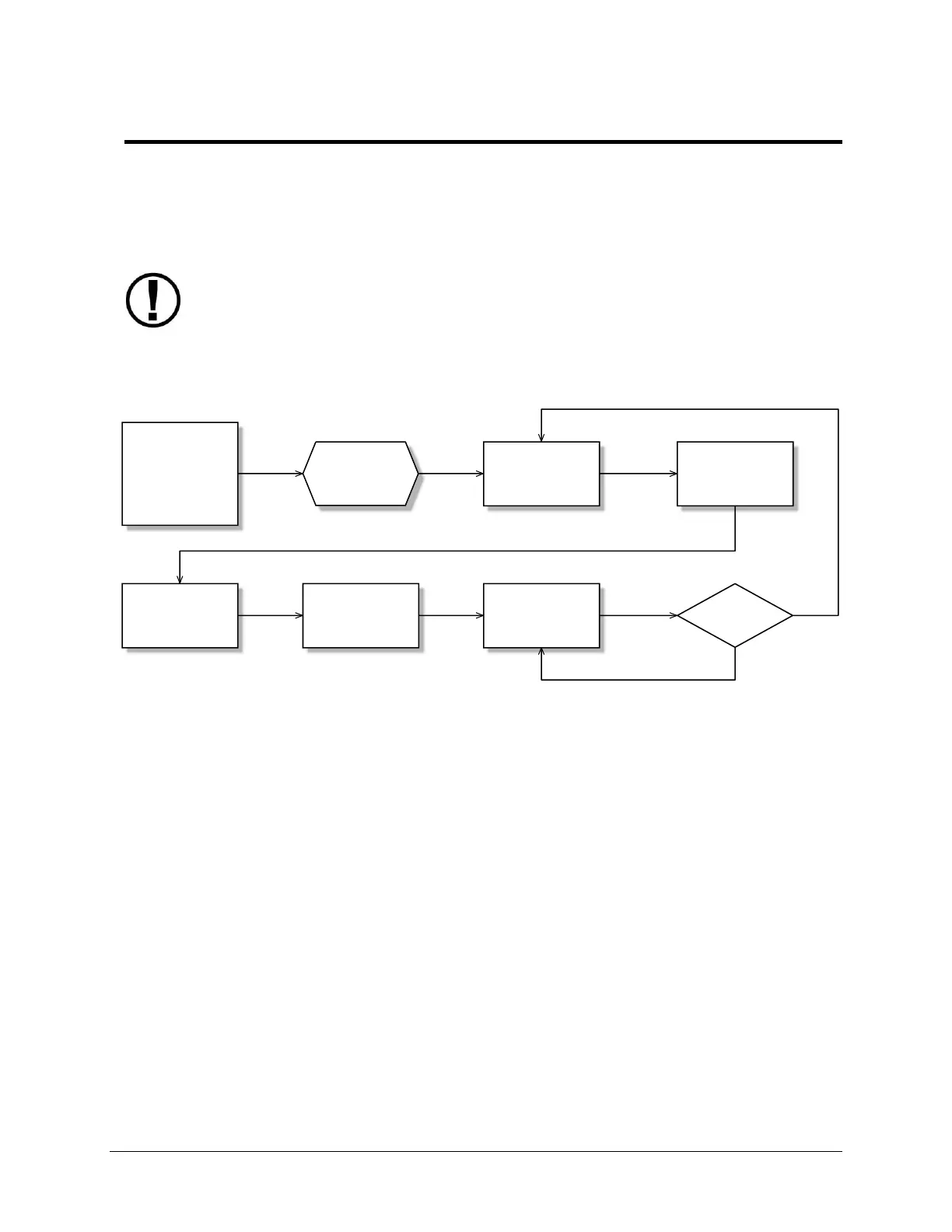
Figure 50 is a high-level overview of a suggested SV-BAT-320 installation, configuration, and
maintenance procedure.
Choose a
location based on
Location
Requirements
Section
Install battery
Prepare the
location
Connect battery to
the display wiring
harness
*Assumes SV-D700 or SV-D1000 is properly installed and working.
Charge battery*
Confirm battery
charged
Perform yearly
battery check
Pass?
Yes
No
Figure 50–Suggested SV-BAT-320 Installation, Configuration, and Maintenance Procedure



 To Next Page