Basic SkyView Display Operation
SkyView System Installation Guide - Revision K 3-3
The set of button labels displayed immediately after the display turns on is referred
to as the Main Menu.
Each SkyView display has an integrated light sensor in the bezel. This light sensor can be used
for automatic backlight level management. Reference the Display Setup Section of this guide for
instructions on how to configure the display for automatic backlight level management.
Joystick and Button Operation
Joysticks and buttons are used for various functions including powering the unit on and off,
entering and navigating menus, and adjusting values.
Operation Basics
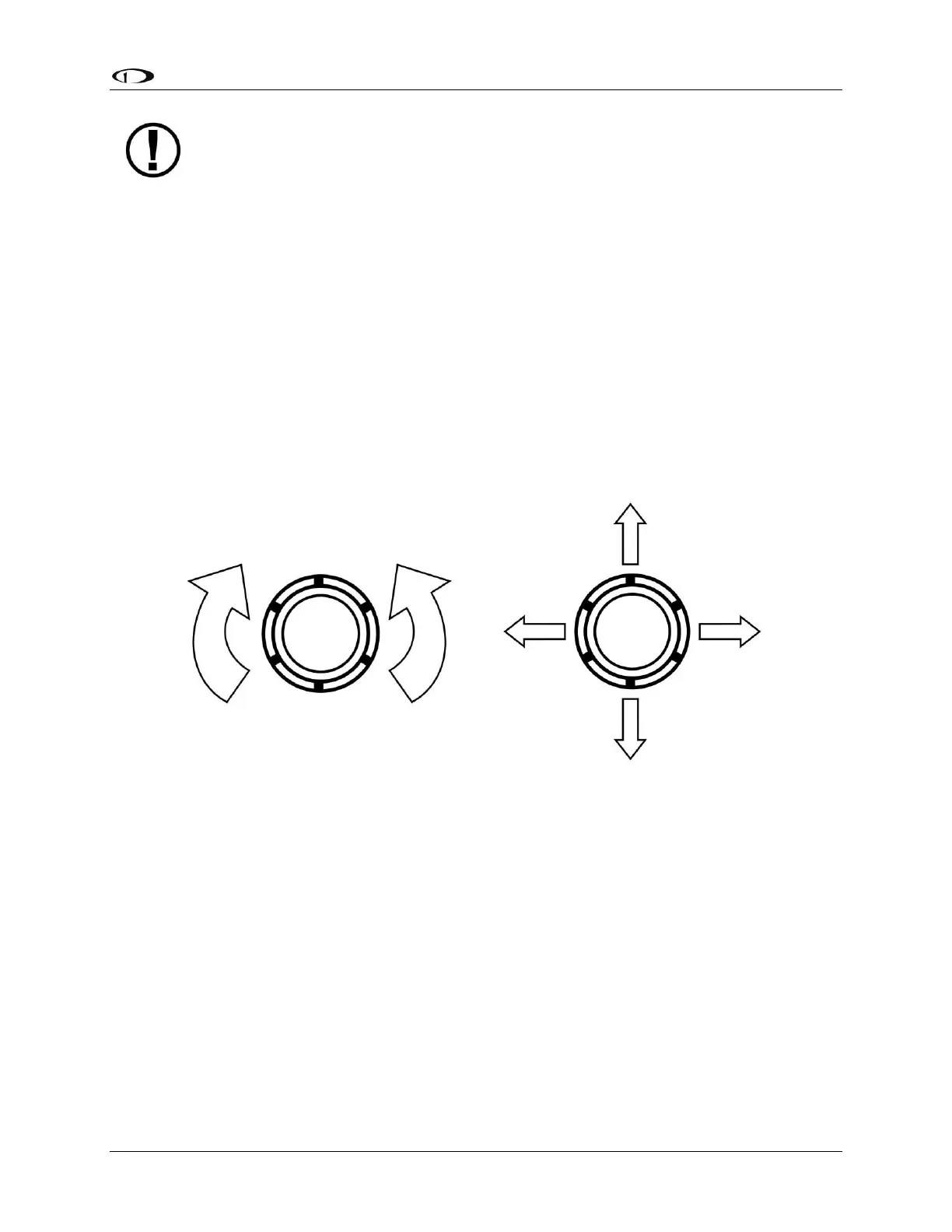
Joysticks can be turned and moved. Specific joystick behavior is addressed in subsequent
sections of this guide when necessary.
Figure 10–Joystick Turn (left) and Movement (right) Directions



 To Next Page