Autopilot Servo Installation, Configuration, and Calibration
SkyView System Installation Guide - Revision K 10-13
Servo Test Procedure
The servo test procedure requires a successful servo calibration. The servo test procedure
verifies that each servo is configured properly by moving the control surfaces while the installer
verifies the correct movement. You may run this procedure on its own at any time after a
successful servo calibration. SkyView will not display AP status on the Top Bar until after this
test procedure is successfully completed.
To run this procedure on its own (after a successful servo calibration procedure), enter the
Servo Test Wizard (SETUP MENU > HARDWARE CALIBRATION > SERVO CALIBRATION > TEST)
and follow the onscreen instructions to test the servo(s).
Autopilot Servo Setup and Fine Tuning
There are several parameters in the Autopilot Setup Menu (SETUP MENU > AUTOPILOT SETUP)
that allow you to fine tune the behavior of the SkyView autopilot system. This section describes
these adjustable parameters. Note that the Autopilot Setup Menu is only accessible after a
successful servo test procedure.
Roll Axis Configuration
Roll Axis Torque
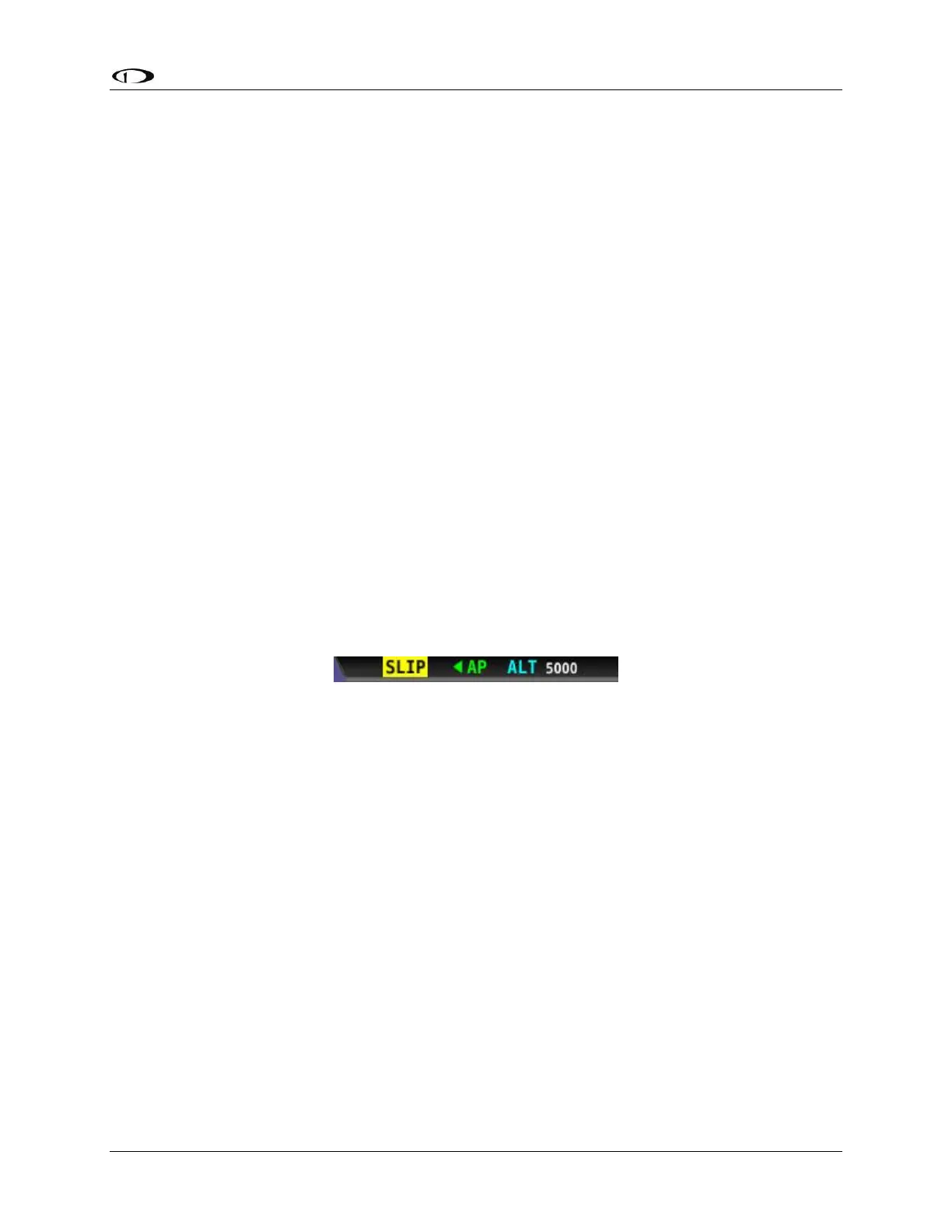
The roll axis torque parameter specifies how much torque the servo will exert before slipping.
Servo slip is indicated by the word SLIP in black letters in a yellow box on the Top Bar for the roll
axis as shown in Figure 57.
Figure 57–Example Roll Axis Servo Slip Warning
Torque must be set high enough to prevent any slip due to air loads, but low enough that the
pilot can comfortably override the autopilot should the need arise. If the servo slips
continuously, the autopilot cannot fly the aircraft. Torque is specified in percent (%) of
maximum the servo is capable of exerting. The minimum is 10%, the maximum is 100%, and the
default value is 100%.
To adjust the roll axis torque value:
1. Go to the Roll Axis Torque Adjust Page (SETUP MENU > AUTOPILOT SETUP > ROLL AXIS >
TORQUE).
2. Adjust the torque %.
3. Press ACCEPT to save the value or press CANCEL to return to the Roll Axis Menu.
It may take some experimentation to find the right value for your aircraft, but if you are
comfortable overriding the servo at 100% torque, it is safe to leave that setting at its default
value.



 To Next Page