Parameter List and Menu Structure of VS 300
136
Doku-Version 2.05 - Firmware 2.10 - 15. September 2017
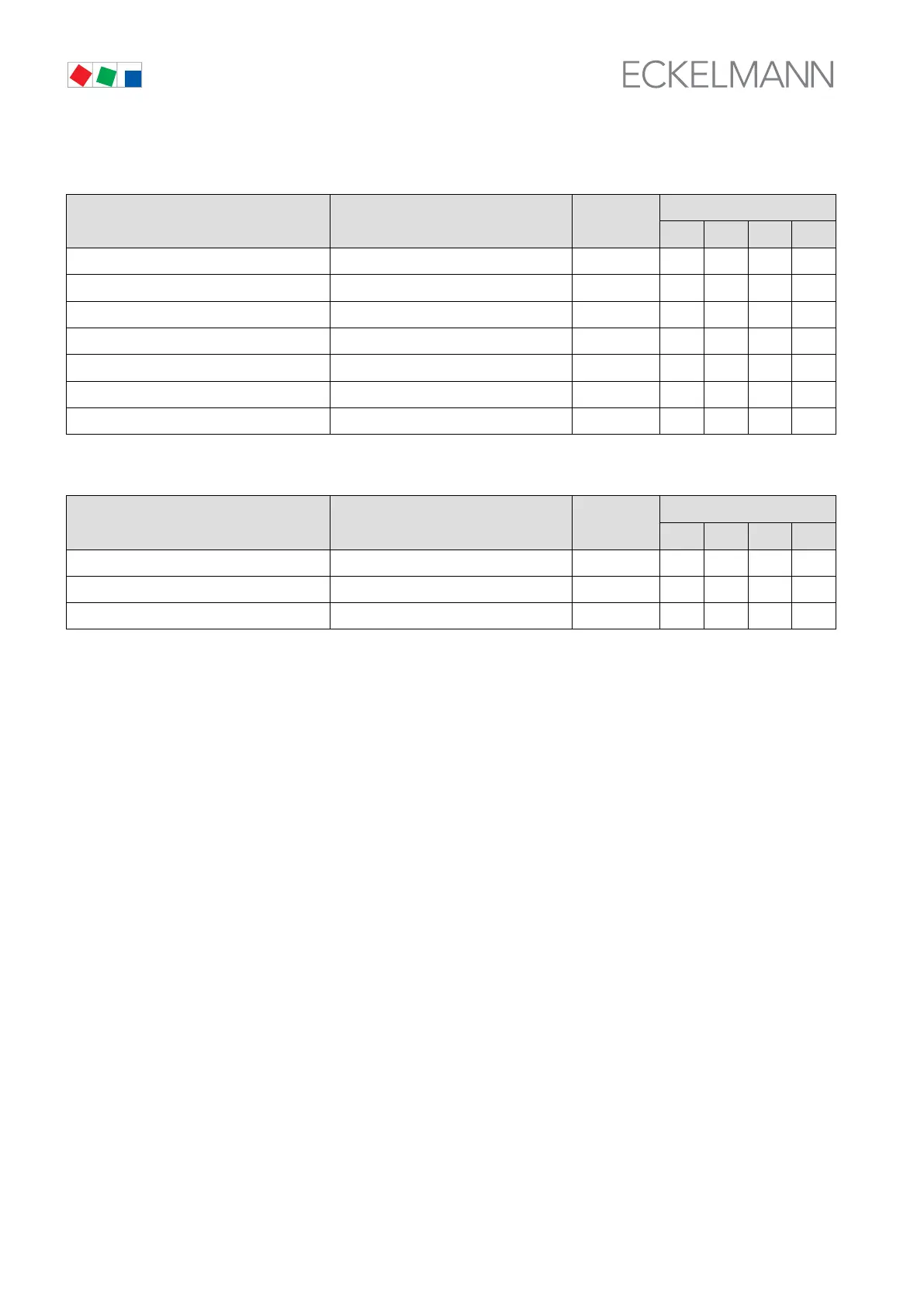
S Screen 3-5-1-a Function Digital Input 1
Function POS: XXXXX Entry
Default
NT LT HP Dim.
OFF Off √ - - - -
FastRet. Initiate fast unload √ - - - -
LoadShed.. Initiate load shedding √ - - - -
SetpTog. Initiate setpoint toggle √ - - - -
ExtAlarm √ Initiate alarm recording √ √ √ √ -
HR Initiate HR mode √ - - - -
Safetyl. Safety loop: Initiate loop disable √ - - - -
S Screen 3-5-1-b Control Loop Allocation Digital Input 1
linked to: POS: XXXXX Entry
Default
NT LT HP Dim.
CL1 √ Allocated to CL1 √ √ √ √ -
CL2 Allocated to CL2 √ - - - -
All Allocated to CL √ - - - -
S Menu 3-5-2 INPUT 2: See Screen 3-5-1
S Screen 3-5-2-a Function Digital Input 2: See Screen 3-5-1-a
S Screen 3-5-2-b Control Loop Allocation Digital Input 2: See Screen 3-5-1-b
S Menu 3-5-3 INPUT 3: See Screen 3-5-1
S Screen 3-5-3-a Function Digital Input 3: See Screen 3-5-1-a
S Screen 3-5-3-b Control Loop Allocation Digital Input 3: See Screen 3-5-1-b
S Menu 3-5-4 INPUT 4: See Screen 3-5-1
S Screen 3-5-4-a Function Digital Input 4: See Screen 3-5-1-a
S Screen 3-5-4-b Control Loop Allocation Digital Input 4: See Screen 3-5-1-b



 To Next Page