Titanium Interfaces User Guide
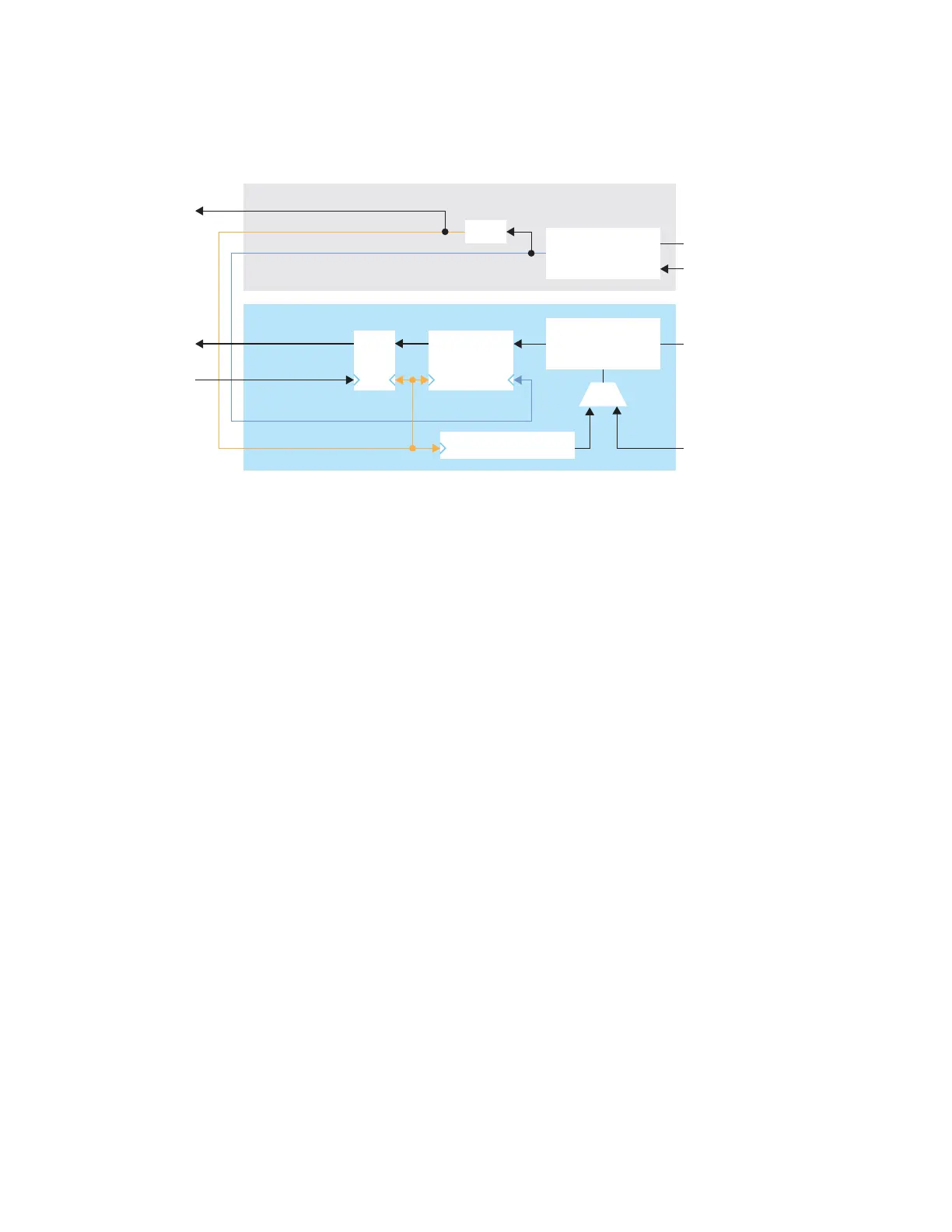
The clock lane generates the fast clock and slow clock for the RX data lanes within the
interface group. It also generates a clock that feeds the global network. The following figure
shows the clock connections between the clock and data lanes.
Figure 36: Connections for Clock and RX Data Lane
Deserializer
SLOWCLK (1)
FASTCLK (1)
Programmable
Delay
Up/Down Counter
FIFO
Configuration
Setting
1. The software automatically connects this signal for you.
www.efinixinc.com 97



 To Next Page