20
Any zone can be set up to operate under one of these types:
• Follow – Follow zone is inactive and alarm is not caused during Entry/Exit Delay countdown. In case of Follow zone violation
before Exit Delay countdown the alarm is caused immediately. This zone type is usually used in case it is necessary to violate
this zone in the secured area during Entry/Exit Delay countdown.
• Instant – After the system is armed, the alarm is caused instantly in case of Instant zone violation. This zone type is usually
used for door, window and other sensors.
• Delay – In case of Delay zone violation the alarm is not caused for a set period of time - Entry/Exit Delay countdown. In case
the zone of this type is not violated during arming process, the system enters into Stay mode. It is highly recommended to
use this zone type at entrance/exit points of secured areas.
• 24H – This zone type is intended for securing the areas which require monitoring 24/7. In case of 24H zone violation the
alarm is caused even when the alarm system is disarmed.
• Fire – This zone type is intended for re/smoke detectors and is always active. The alarm is caused even when the alarm
system is disarmed. Fire zone alarm is pulse type (with pauses).
• Silent – Silent zone type operates in the same way as 24H zone type, but in case of alarm the siren is not activated.
Any zone can be set up to operate under these modes:
• Stay – This mode enables the user to arm and disarm the alarm system while staying inside the secured area. The system
goes into Stay mode in case the Delay zone is not violated during the Exit Delay countdown (the user does not leave the se-
cured area). In case a zone operating under Stay mode is violated after the alarm system is armed, the alarm is not caused.
Stay mode is not activated if the user leaves the secured premises during Exit Delay countdown or if none of the zones are
congured to operate under Stay mode. This mode is not supported by virtual zones.
• Force - This mode allows the user to arm the alarm system even if the zone operating under Force mode is violated. This
zone begins operating according to its‘ type and does not ignore violation after the system is armed and the zone is resto-
red.
• Arm-Disarm by Zone – This mode allows to set up a zone for arming and disarming the alarm system when the zone gets
violated and restored. This process is performed by providing a “low” level pulse longer than 3 secs. into the specied zone.
It means that violating and restoring the zone leads to system arming and by repeating this action the system becomes
disarmed. This mode can be set up for 1 on-board zone only.
• Delay Zone becomes Instant in Stay Mode - Every Delay zone can operate and act as Instant when the system is opera-
ting in Stay mode. When the alarm system is operating in normal mode, the Delay zone operates as described above.
For more details, please, refer to ELDES Conguration Tool software’s HELP section and chapter 5.4.6 Zones.
4.3 Programmable Outputs (PGM)
The system ESIM264 has 4 built-in on-board PGM outputs allowing to connect and control various electrical appliances: water pumps,
heating, lighting, blinds etc. The number of PGM outputs can be expanded by:
• connecting EPGM8 - PGM output expansion module;
• connecting EPGM1 - zone & PGM output expansion module;
• adding the wireless devices.
The maximum supported PGM output quantity is 44.
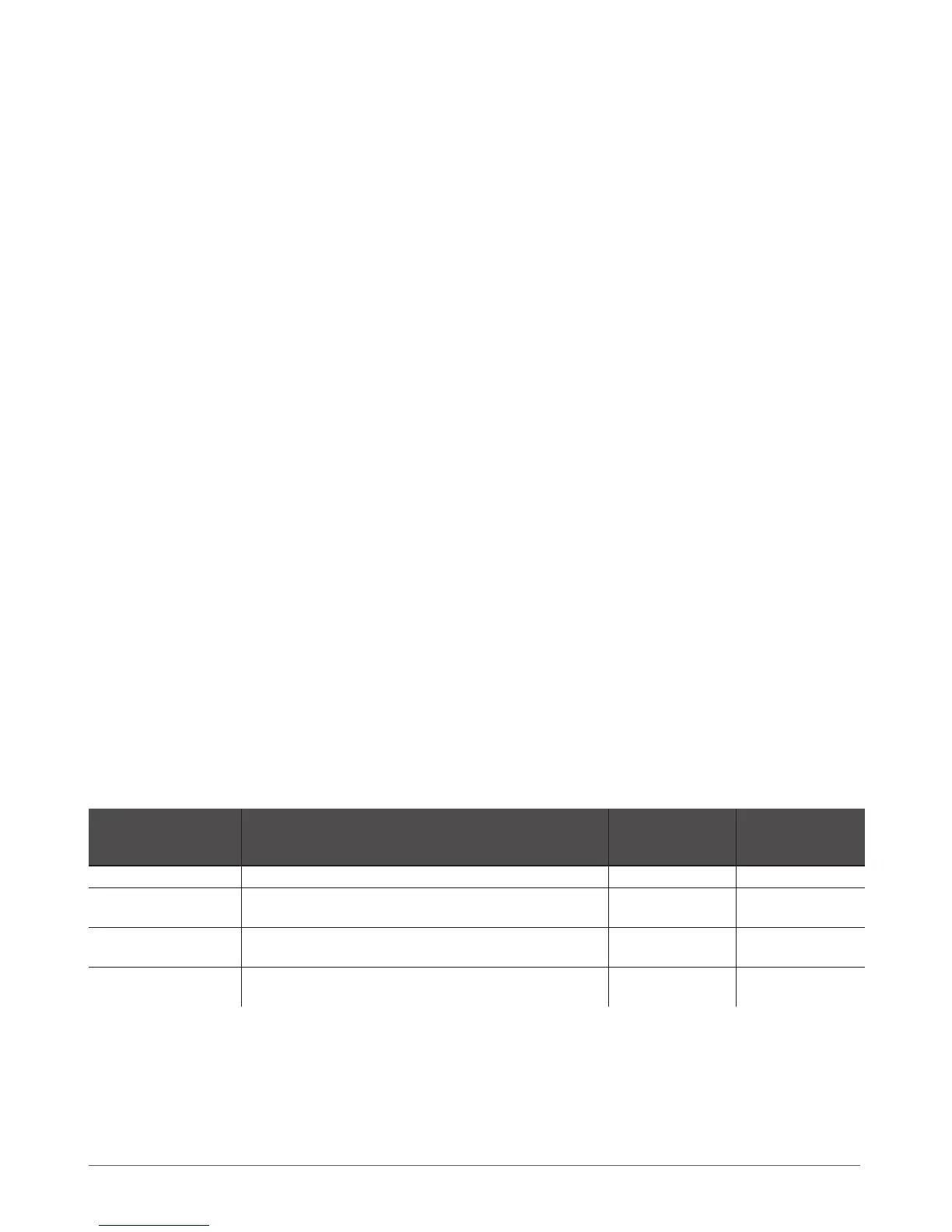
ESIM264 PGM outputs are classied by 4 categories:
PGM Output Category Description
Max. Quantity of
PGM Outputs per
Device
Max. Quantity of
PGM Outputs in
Total
On-board PGM Outputs Built-in wired PGM outputs of ESIM264 alarm system. 4 4
EPGM8 PGM Outputs
Built-in wired PGM outputs of EPGM8 - PGM output expan-
sion module.
8 8
EPGM1 PGM Outputs
Built-in wired PGM outputs of EPGM1 - zone & PGM output
expansion module.
2 2
Wireless PGM Outputs
Non-physical PGM outputs automatically created by con-
nected wireless devices.
2* 32**
* - Depends on the connected wireless device.
** - Available only if no EPGM1 PGM outputs and no EPGM8 PGM outputs are present.
For more details, please, refer to ELDES Conguration Tool software’s HELP section and chapter 5.4.7 PGM Outputs.



 To Next Page