94
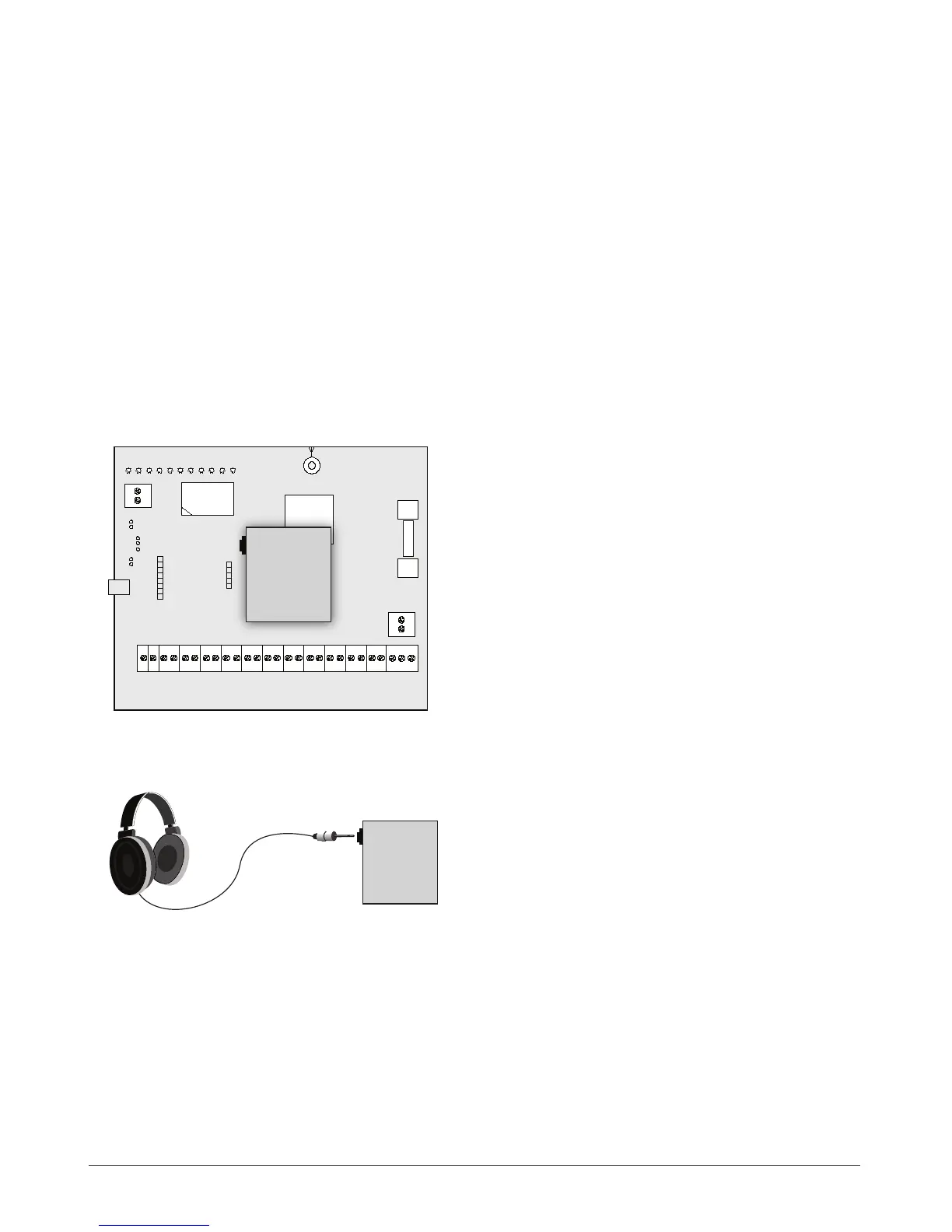
7.5 EA1 – Audio Output Module
EA1 audio output module enables a duplex audio connection for ESIM264 alarm system.
Main EA1 features:
• bi-directional voice conversation during a phone call
• possibility to connect headphones or desktop speakers
7.5.1 Technical Specications
• 3,5 mm female jack
• Dimensions: 35 x 33 x 12 mm
7.5.2 Installation
1. Disconnect ESIM264 alarm system main power supply and backup battery.
2. Insert EA1 pins into appropriate ESIM264 alarm system slots.
3. Connect headphones or desktop speakers to EA1 3,5 mm female jack.
4. Power up ESIM264 alarm system.
5. EA1 is ready for use with ESIM264 alarm system.



 To Next Page