MANUAL ELDES ESIM264 V2.0 31
5.4.5 Arming & Disarming the System
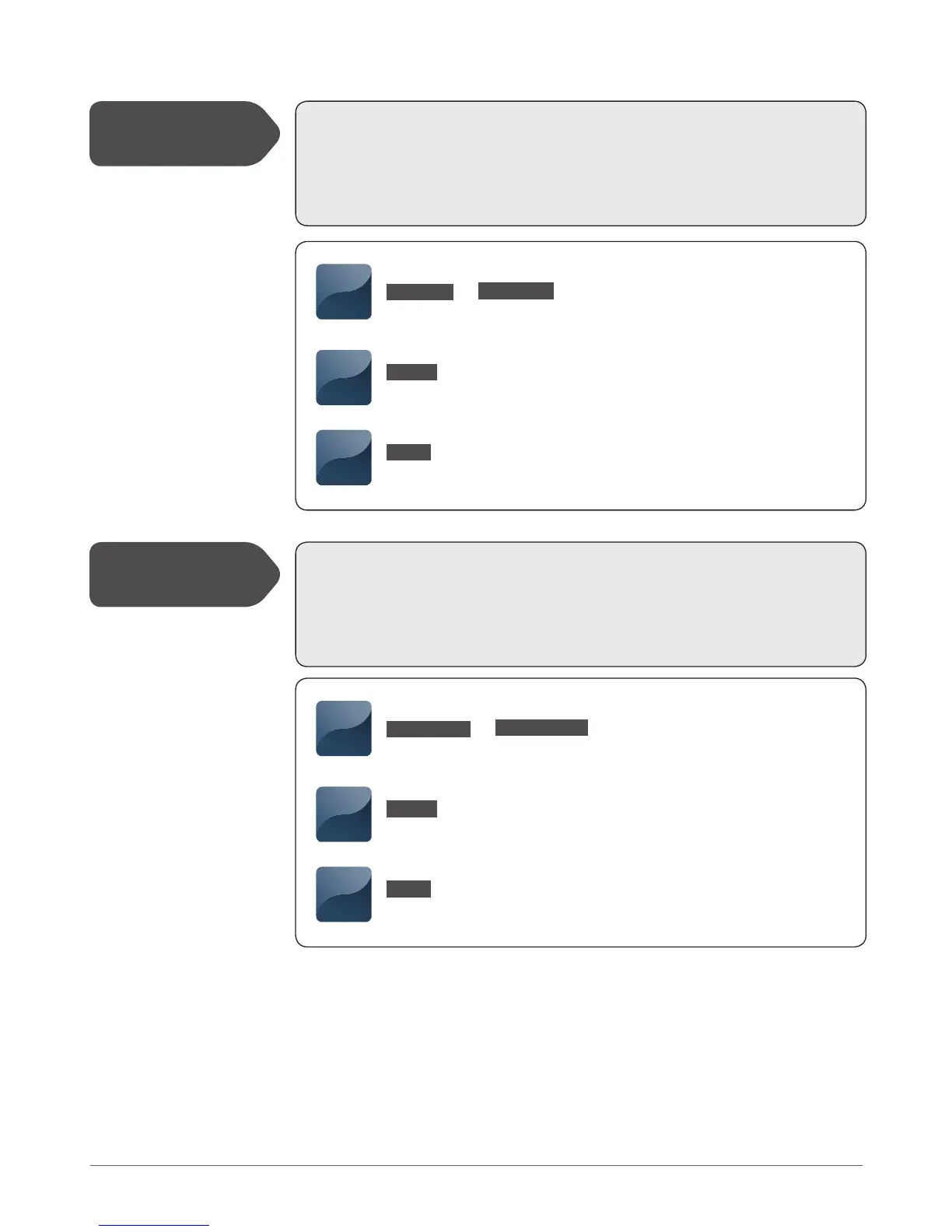
This command arms the alarm system.
SMS: it is possible to arm system partition 0, partition 1 or both partitions at once despite the
assigned partition to user phone number.
EKB2/EKB3: The default user (keyboard) password1 is 1111. Keyboard partition switch feature
allows to arm the system partitions one after another using 1 keyboard.
This command disarms the alarm system.
SMS: it is possible to disarm system partition 0, partition 1 or both partitions at once despite
the assigned partition to user phone number.
EKB2/EKB3: The default user (keyboard) password1 is 1111. Keyboard partition switch feature
allows to disarm the system partitions one after another using 1 keyboard.
Arm the System
Disarm the System
SMS
SMS text:
XXXX_ARM1
Value: 1 - system partition 0; 2 - system partition 1
Example: 1111_ARM1,2
EKB2
Enter user (keyboard) password:
[NNNNN]
Value: NNNNN - 4-digit user (keyboard) password
EKB3
Enter user (keyboard) password:
[nnnnn]
Value: nnnnn - 4-digit user (keyboard) password
SMS
SMS text:
XXXX_DISARM1
Value: 1 - system partition 0; 2 - system partition 1
Example: 1111_DISARM2
EKB2
Enter user (keyboard) password:
[NNNNN]
Value: NNNNN - 4-digit user (keyboard) password
EKB3
Enter user (keyboard) password:
[nnnnn]
Value: nnnnn - 4-digit user (keyboard) password
XXXX_ARM1,2
or
XXXX_DISARM1,2
or
See also chapter 5.4.16 Partitions.



 To Next Page