Setting Up Copper Tests
Copper and G.fast/VDSL2/ADSL2+ Multi-play Test Set 91
Test Lead Compensation
Test Lead Compensation
Test Lead Compensation should be performed when
copper test accuracy is in question, since test lead
characteristics have some impact on copper test
results (mainly resistance, capacitance, and TDR
tests). Test lead characteristics vary with respect to
cable temperature. Refer to Cable Connections on
page 8 on how to connect the leads before starting
compensation.
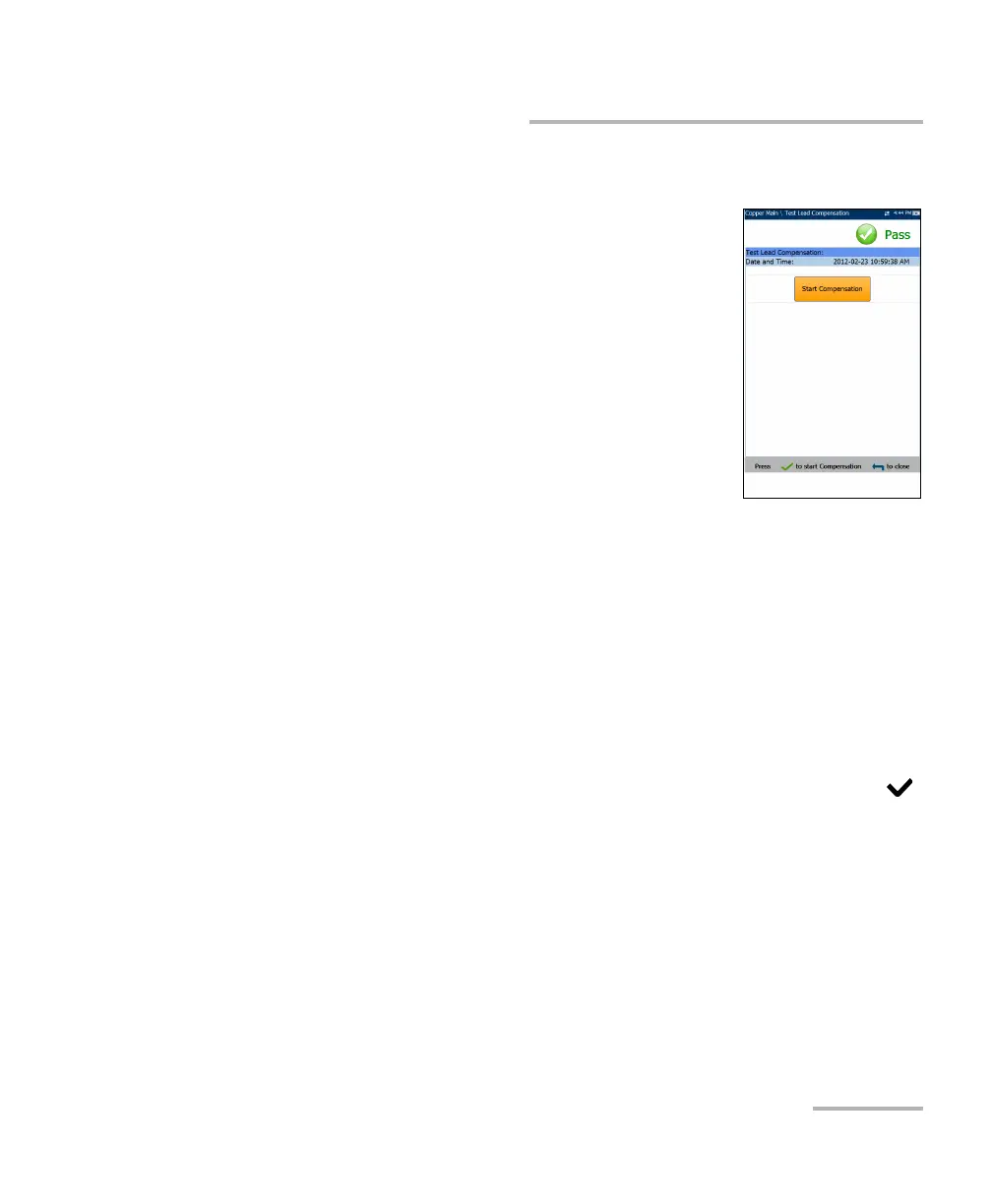
The Test Lead Compensation routine also performs
resistance and capacitance compensation. The page
displays the Pass/Fail status of the last compensation
done.
Note: Always perform a test lead compensation if the test leads have recently
been removed or replaced.
Date and Time identifies when the last compensation was done or
application installation time.
Start Compensation button allows you to start the Test L ead
Compensation by overwriting the current test lead characteristics.
To perform a test lead compensation:
1. Connect the cables to the unit, leave all test leads open, and press
to start compensation.
2. Follow the on-screen dialogue boxes for next steps.













 To Next Page