Setting Up Copper Tests
Copper and G.fast/VDSL2/ADSL2+ Multi-play Test Set 73
Cable Book
Cable Book
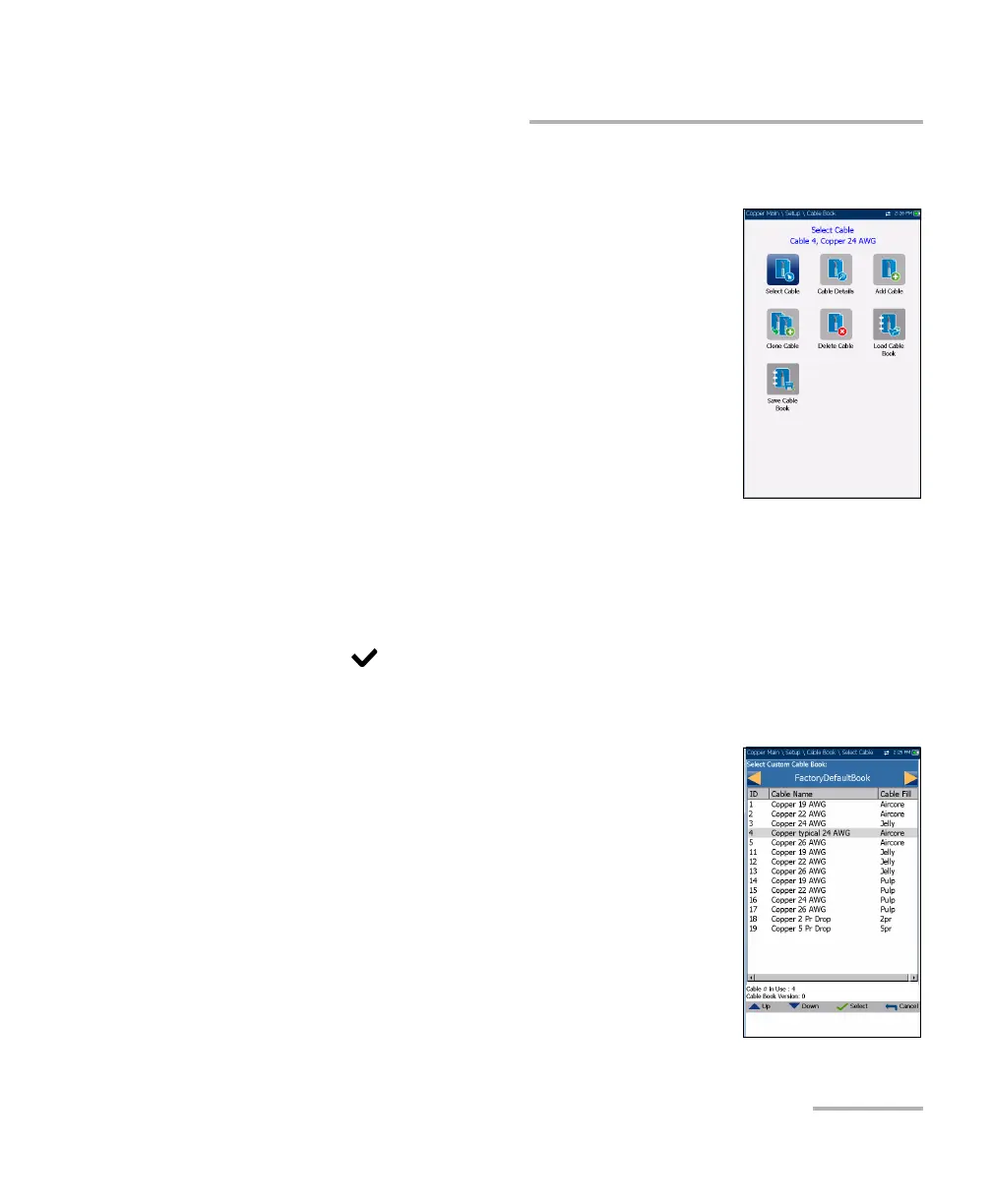
The Cable Book menu allows you to select, add,
clone, and delete a cable, as well as modify its details,
such as:
Select Cable
Cable Details
Add Cable
Clone Cable
Delete Cable
Load Cable Book
Save Cable Book
To navigate between the cable book functions:
1. Press the up/down left/right arrow keys on the keypad to select an
icon.
2. Press to confirm your selection.
Select Cable
The Select Cable page lists entries by ID, Cable
Name, and Cable Fill. The list can display a maximum
of 25 entries. Only the cables from the selected Cable
Book will be available for selection in test screens.
Also, only cables from the CableBookSettings can be
edited or deleted.
Select Custom Cable Book
FactoryDefaultBook
CableBookSettings
ItalianCableBook













 To Next Page