Setting Up the MAX-635G
Copper and G.fast/VDSL2/ADSL2+ Multi-play Test Set 47
EXFO Connect
EXFO Connect
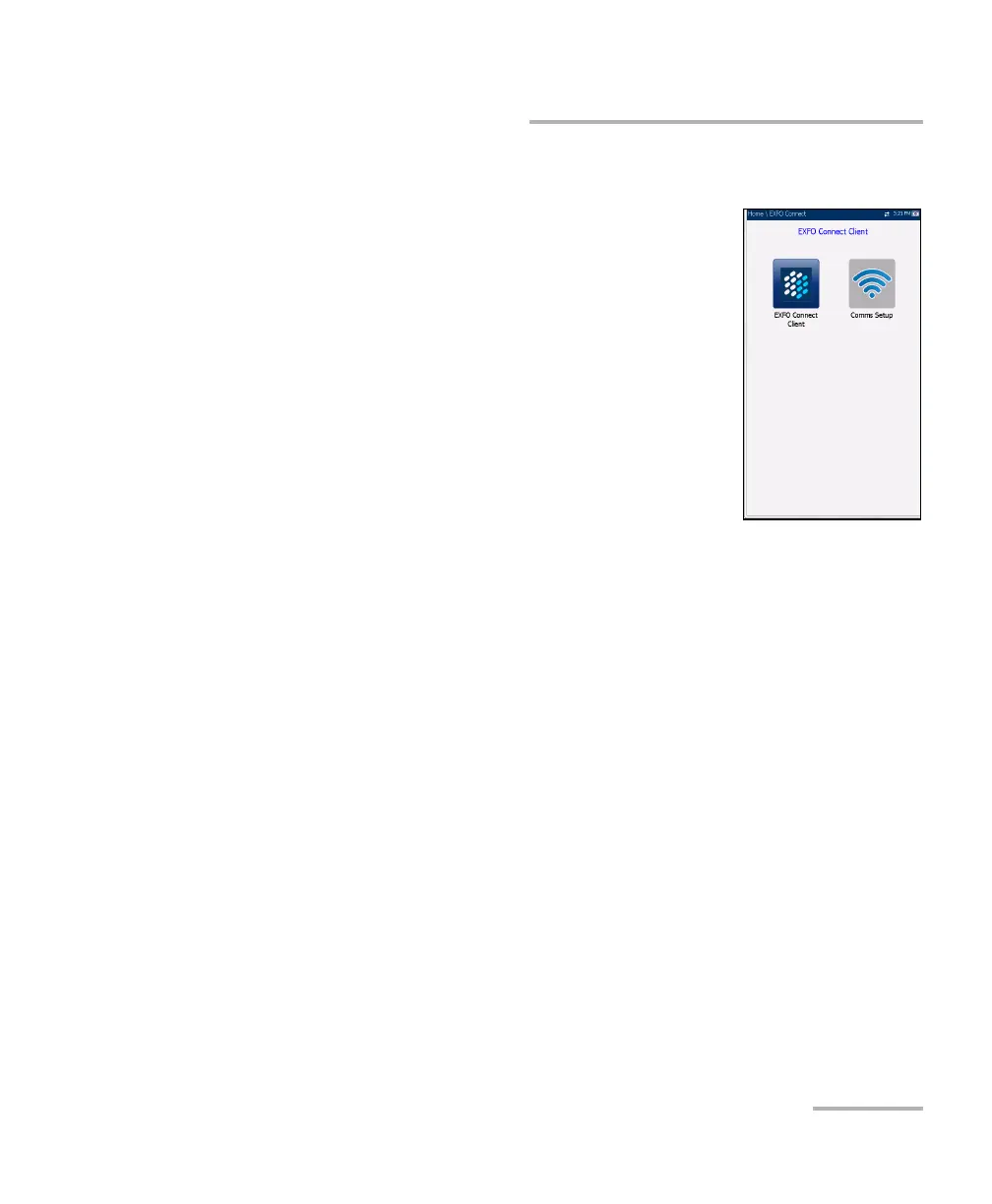
The EXFO Connect menu presents the following
2 sub-menus:
EXFO Connect Client (ECC) opens to the main
menu pane which allows you to navigate between
the ECC interfaces. Please refer to the ECC User
Guide.
Comms Setup allows you to configure the EXFO
Connect communications upload setup.













 To Next Page