Frequency Tests
Copper and G.fast/VDSL2/ADSL2+ Multi-play Test Set 221
WB Attenuation
WB Attenuation
Attenuation
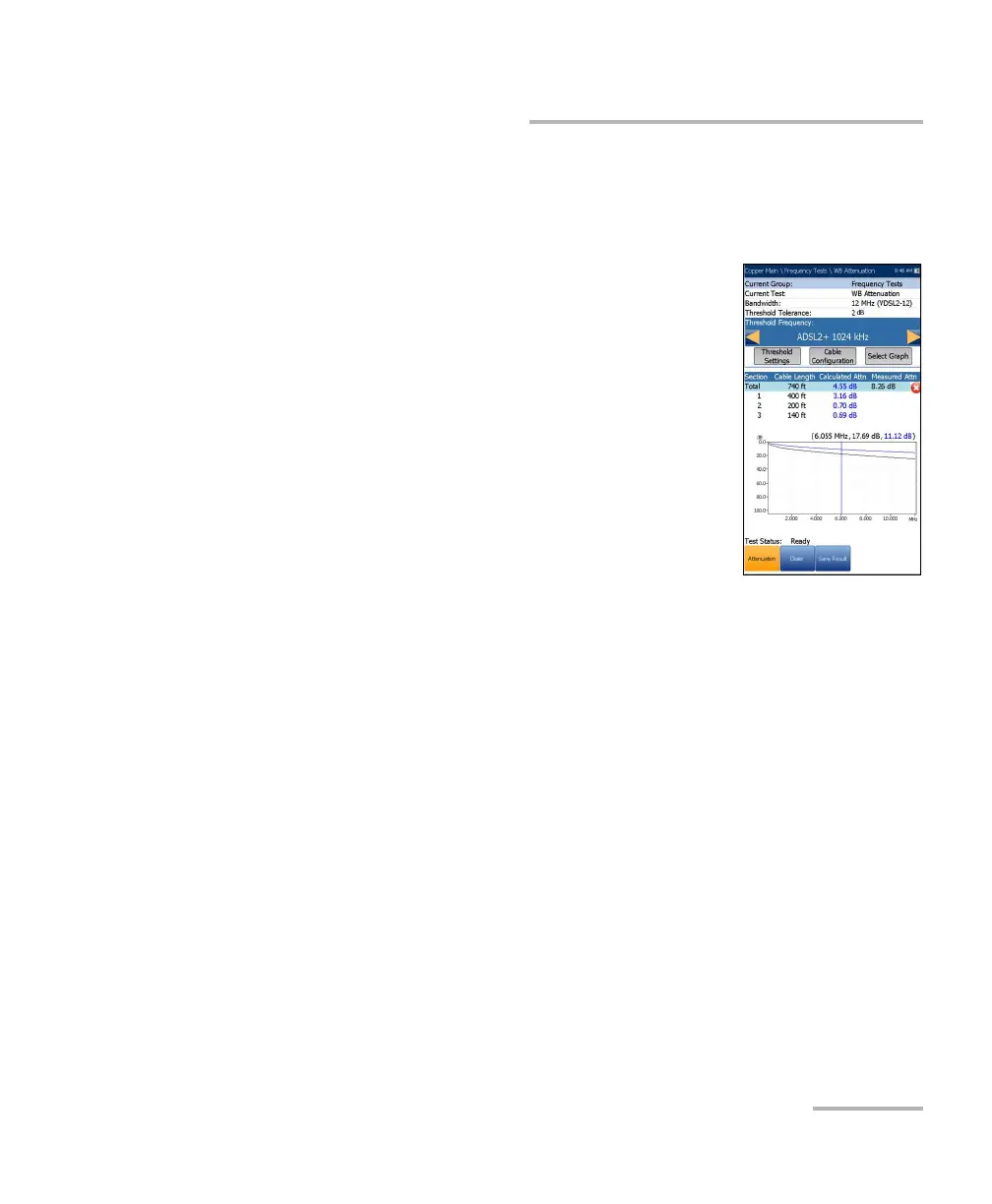
The WB (wideband) single-ended attenuation test
allows you to calculate the dissipation of power of a
transmitted signal as it travels over the copper line.
This test is performed from one end of the cable and
does not require a remote second device. The test
does require an out-of-service wire pair that is open at
the far end. Faults should be repaired first.
Current Group is the current test group name, for
example Frequency Tests.
Current Test displays the test being measured.
Here you can switch to another test from the given
list. However, this action will terminate the
ongoing measurement test.
Bandwidth allows you to select the frequency range for the test from a
list of available bandwidths: ISDN, HDSL, SHDSL, ADSL1/2, ADSL2+,
VDSL2-8, VDSL2-12, VDSL2-17, VDSL2-30, or VDSL2-35.
Threshold Tolerance allows you to set a marginal pass value which
will be displayed on the graph in yellow.
Threshold Frequency allows you to add threshold calculations to the
WB Attenuation test by selecting a technology that is used for
threshold pass/fail estimation. The list of technologies are dynamically
populated based on the selected Bandwidth. Whenever you change
the Bandwidth, the Threshold Frequency is set to the default None.
Threshold Settings button opens a new page that allows you to set the
Attenuation threshold.
Cable Configuration button opens a new page that allows you to set
cable parameters for the Current Test.













 To Next Page