Setting Up the MAX-635G
Copper and G.fast/VDSL2/ADSL2+ Multi-play Test Set 45
Wi-Fi Test
Wi-Fi Test
Selecting the Wi-Fi Test icon (GVXAA and GVXAB models only) activates
the Wi-Fi Scan function, listing all the Wi-Fi (wireless) networks available
to you.
Wi-Fi Scan
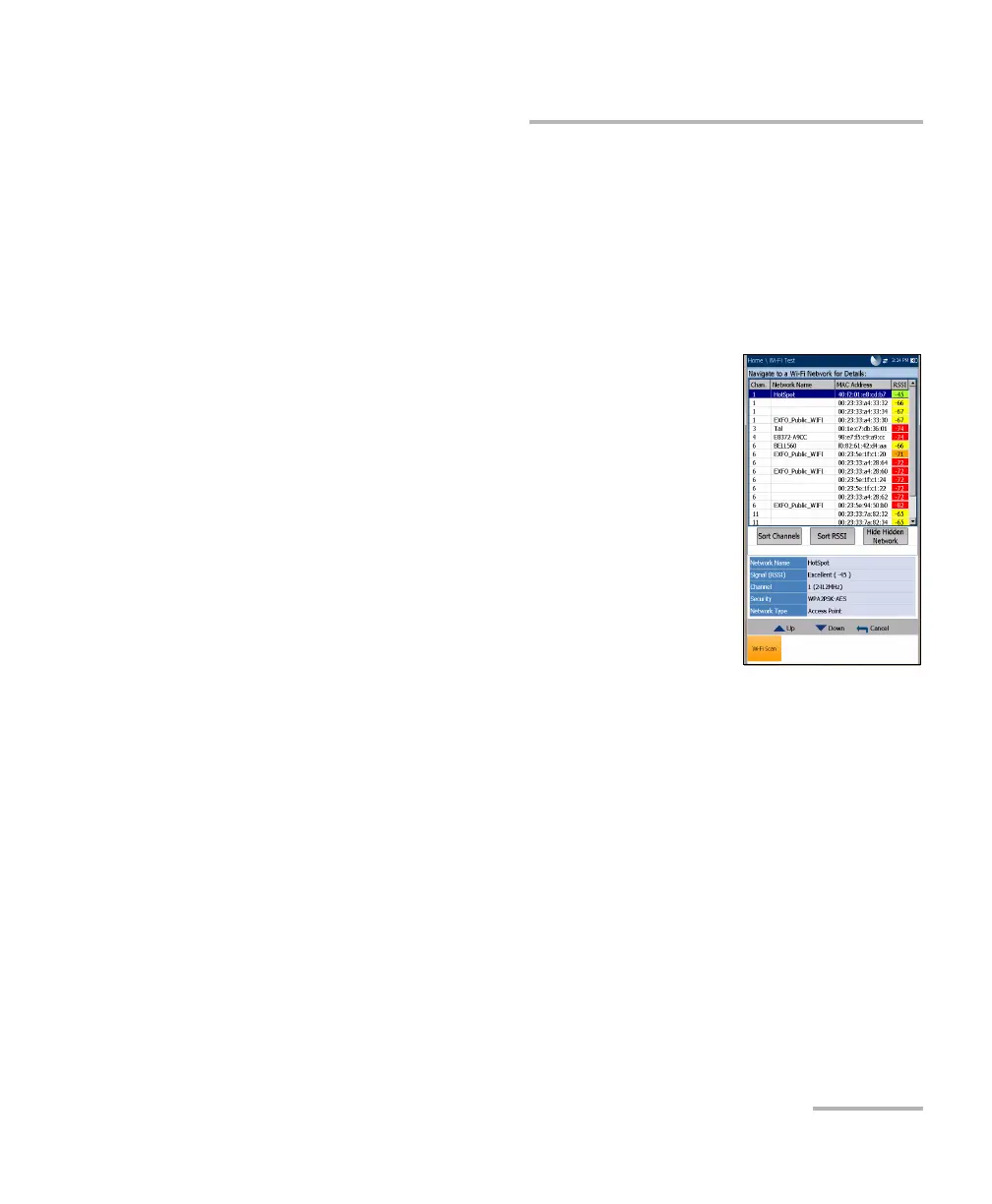
The Wi-Fi Scan tab displays all wireless networks
available with details that allow you to compare them.
Navigate to a Wi-Fi Network for Details enables
you to select a wireless network from the list to
view further details below.
Chan. displays the Wi-Fi channel number.
Network Name or SSID (service set IDentifier)
is the name assigned to a wireless network.
MAC Address or BSSID (basic service set
identifier) is the address of the WAP (wireless
access point).
RSSI is the received signal strength indicator returned from the
Wi-Fi dongle.
Sort Channels button allows you to toggle the channel numbers by
ascending and descending.
Sort RSSI button allows you to toggle the RSSI signal strength values by
ascending and descending.
Note: With touchscreen, you can also sort the network names by clicking/tapping
the column header.
Hide/Show Hidden Network button allow you to hide/show hidden
networks in the list.













 To Next Page