Setting Up Copper Tests
Copper and G.fast/VDSL2/ADSL2+ Multi-play Test Set 81
Application Settings
Application Settings
Before executing the copper tests, set up the software settings and values
for the cables. The MAX-635G allows you to save standard parameter
settings to different profiles and reuse them as needed.
To access Application Settings:
From the Home pane, select Copper Test, then Setup, and
Application Settings.
General
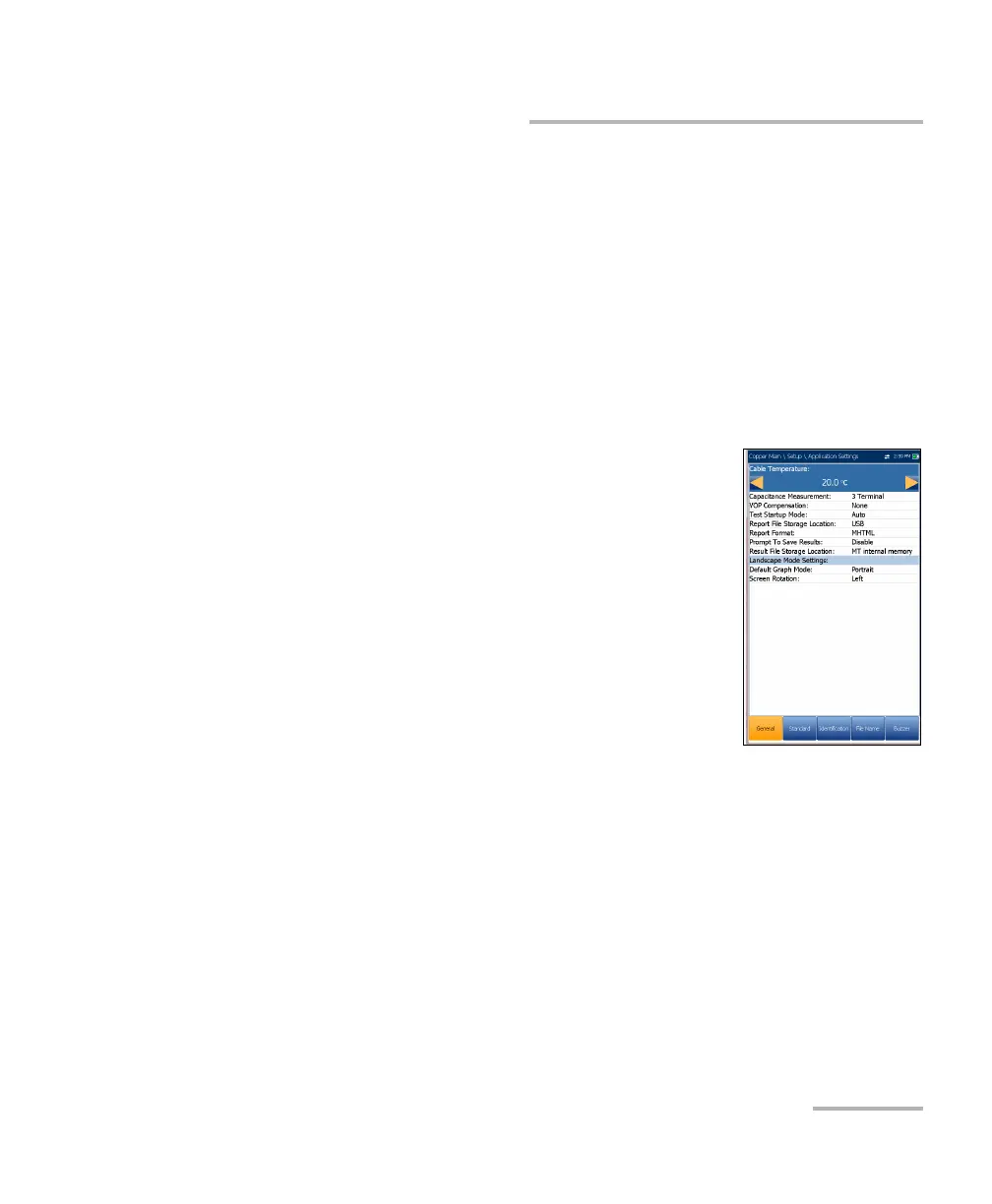
The General tab allows you to configure the unit with
specific measurement values and graph viewing
settings.
Each parameter is described below:
Cable Temperature specifies the temperature of
the cable under test in either F (Fahrenheit) or C
(Celsius) units.
Capacitance Measurement is either 3Terminal
or 2Terminal. The latter method measures the
capacitance across the 2 terminals specified
(either T-R, T-G, R-G or A-B, A-E, B-E), whereas the
3Terminal method measures the capacitance across the 2 terminals
specified, and shorts the remaining (or unspecified) terminal to G/E.
The 3Terminal method is more common and is the default. Continue
to use it unless you know you need the 2Terminal method.
Note: In order to correctly determine cable length by using the Capacitance
Measurement, the Cable Book must contain both 3/2 Terminal values.
Note: The accuracy of the 2 Terminal Capacitance Measurement is impacted by
the use of the FED, and the 3 Terminal method is recommended to be used
instead.













 To Next Page