Setting Up DSL/IP Tests
Copper and G.fast/VDSL2/ADSL2+ Multi-play Test Set 359
Setup
Setup
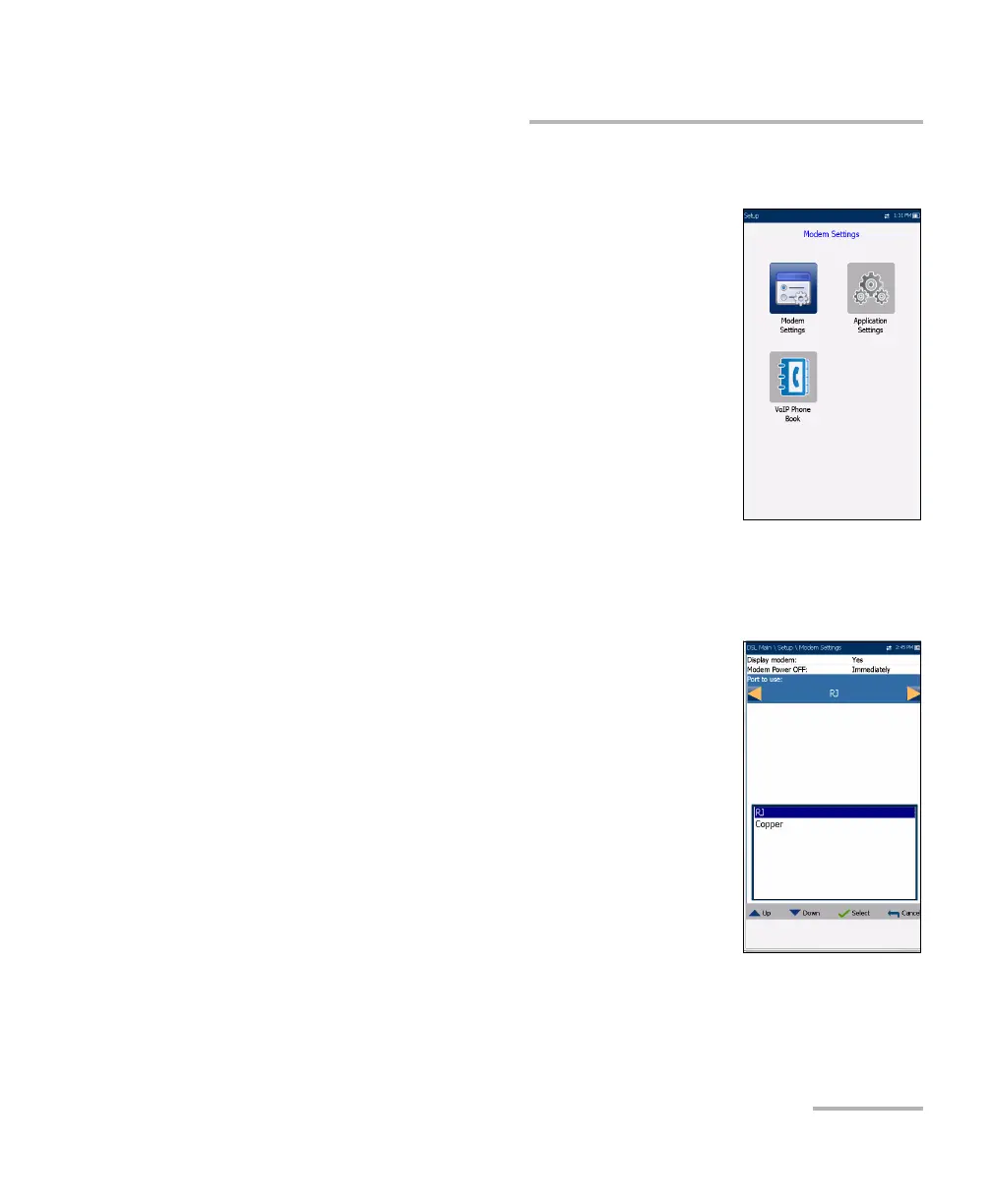
The Setup function displays the following sub-menu:
Modem Settings allows you to set the display and
power parameters of the modem.
Application Settings allows you to preset the unit
with specific DSL measurement values.
VoIP Phone Book includes pages to setup and
save phone numbers for the VoIP test.
Modem Settings
Modem Settings provide the means to configure the unit power scheme.
Display Modem displays the modem state in the
title bar of the unit. Default value is Yes.
Modem Power OFF:
Immediately for when a DSL/IP test is
completed or stopped. In this mode, the
modem is powered on when DSL/IP test
starts.
Idle values power off the modem within a
defined period after an DSL/IP test is
completed or stopped.













 To Next Page