Multimeter Tests
Copper and G.fast/VDSL2/ADSL2+ Multi-play Test Set 145
Station Ground
Station Ground
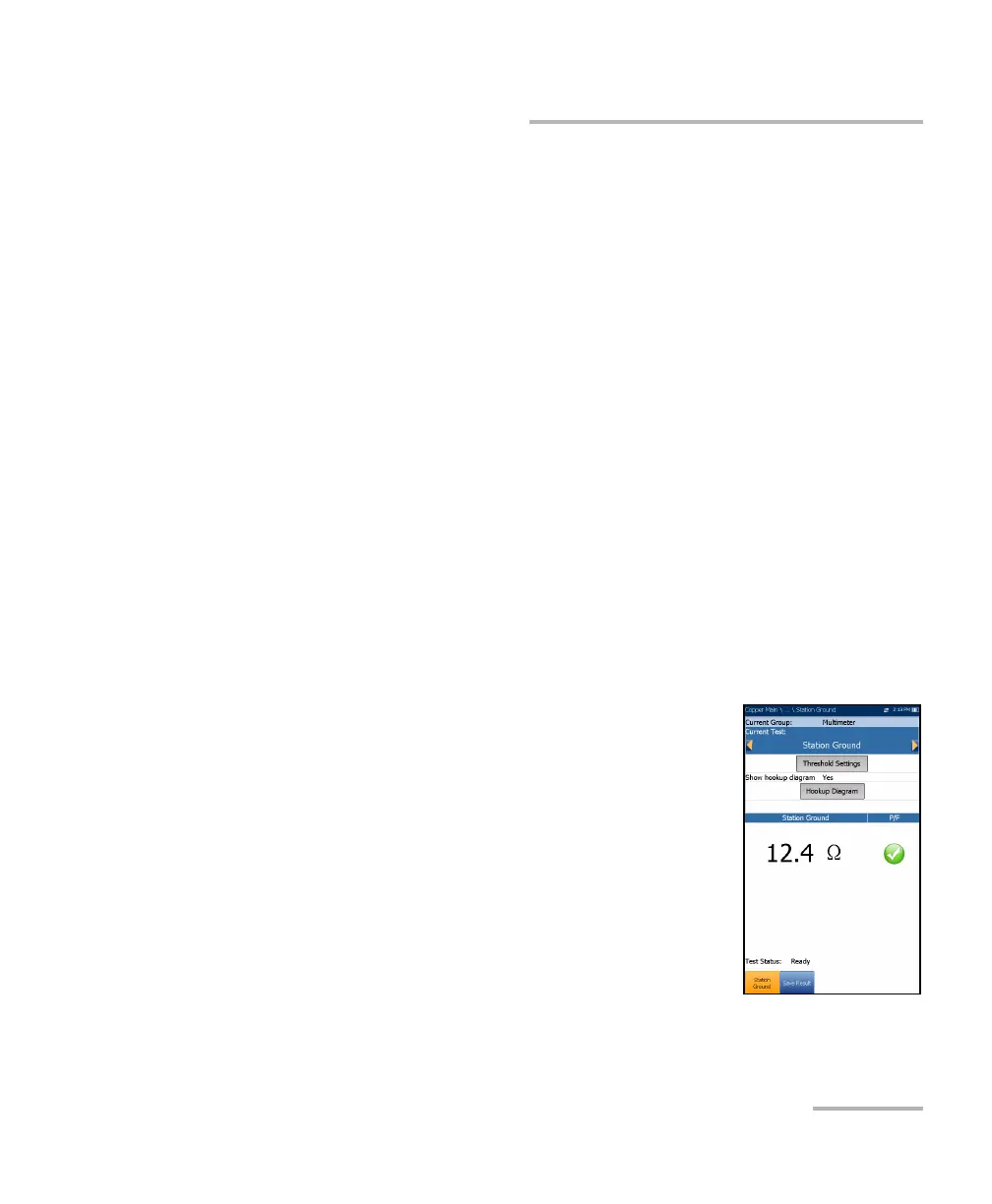
The Station Ground test measures and displays the resistance value and
pass/fail status of the ground resistance between the MaxTester and the CO
(Central Office). A provisioned POTS circuit is required for this test to work
properly.
The test uses Tip (A), Ring (B), and Ground (Earth) leads and measures
isolation resistance between the wires and to ground. Any ground should
have the lowest possible value, and for high speed broadband (to
minimize noise and interference), the ground value is better if 5
Ω. If a
ground value is > 25
Ω, it may not provide a good path to ground and the
current could injure a person. For values between a few ohms and 25,
there may be a differential with the premises ground potential; and some
noise may couple onto communications circuits creating problems to the
broadband signal.
Depending on where you measure the station ground, check the bonding
lugs on cross-boxes, pedestals, and electronics/remotes, as well as cable
and terminal bonds. These all need to be good quality and tight. If you think
the ground rod/plane is inadequate, please consult your support,
management, or procedures.
The Station Ground parameters are as follows:
Current Group is the current test group name, for
example Multimeter.
Current Test displays the test being measured.
Here you can switch to another Multimeter test
from the given list. However, this action will
terminate the ongoing measurement test.
Threshold Settings button opens a new page that
allows you to set the Ground Resistance
Threshold for the test.













 To Next Page