Saving, Reading, and Managing DSL/IP Test Results
410 MAX-635G
Managing Results
Managing Results
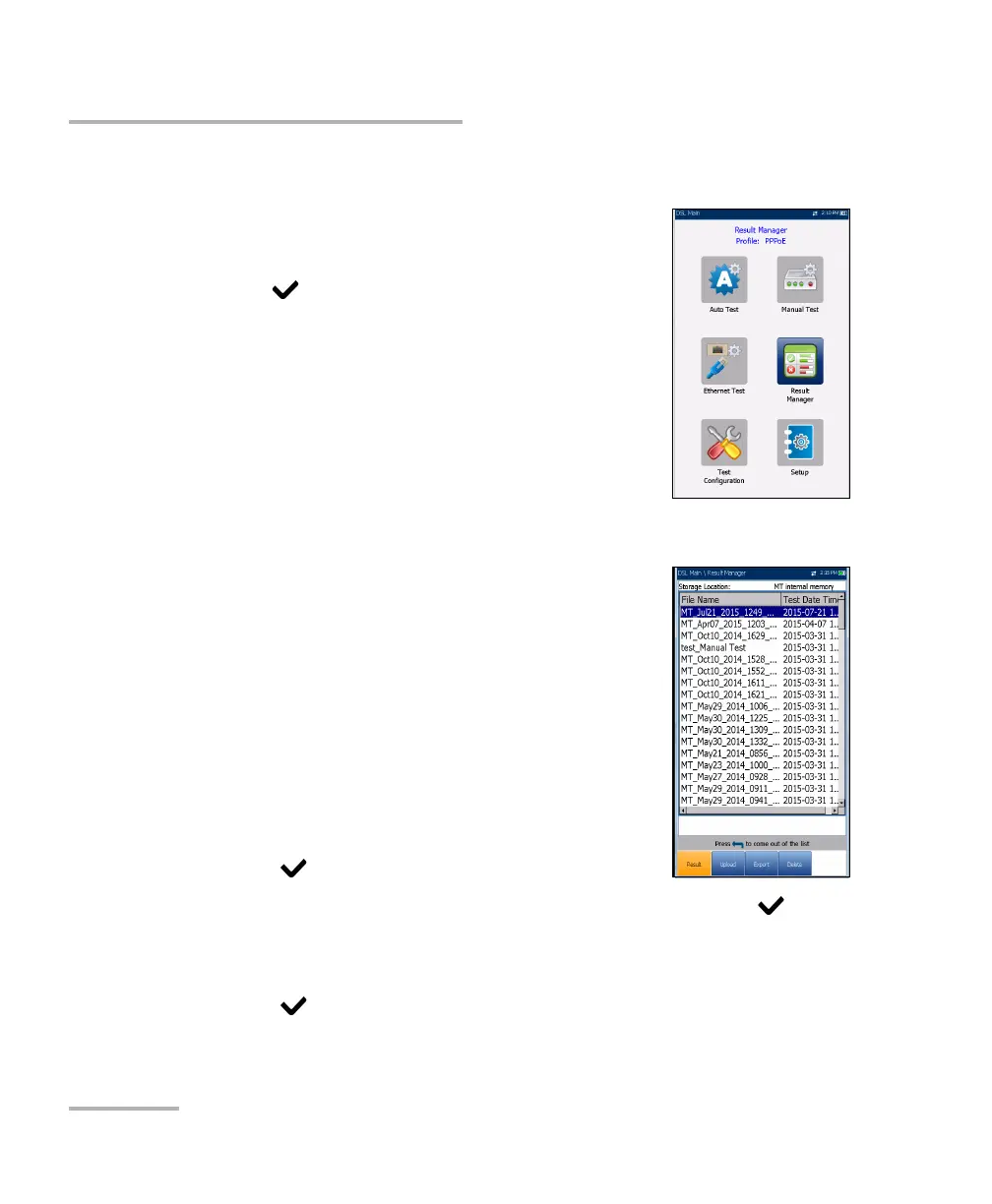
You can view, Upload, Export, and Delete any of your
saved results with the MAX-635G by highlighting the
Result Manager icon from the DSL Main pane and
pressing
.
Read Results
The Result page allows you to select a File Name and
view the results of files previously saved. The page
lists all saved result files by test date and time. The
format of Test Date Time is per the selection in
System Settings. Result files can be loaded from
either the MT internal memory or a USB.
To open previously saved test results:
1. Press the left/right arrow keys to highlight the
desired parameter.
OR
2. Press to display the list or select the value.
3. Press the down arrow key to highlight the list box and press to
open the list.
4. In the list, press the up/down arrows to select the test results file.
5. Press to open the result file.













 To Next Page