Reading Saved Copper Test Results
108 MAX-635G
Upload
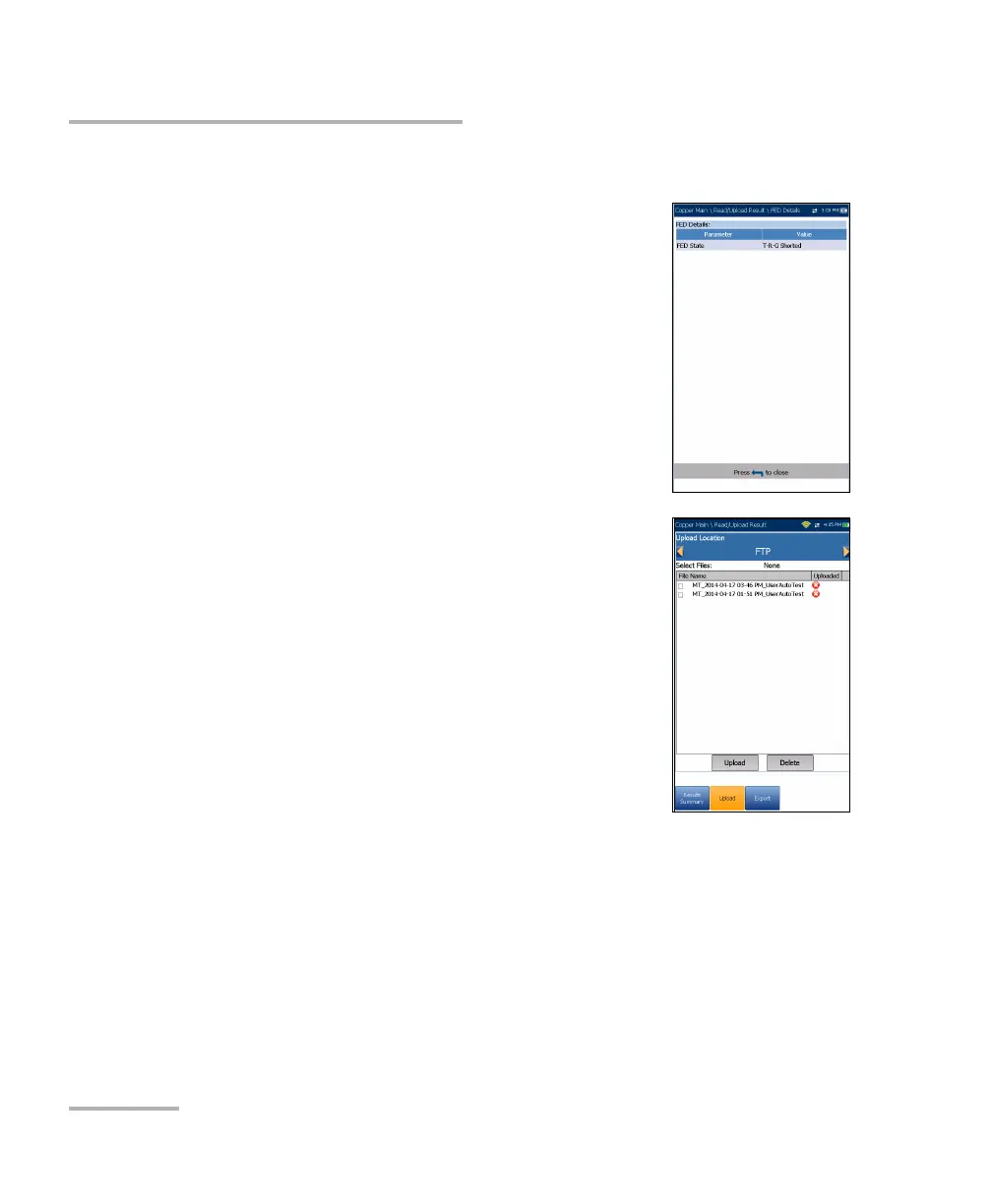
FED Details
The FED Details page displays the default FED state
Value set for the test(s).
Upload
The Upload page allows you to upload the saved
results of User Auto tests only to an FTP site, or a USB
memory stick. Select a File Name or All files
previously saved. Files are uploaded via the selected
method (Wi-Fi or Ethernet) as shown by the
corresponding icon in the top right-hand corner of the
navigation bar.
Upload Location is FTP, or USB.
Select Files is either None which removes all
check marks allowing you to select one or more
files, or All.
Uploaded status column displays a successful, failed, or no upload for
each file.
Upload button transfers the selected files to the designated location.
Delete button removes selected XML files from the internal memory.













 To Next Page