Running DSL/IP Tests and Viewing Results
Copper and G.fast/VDSL2/ADSL2+ Multi-play Test Set 387
Join Leave
Join Leave
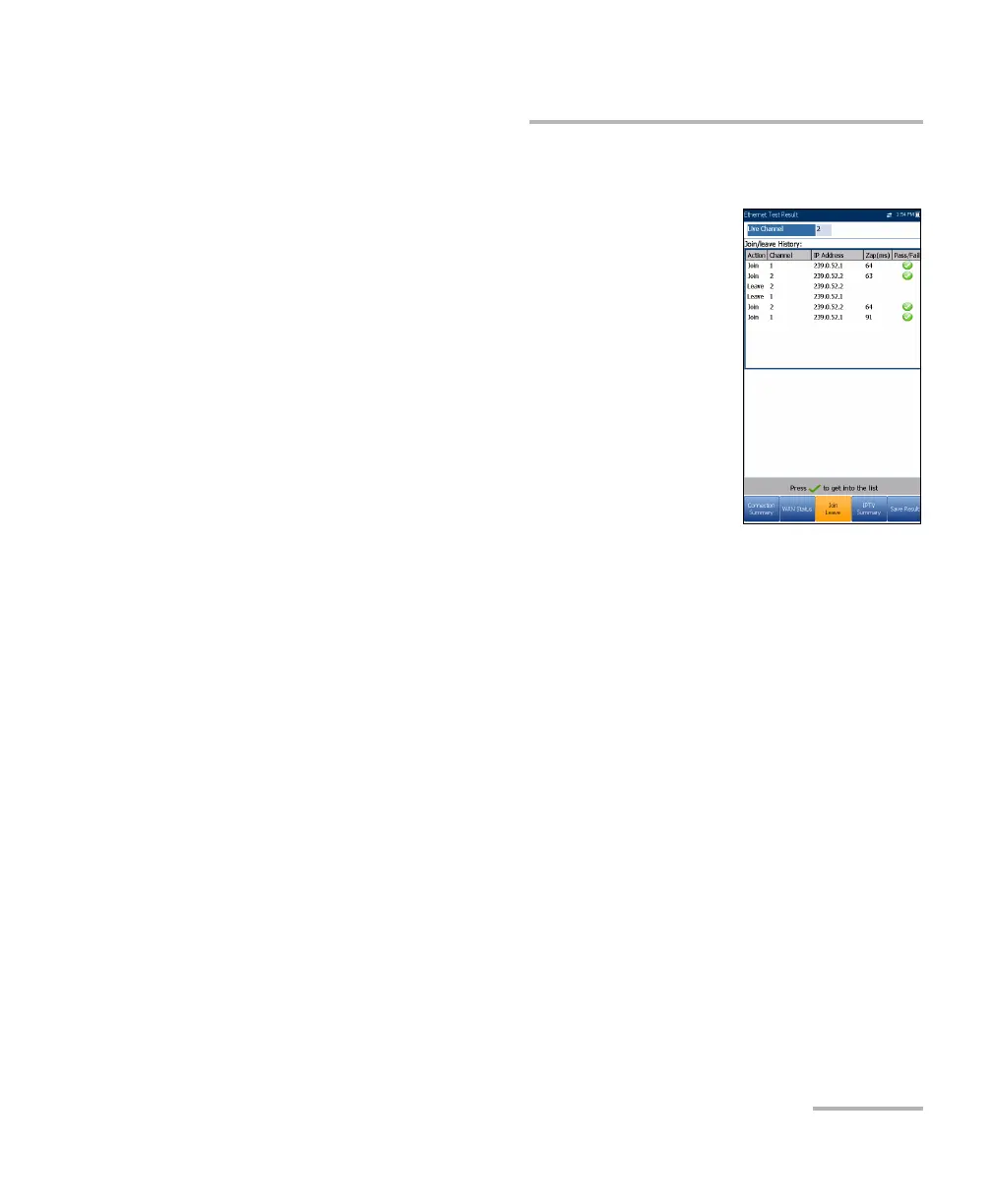
The Join Leave tab displays a list of IPTV channels
from the alias table, their activity (measured Zap
time), and pass/fail status. Upon successful WAN
connection, the Join/Leave Channel lists are shown.
To join/leave channels:
1. Press Join to send an IGMP report to join the
specified multicast IP address.
2. Press Leave to inform the network to stop sending
the specified multicast stream.













 To Next Page