Running DSL/IP Tests and Viewing Results
Copper and G.fast/VDSL2/ADSL2+ Multi-play Test Set 377
LAN Status
Login (for Manual Test only) button allows you to start the test
application, which also stops the previous test. For example, if the
current test is IPTV, and you select Data Test and press the Login
button, the IPTV Test stops and the unit will reconnect WAN for Data
Test if the WAN setup is different between these 2 tests.
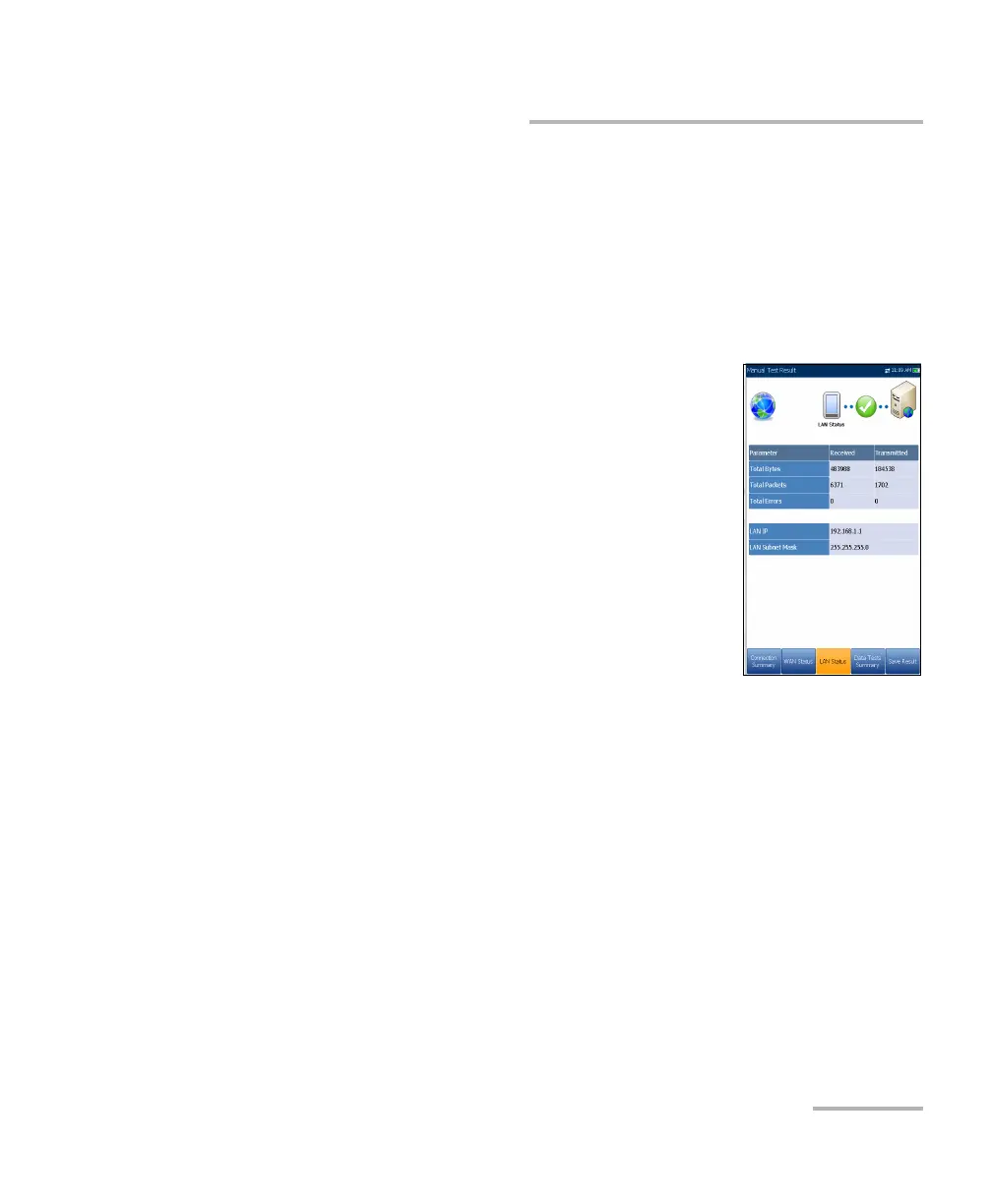
LAN Status
The LAN Status tab allows you to view the pass/fail
status and parameters related to the LAN (local area
network).
The Total number of Received and Transmitted
Bytes, Packets, and Errors counted on the unit's
LAN interface are also displayed during the test.
Note: The following 2 parameters are not displayed if IPv6
(DHCP) is set as the Access Mode in Connection
Setup.
LAN IP is the local network IP address of the unit.
LAN Subnet Mask is the network address mask used to identify if the
IP address is within the same local area network.













 To Next Page