Running DSL/IP Tests and Viewing Results
396 MAX-635G
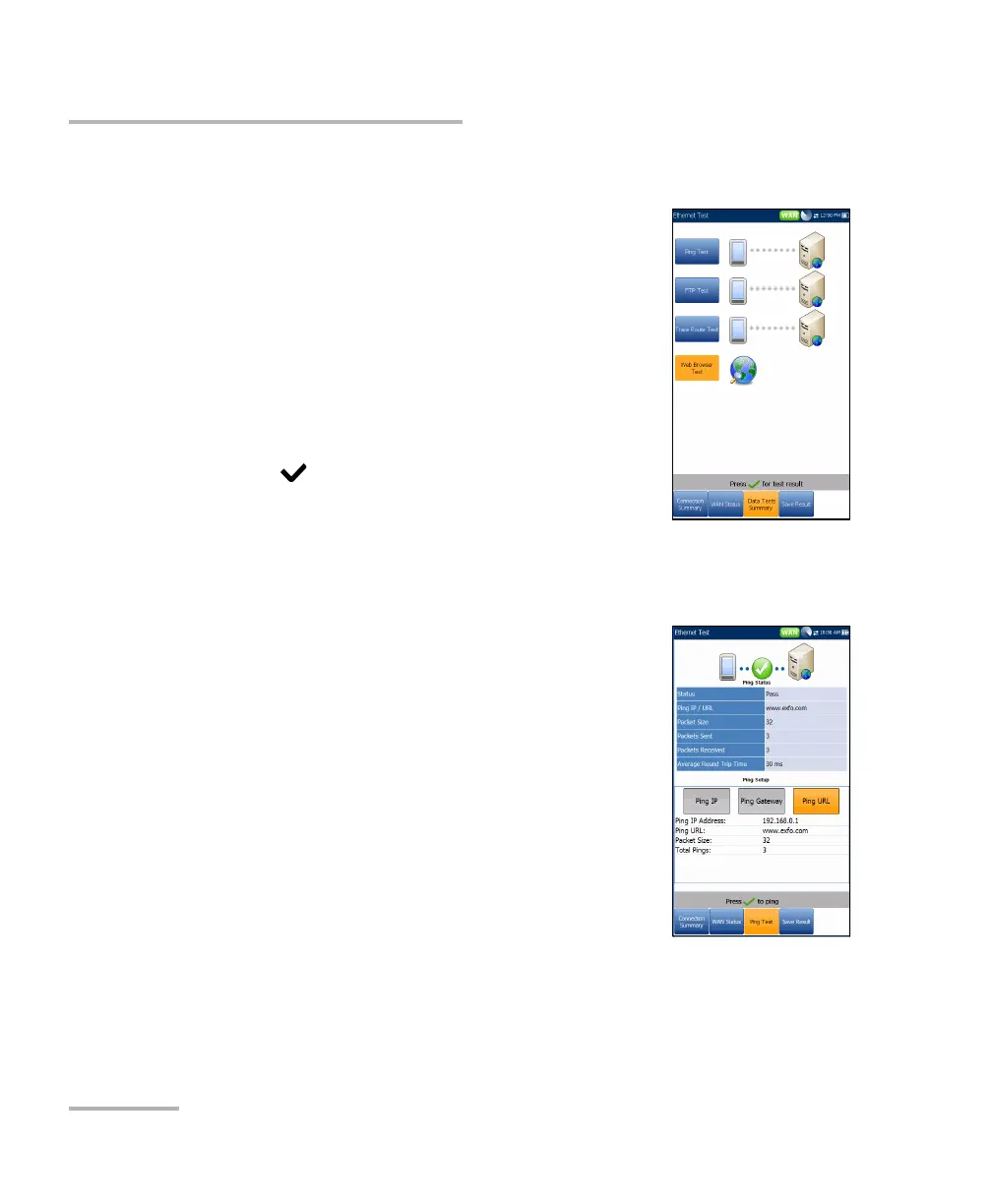
Data Tests Summary
Data Tests Summary
The Data Tests Summary tab displays the pass/fail
status of the selected data tests enabled in the
connection setup. A successful WAN connection must
be established in order to view the detailed results.
When IPv6 (DHCP) is set as the Access Mode in
Connection Setup, only Ping Test will be displayed.
To view individual data test results:
1. Press the up/down navigation keys to select the
desired test.
2. Press to display the test result details.
Ping Test
The Ping Test tab allows you to view the Pass/Fail summary status of either
a Ping Address or Ping Gateway.
Status is the status of the Ping test performed.
Ping IP/URL is the IP Address or domain name of
the destination being pinged.
Packet Size is the number of bytes sent in one
packet.
Packets Sent is the number of packets sent.
Packets Received is the number of packets
received.
Average Round Trip Time is the duration in
milliseconds (ms) it took the data to reach the
destination device and come back.













 To Next Page