Reading Saved Copper Test Results
110 MAX-635G
Export
Export
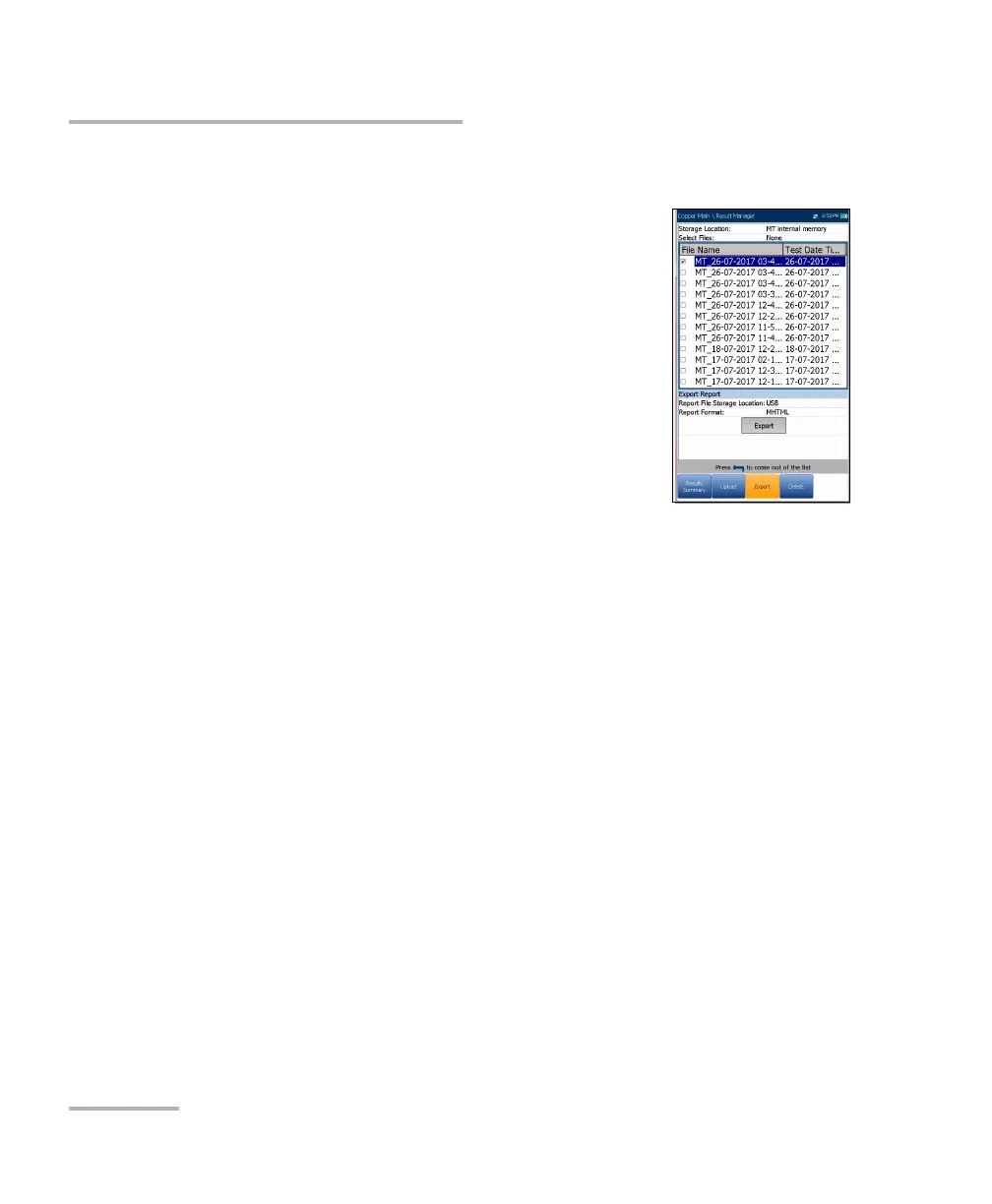
If you have saved a number of test results in the test
set, you can export them (convert to another file
format such as MHTML or XML) all at once to a USB
stick when you have time, or save them to a USB stick
anytime on the job. Or you can export reports to EXFO
Connect Client if enabled. The Export page allows
you to select a File Name or All files previously saved
and export the results in a selected Report Format.
Storage Location gives you the option of
exporting your results to either the MT internal
memory or USB device.
Select Files is either None or All. None removes all check marks
allowing you to select one or more files, or All.
Export Report
Report File Storage Location is dependent on whether Export to
EXFO Connect Client is enabled or not, in System
Settings\Upload Setup. If enabled, you can select either USB or
EXFO Connect Client as your test report storage location. If
disabled, USB is automatically selected.
Report Format is HTML, MHTML, or XML.
Note: If EXFO Connect Client is selected, the available selections for Report
Format are only MHTML and XML.
Export button transfers the selected file(s) to the internal memory
or USB device in the selected report format.













 To Next Page