Running DSL/IP Tests and Viewing Results
Copper and G.fast/VDSL2/ADSL2+ Multi-play Test Set 375
WAN Status
WAN Status
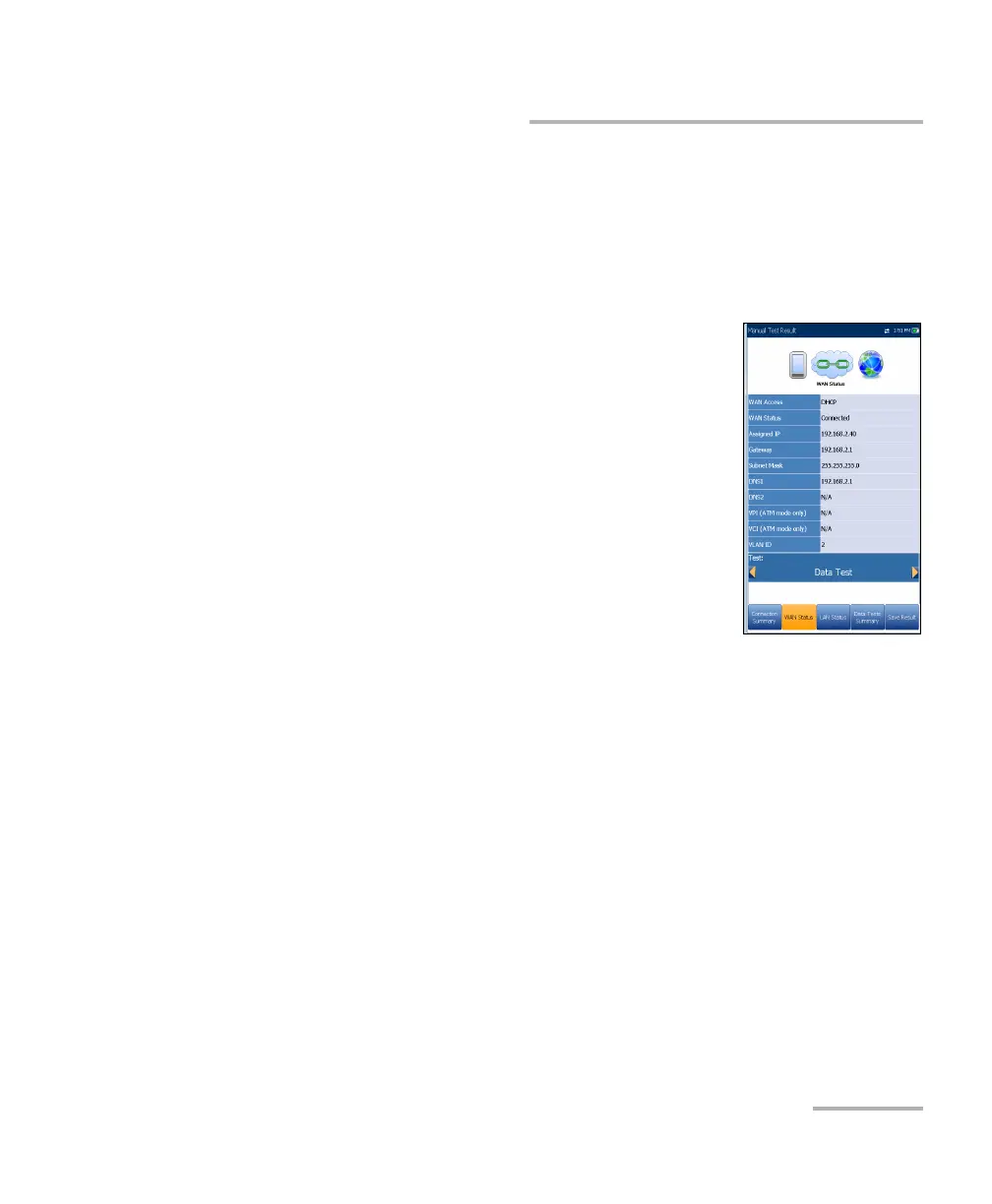
The WAN Status tab allows you to view the status information of the
connection between the WAN port of the unit and the ISP (internet service
provider). For Manual Test, you can also select which triple-play test you
want to run or view.
WAN Access specifies the encapsulation method
used by the network and consists of the following
types:
PPPoE is point-to-point protocol over
Ethernet.
PPPoA is point-to-point protocol over ATM.
DHCP is Dynamic Host Control Protocol
which is used to dynamically assign an IP
address for the client node on the network.
IPv6 (DHCP) is equivalent to the above but for
Internet Protocol version 6 vs IPv4.
Static IP is the current location assigned by the service provider or
user.
IPoA stands for classical Internet Protocol over ATM.
WAN Status value changes as per the WAN state of the current test. For
Manual Test, the following states may be displayed:
Idle - if WAN setup for the selected Test is different from the one
running and Login button is not activated.
Disconnected - if WAN setup for the selected Test is different from
the one running and this test had WAN connected before and
stopped.
Connecting or Connected - if current selected test is running.
Assigned IP displays IPv4 address information assigned to the unit that
is connected to the network.













 To Next Page