Multimeter Tests
Copper and G.fast/VDSL2/ADSL2+ Multi-play Test Set 121
Current
Current
The Current test allows you to measure the AC/DC currents and frequency
in the loop. DSL service does not directly use this measurement.
Snapshot
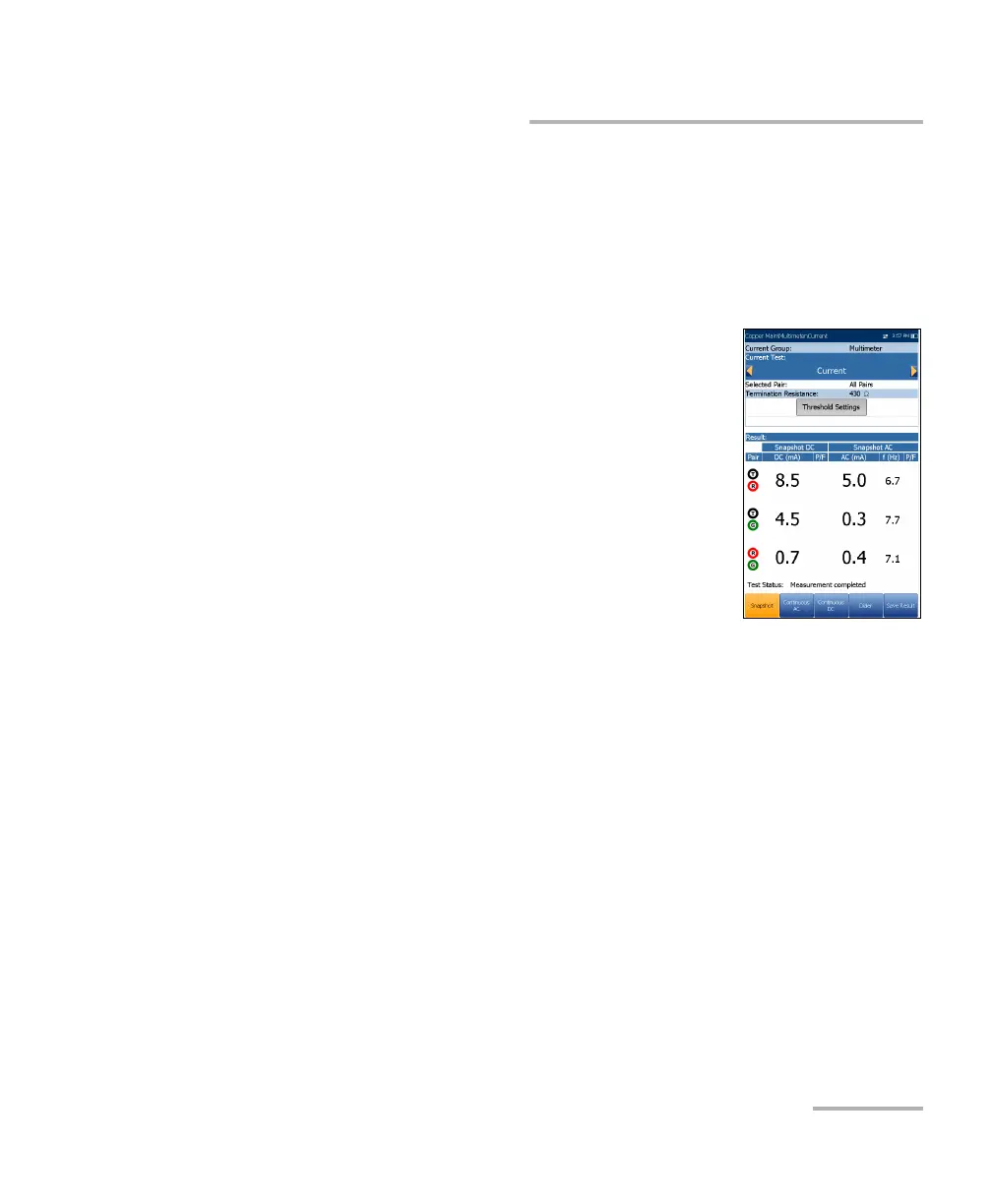
The current Snapshot shows measured AC/DC results
for each lead combination. DC current is traditionally
measured for POTS/voice with a minimum of 23 mA,
but less DC current can indicate line faults or too
much loss. The Current test defaults to the
Continuous DC page from the Multimeter menu.
The parameters are as follows:
Current Group is the current test group name, for
example Multimeter.
Current Test displays the test being measured.
Here you can switch to another test from the given
list. However, this action will terminate the ongoing measurement test.
Selected Pair allows you to select All Pairs or a single wire pair for
measurement.
Termination Resistance is a read-only value of 430 Ω that defines how
much resistance the tester uses to connect to the line.
Threshold Settings button opens a new page that allows you to set the
AC/DC current thresholds for each pair.
Result displays a snapshot of the pass/fail status, DC current,
AC current and frequency (Hz) results for each selected wire pair.
Test Status displays the current state of measurement or an error
message.













 To Next Page