Running DSL/IP Tests and Viewing Results
388 MAX-635G
DSL Parameter Details
DSL Parameter Details
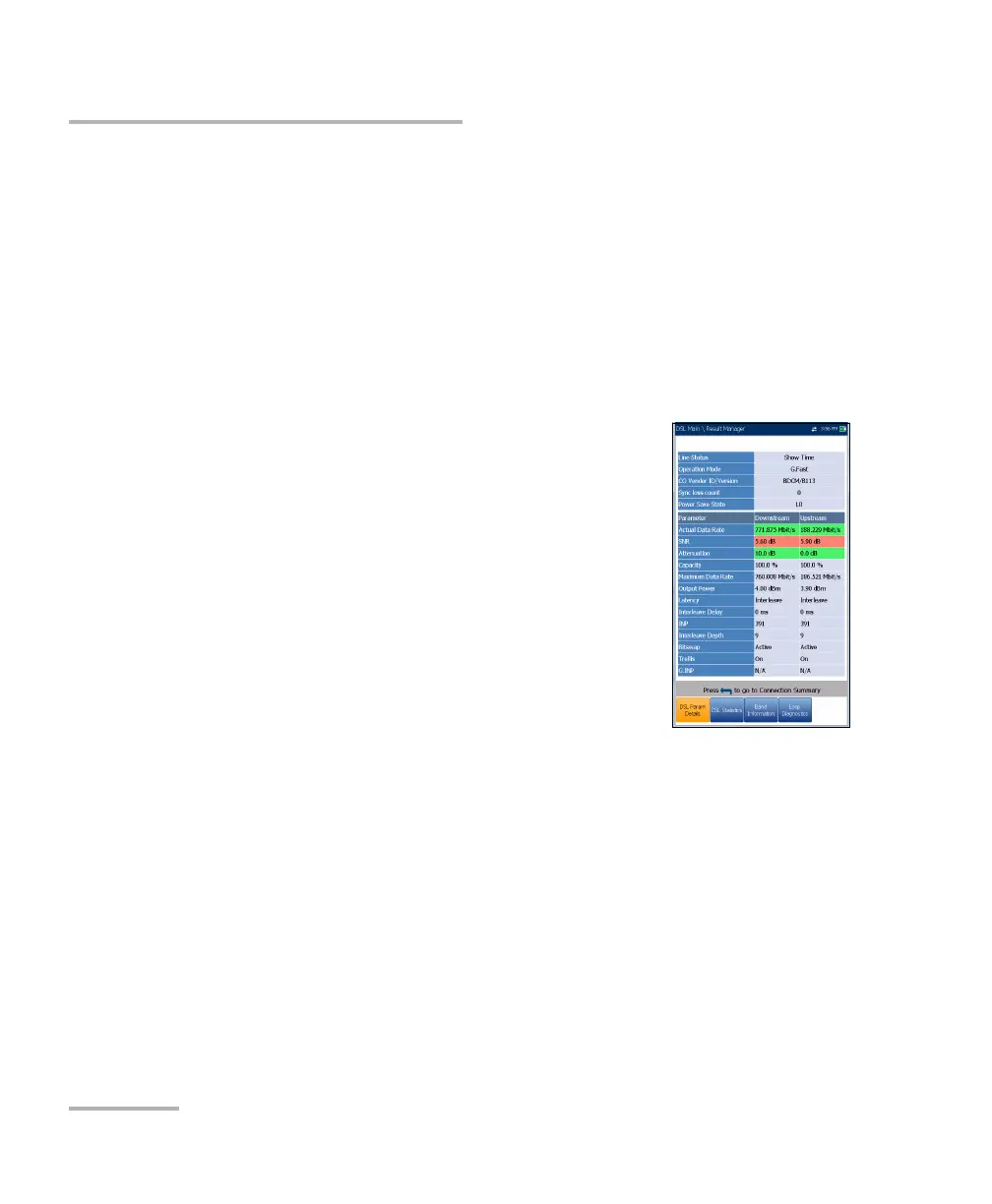
The DSL Param Details tab displays the Downstream and Upstream
parameter results configured in the DSL/IP tests.
When the Test Inter face for Auto Test or Manual Test is set to ADSL2+ or
VDSL2 bonding mode, there will be 2 pages of results, one for each DSL
line-pair.
To access the second-pair results, press the Pair 1/2 function key at the
bottom-right of the screen.
Line Status displays the status of the line under
test during negotiation with the DSLAM. The value
changes from Idle /Activate /Handshake /Training
/Show Time for DSL mode.
Note: When loading firmware into the Broadcom chipset,
the Line Status value displays Loading M:SS, where
M:SS is a count down timer.
Operation Mode is the DSL mode of operation as
negotiated between the unit and the DSLAM.
CO Vendor ID/Version is a unique 4-digit
alphanumeric identifier of the DSL chipset manufacturer, used on the
CO (central office) side, and its version number.
CO Version is the version number of the unique alphanumeric
identifier of the DSL chipset used on the CO side.
Sync loss count is the number of times the unit lost synchronization.
Power Save State refers to the power-save mode of the DPU
(distribution point unit) and displays one of three states: L0 (power full
on), L1 (low power), or L2 (idle).













 To Next Page