Copper Auto Tests
318 MAX-635G
Result Details
Result Details
The Result Details for User Auto Test display all the saved results
presented during the test. Please see Multimeter 1 Result on page 308,
Multimeter 2 Result on page 309, Noise Result on page 309, Noise Result
Graph on page 310, and Frequency Result on page 311 for more
information.
Summary
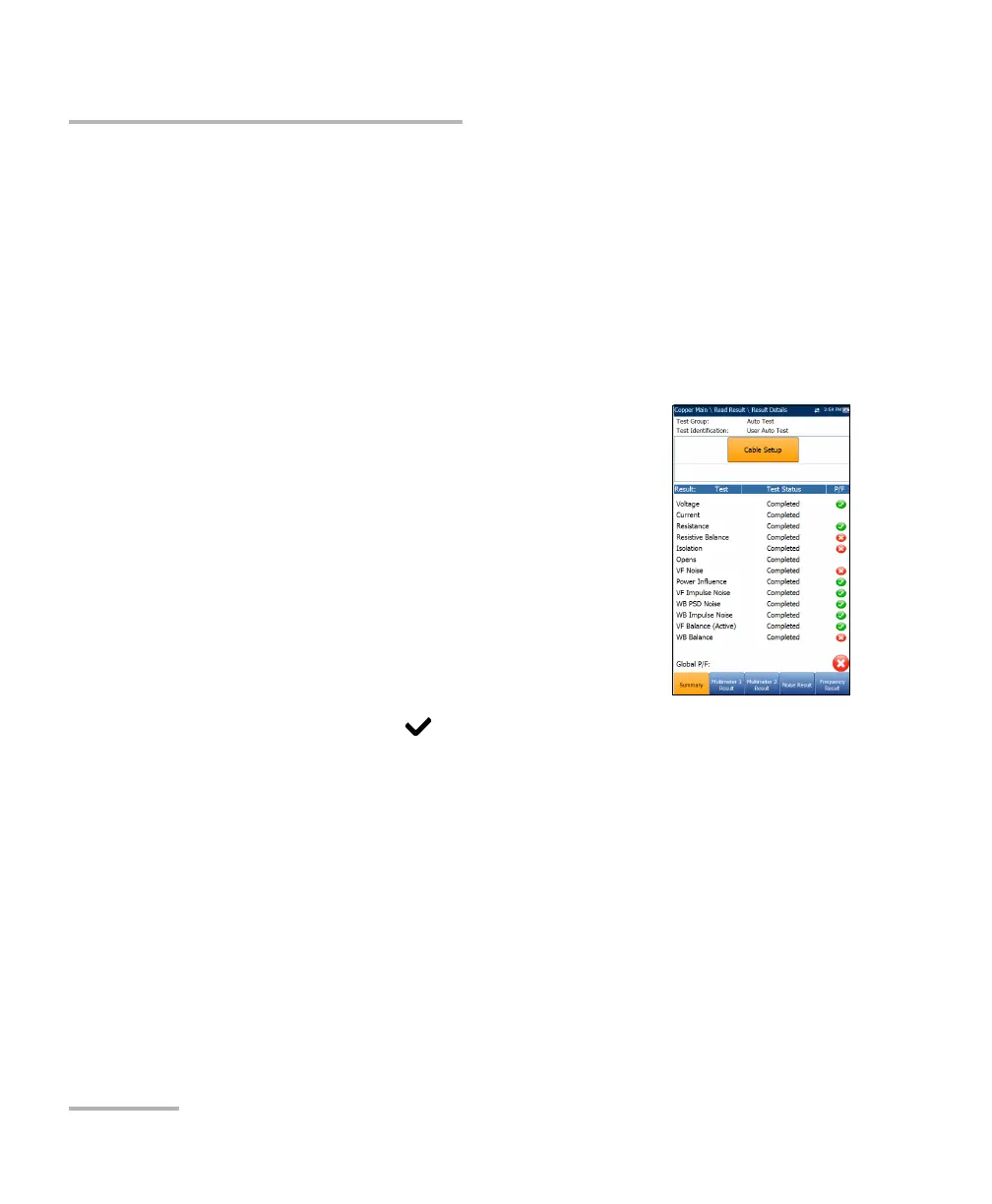
The Result Details Summary page displays the
overall pass/fail status of all tests selected for auto
testing. This page varies slightly from the run User
Auto Test page in that there are no configurable
parameters.
Test Group is the overall test group of the
selected saved results file, for example Auto Test.
Test Identification is the test type of the group, for
example User Auto Test.
Cable Setup button opens a new page that allows
you to view the parameters of the cable used in
the Auto Test. Press to open the page.













 To Next Page