Copper Auto Tests
310 MAX-635G
User Auto Test
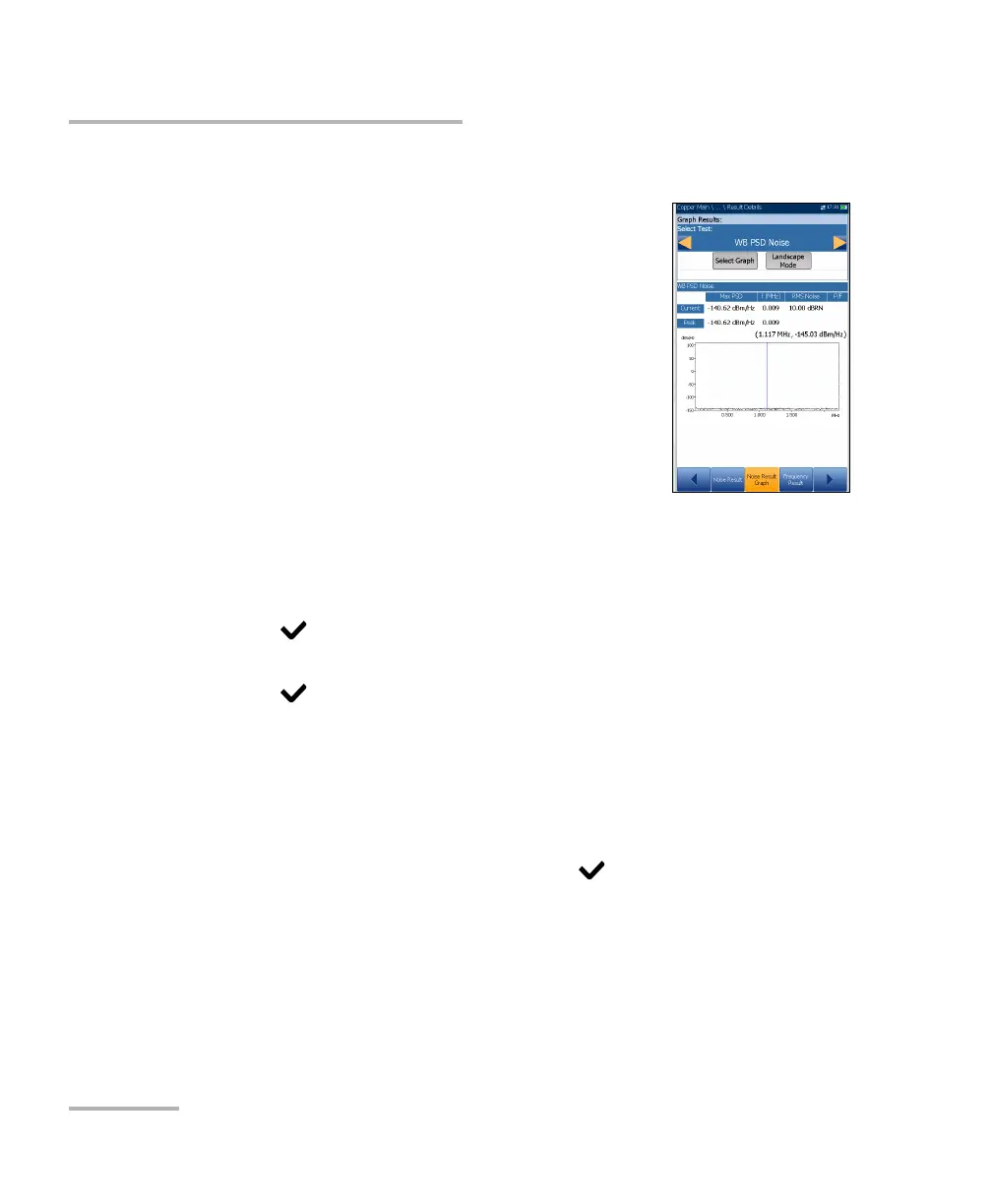
Noise Result Graph
The Noise Result Graph page displays the pass/fail
status and results in graphical format for the following
noise tests:
Power Influence measures the effects that 50 Hz
and 60 Hz powerline (AC Mains) interference has
on the circuit under test.
WB PSD Noise - Max PSD and frequency and RMS
Noise values differentiating the Current trace
from the Peak hold. This test can be viewed in
Landscape Mode.
To select a test:
1. In the Select Test parameter, press the left/right arrow keys to view and
select the options.
OR
2. Press on a value to open a list box of options and press the
up/down arrow keys to highlight the desired test.
3. Press to confirm the test.
Select Graph button changes to Graph Selected when pressed and
opens a new selection of function keys which allow you to maneuver
the graph as follows:
Cursor - press the left/right arrow keys to decrease/increase the
values by moving the cursor. Press and hold the left/right arrow
keys to accelerate the cursor. Press to recall the cursor and
place it in the middle of the current x-axis limits.
Zoom references the middle of the x/y axis and not the cursor
position. Press the arrow keys as follows:
Right = x-axis zoom in.
Left = x-axis zoom out.













 To Next Page