Setting Up the MAX-635G
48 MAX-635G
Comms Setup
Comms Setup
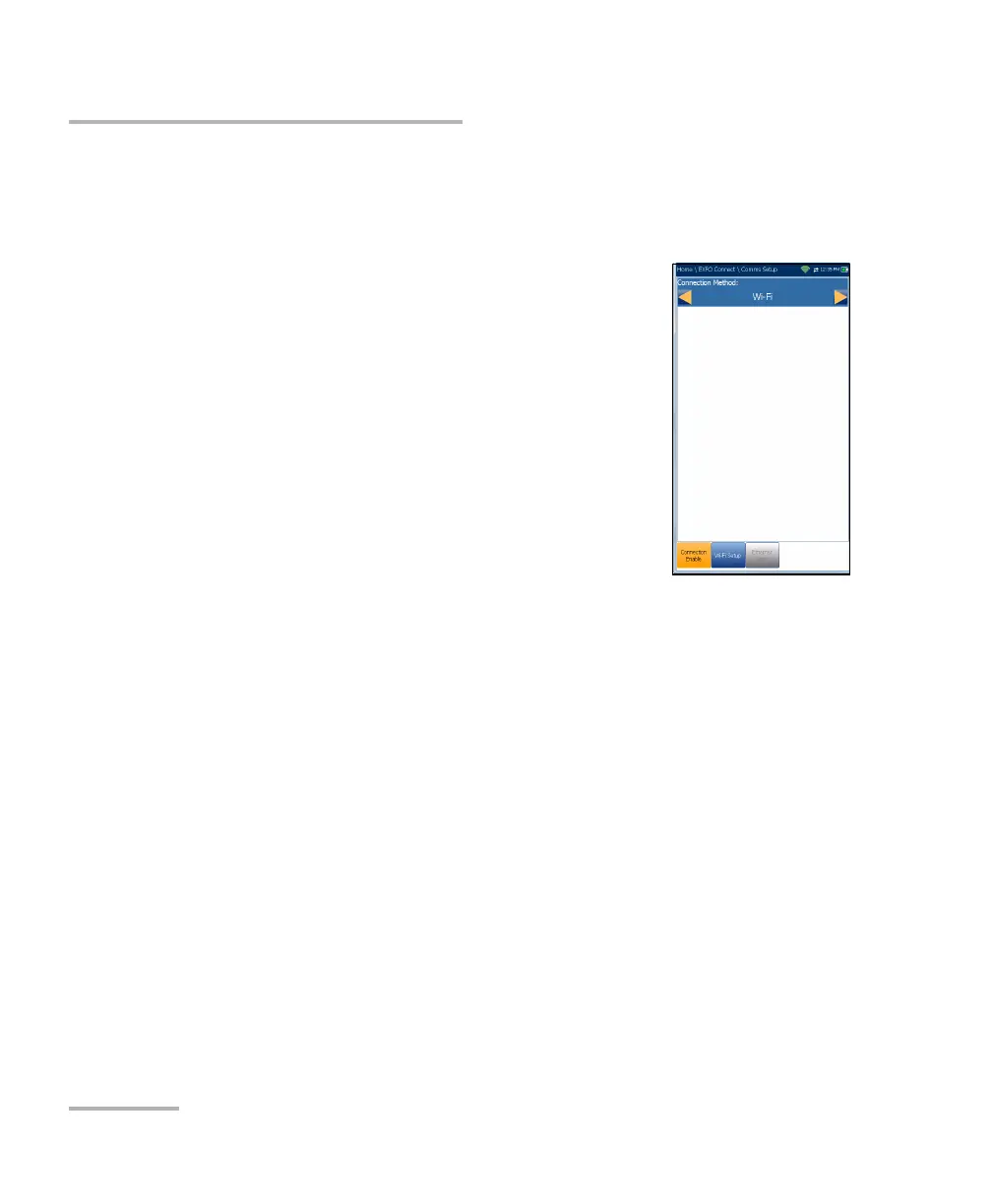
Connection Enable
The Connection Enable tab allows you to choose the
Connection Method for upload.
Wi-Fi
Ethernet
DSL allows you to perform software downloads
and upload your results to the EXFO Connect
Server. You should run Manual DSL tests and
achieve a WAN connection before activating the
EXFO Connect application from the Upload/Save
Result screen. When DSL is selected, the
following message is displayed: DSL connection
was chosen for EXFO Connect. Please use EXFO Connect button
inside DSL Manual Test Upload/Save Results page.
Disable Connection option disables uploads via Wi-Fi or the Ethernet.
When Wi-Fi or Ethernet are selected, their respective icons are displayed
in the top right-hand corner of the navigation bar. The status of whether or
not a connection is present is indicated by the colour of the icon: green,
yellow, or red.













 To Next Page