Multimeter Tests
Copper and G.fast/VDSL2/ADSL2+ Multi-play Test Set 115
Voltage
Voltage
The Voltage test detects AC RMS and DC voltages in the line and allows you
to measure AC/DC voltages and Frequency on A/B/E or T/R/G depending
on the selected Standard in Setup/Application Settings. Voltage tests are
not meant, nor is the test set rated, to measure electrical power circuits.
Continuous DC Page
With voltage measurements, you can detect crossed battery, other foreign
unwanted voltages, and even see intermittent breaks or contact if the
voltages fluctuate. Most plant operators allow 3 or 4 volts of DC and/or AC
signal on working loops, although for higher speed broadband circuits
(ADSL2+ or VDSL2), even a few volts indicate a small fault and some
imbalance which may affect the data rate. You would need to run balance
tests such as Stressed Balance, VF/AC Balance, and/or short the far end
and run Resistive Balance to isolate small faults.
Larger foreign/unwanted voltages are a real problem because they indicate
a contact fault and add unwanted noise affecting other signals (including
affecting test set signals). 48 to 52 volts would indicate working POTS. If
you have not already done so, press
and select Pair Detective to
identify metallic faults or even wetness.
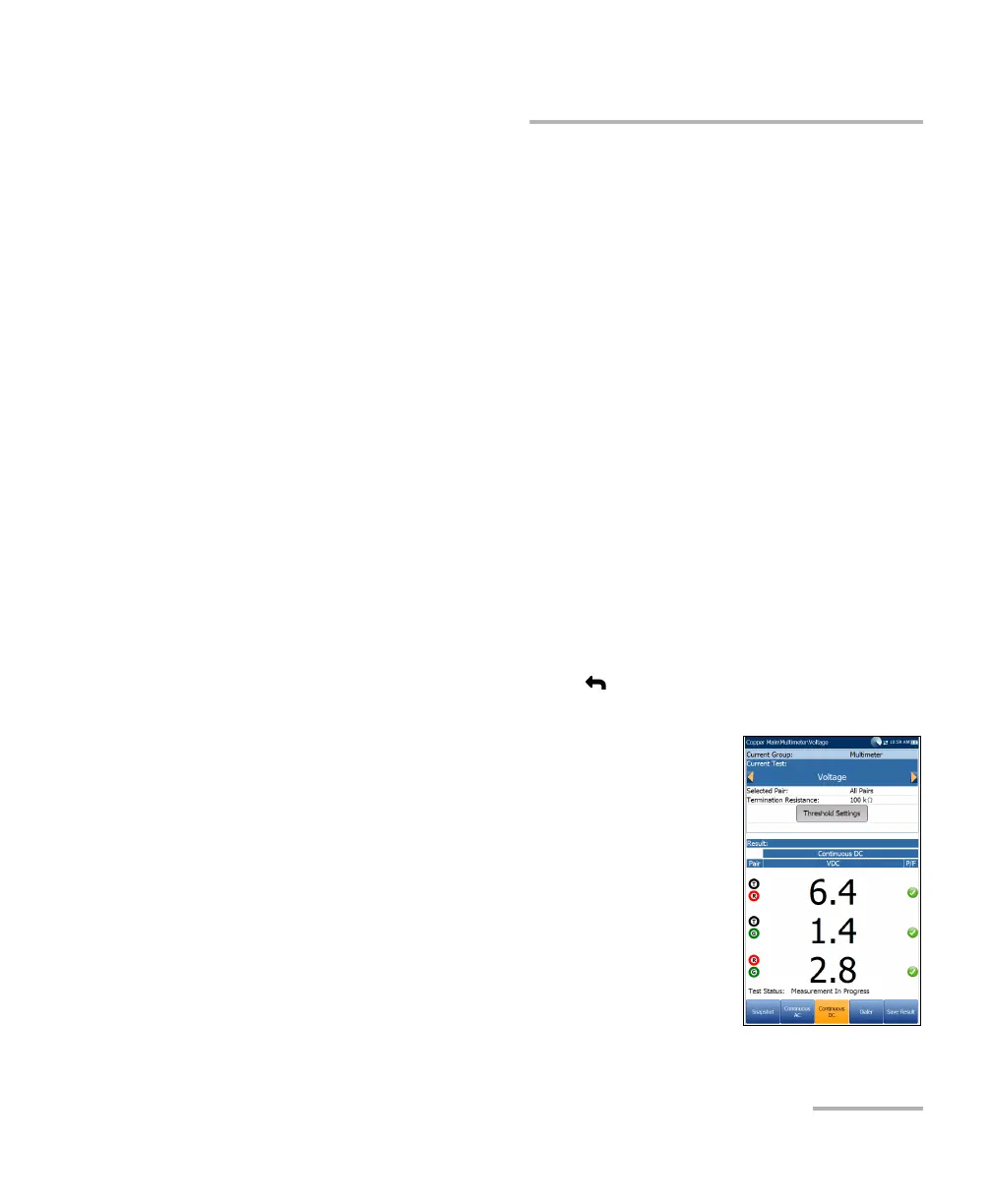
The Voltage test defaults to the Continuous DC page
from the Multimeter menu. This function measures
each pair, displaying and updating results in real time,
until you stop the test. The last valid results then
remain displayed. If the DC value is fluctuating, it
could indicate the presence of moisture in a fault or
possibly a moving or swinging metallic fault, causing
intermittent breaks in the DC (such as POTS battery).
To view all lead combinations right away:
Press the Snapshot function key.
Continuous AC and Continuous DC are run
synchronously. Press Start/Stop on the keypad to run the test.













 To Next Page