Multimeter Tests
114 MAX-635G
Multimeter Main Page
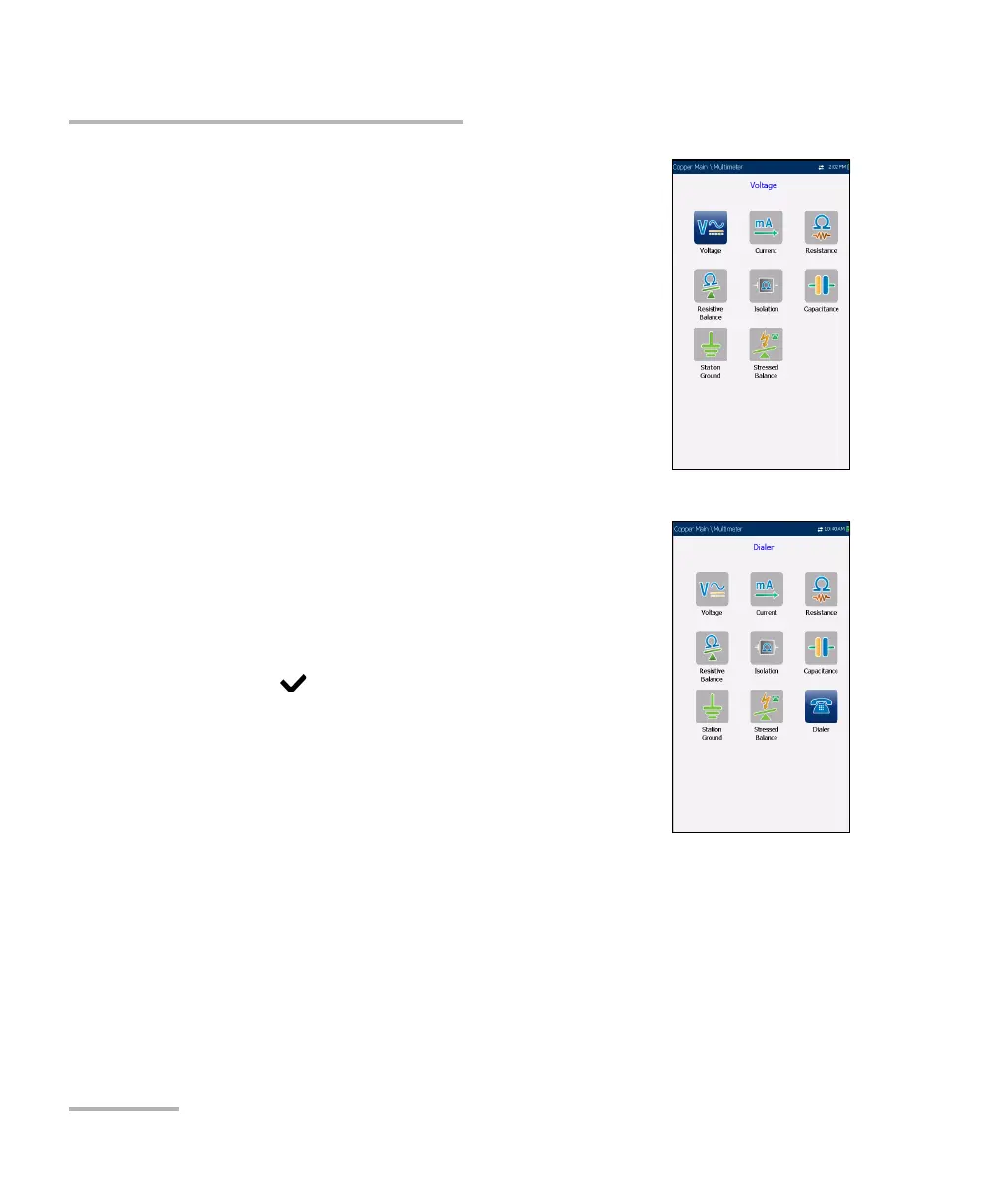
The Multimeter menu allows you to select and run
the displayed tests:
Voltage
Current
Resistance
Resistive Balance
Isolation
Capacitance/Opens
Station Ground
Stressed Balance
Dialer (icon shown here if FED or UFED enabled;
see Dialer Function on page 68 for details.)
To start/stop a test:
1. Press the up/down left/right arrow keys on the
keypad to select the desired test icon.
2. Press to confirm your selection.
3. The test will start automatically if the
Setup/Application Settings - Test Startup Mode
is set to Auto. If not, press Start/Stop on the
keypad.













 To Next Page