Setting Up the MAX-635G
24 MAX-635G
System Settings
System Settings
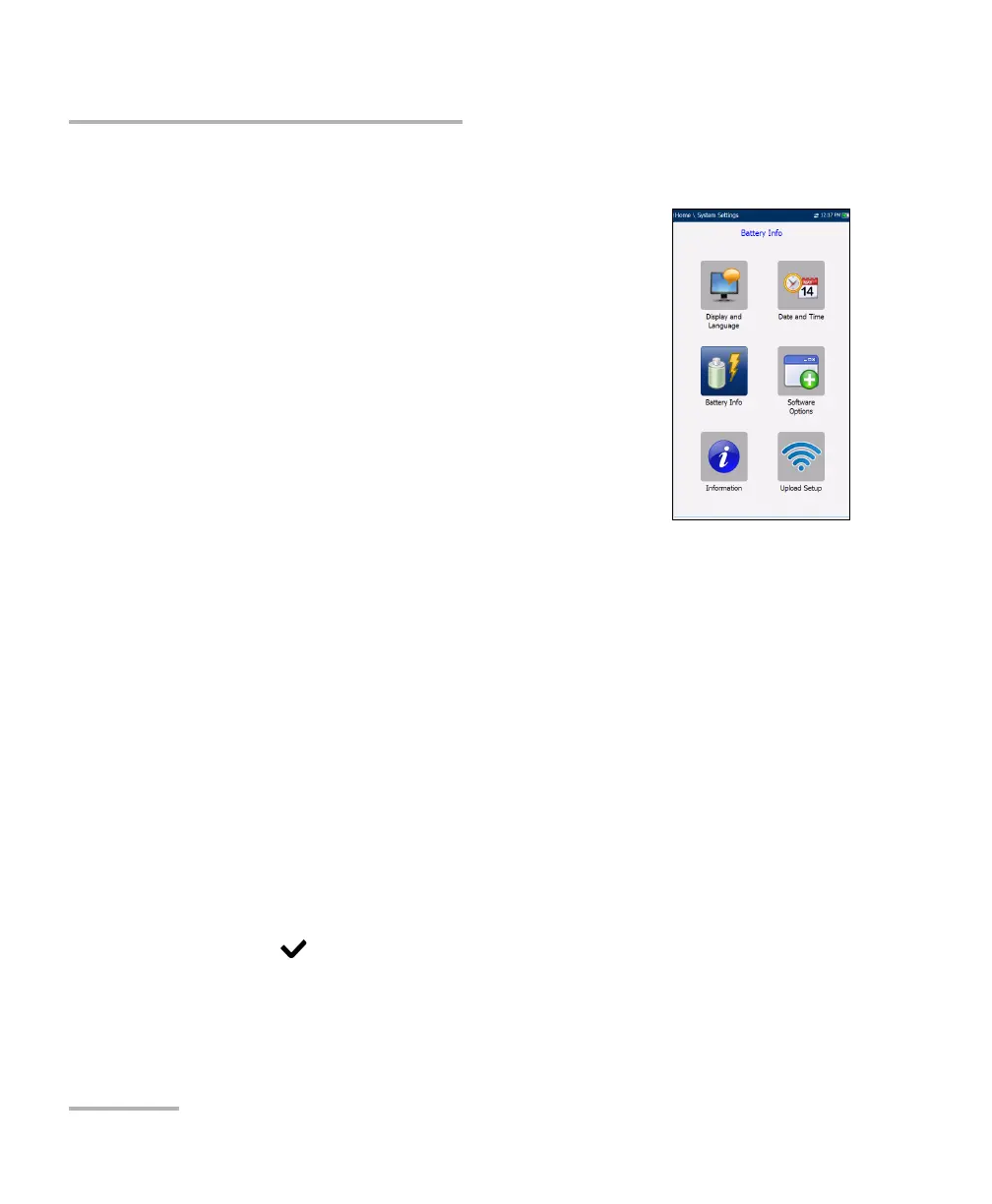
System Settings presents a menu of items to setup
the unit.
Display and Language provides the setup for
backlight, information on the title bar, language
choice, and Touchscreen Calibration if your unit
has the touchscreen option.
Date and Time sets the date and time and format.
Battery Info displays the battery status and
measurements, and allows you to set the power
schemes.
Software Options allow you to enable/disable
purchased feature options.
Information displays information About EXFO and unit details
pertaining to hardware/software/product info.
Upload Setup allows you to enable and select an upload method
using the following function keys:
Upload Enable
FTP Setup
Wi-Fi Setup
Ethernet Setup
To navigate between the system settings:
1. Press the up/down left/right arrow keys on the keypad to select an
icon.
2. Press to confirm your selection.













 To Next Page