Setting Up the MAX-635G
Copper and G.fast/VDSL2/ADSL2+ Multi-play Test Set 25
Display and Language
Display and Language
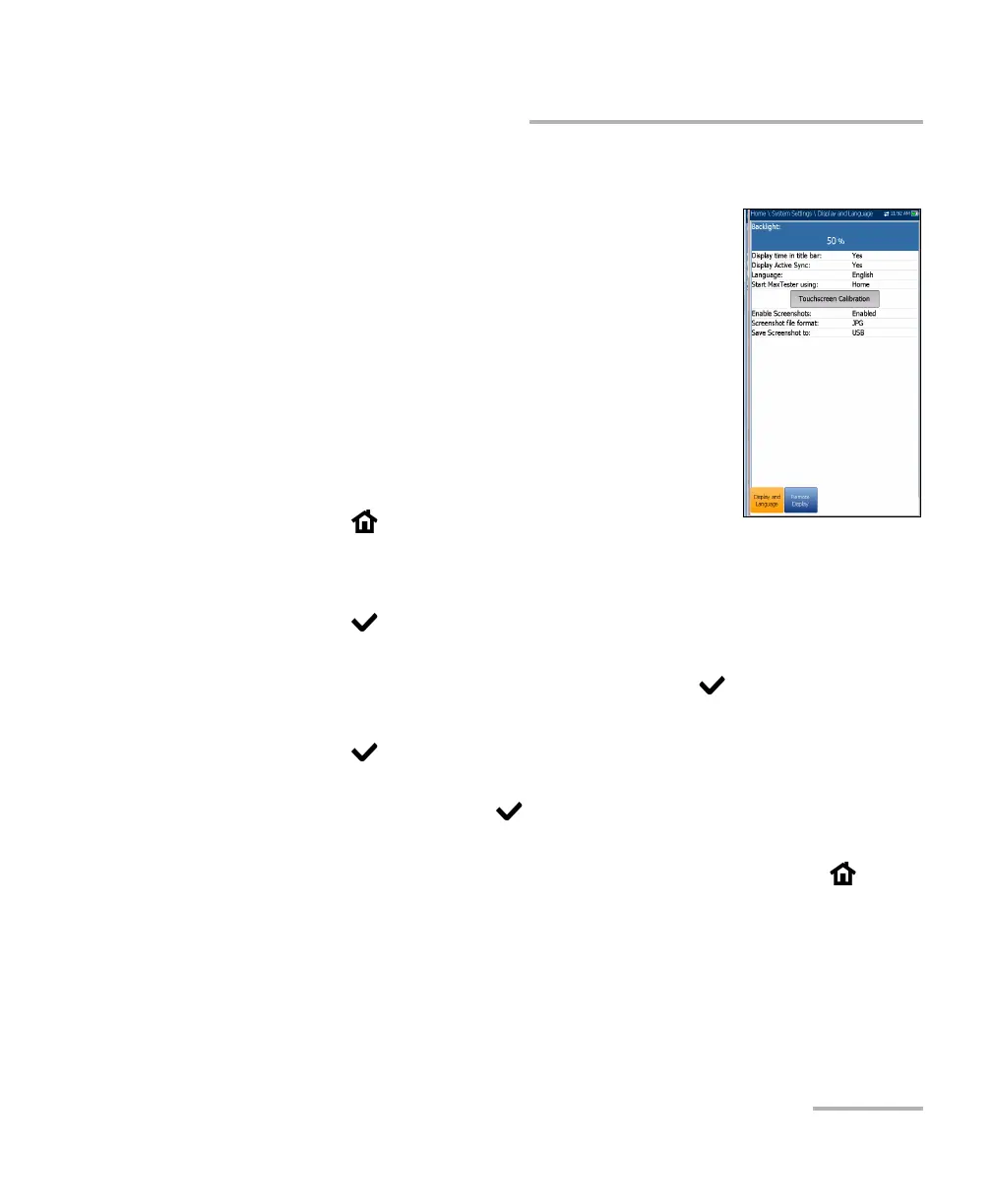
To fit your work environment, you may adjust the LCD
brightness, display the time and Active Sync, and
change the display language. If your unit has a
touchscreen, you can also calibrate it here. Plus, you
can Enable Screenshots which uses the Home/Help
button. The values are kept in memory when you turn
the unit off.
Note: The LCD Backlight consumes battery power; the
more brightness, the more power consumption.
To adjust the display settings:
1. From , select System Settings, and then
Display and Language.
2. Use the up/down arrow keys to select the setting to change.
3. Press to select it.
By using the up/down arrow keys, you can switch between preset
brightness levels in the Backlight item. Press to confirm.
To display the time and Active Sync in the title bar, enable the item.
Press after your selection to confirm.
Use the up/down arrow keys to navigate between the available
languages, then press to select it. You will be prompted to restart
your unit.
To set which Home pane the unit defaults to when pressing ,
highlight Start MaxTester using: and select from the list.
Touchscreen Calibration button is only present if your unit has a
touchscreen and the functionality is enabled. To calibrate the
touchscreen, press/tap/click the button to open a popup window and













 To Next Page