Reading Saved Copper Test Results
104 MAX-635G
Result Manager Menu
Result Manager Menu
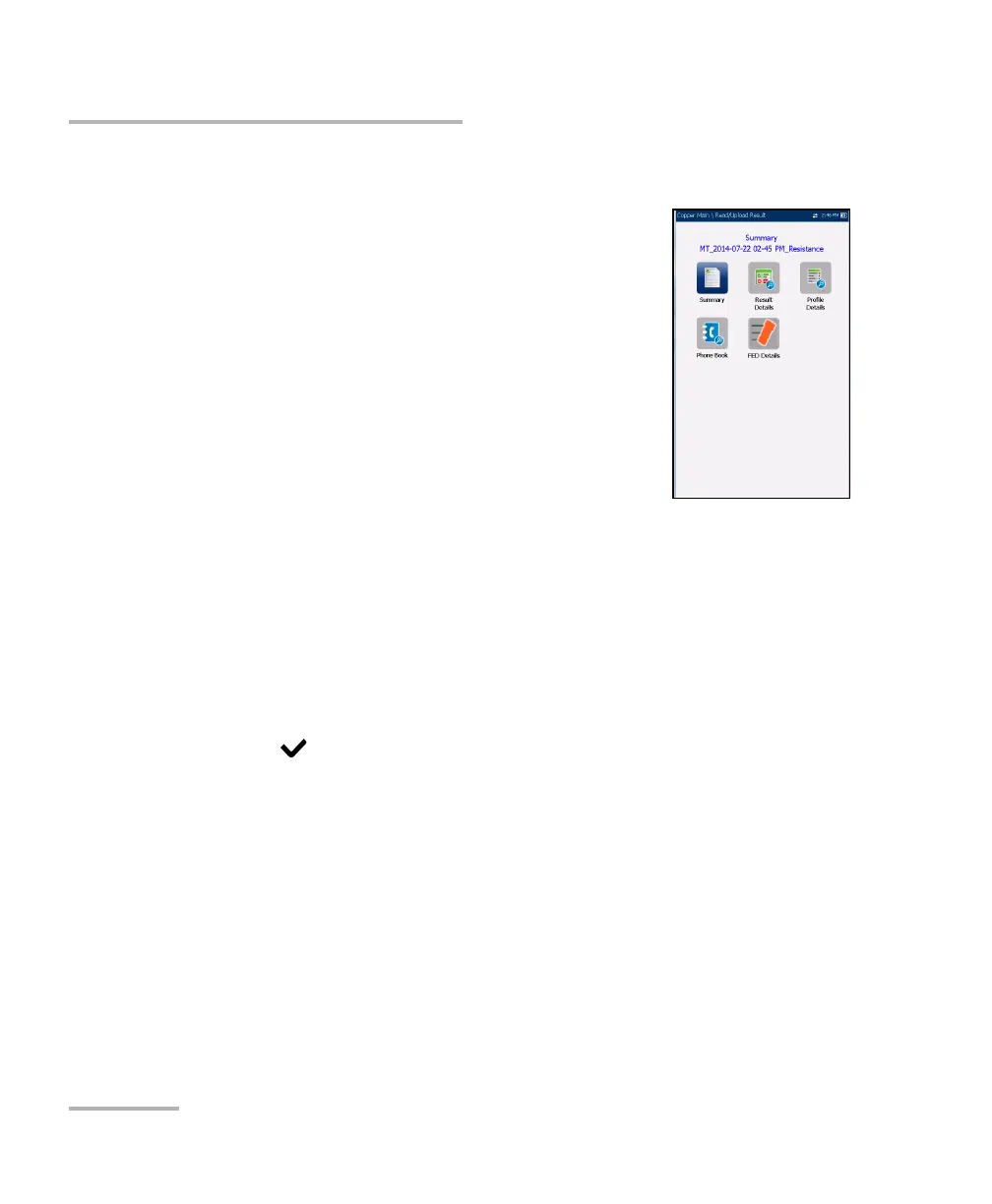
The Result Manager menu allows you to view saved
test results with the following details:
Summary displays general information and
parameters of the test.
Result Details displays measured results for each
lead combination and cable parameters of the
test.
Profile Details displays the thresholds and setup
parameters of the test.
Phone Book displays the phone entry dialed
during the test.
FED Details displays the FED (far end device) State for the test.
The File Name of the selected saved results file is continually displayed at
the top of the page.
To navigate the results menu:
1. Press the up/down left/right arrow keys on the keypad to select an
icon.
2. Press to display the results.













 To Next Page