Reading Saved Copper Test Results
Copper and G.fast/VDSL2/ADSL2+ Multi-play Test Set 105
Result Manager Menu
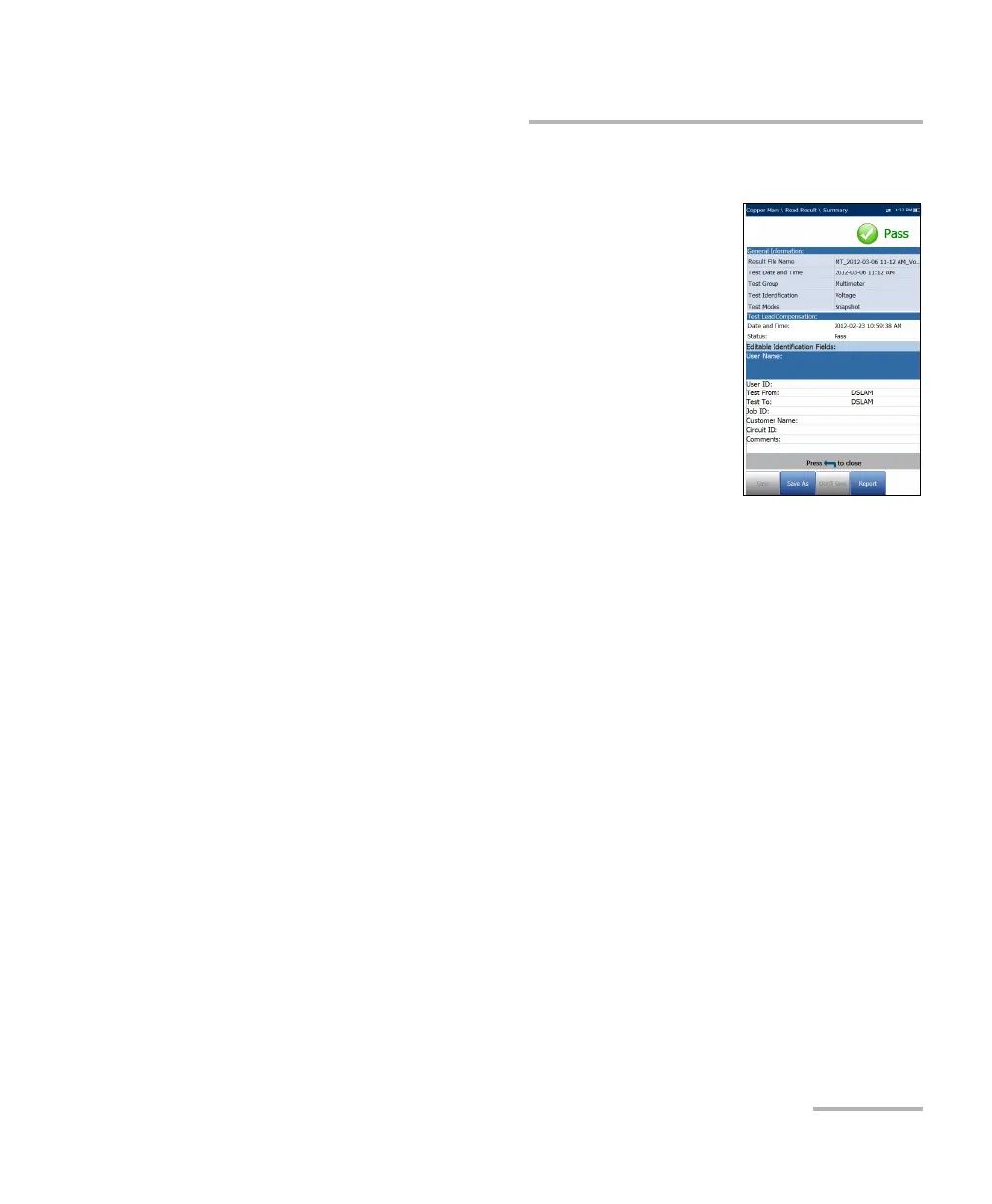
Summary
The results Summary page displays pass/fail status,
general and identification information, along with
comments, for the test.
General Information displays read-only
information pertaining to the test result.
Test Lead Compensation displays read-only Date
and Time and Pass/Fail Status of the
compensated resistance and capacitance based
on the cable temperature of the test lead.
Editable Identification Fields display values
from the loaded file. You can edit all fields using
the editor screen or by selecting an entry from the list box.
User Name/ID
Contractor Name
Test From/To
Job ID
Customer Name
Circuit ID
Comments
Function keys:
Save keeps any current changes with the current file name.
Save As saves the current changes under a different file name that
you can configure in the editor screen.
Don’t Save does not save any changes and closes the page.
Report allows you to load a result file to a USB device, update the
ID fields, and generate a report in HTML, MHTML, or XML format. If
Export to EXFO Connect Client is enabled in System













 To Next Page