Reading Saved Copper Test Results
106 MAX-635G
Result Manager Menu
Settings\Upload Setup you are given the choice to load a result
file to either USB or EXFO Connect Client. If you select EXFO
Connect Client, reports are generated in either MHTML or XML.
Upload (in User Auto Test only) allows you to transfer an Auto
Test result file to an FTP site or USB device via the presently
selected method (Wi-Fi or Ethernet).
To view and edit the test result information:
1. Press the up/down arrow keys to highlight and view the desired
parameter.
2. Press the left/right arrow keys to view and select the options.
OR
3. Press on an editable value to open the list box of options or the
alphanumeric editor screen. Use the navigation keys to scroll through
and select.
4. Press to confirm the value.
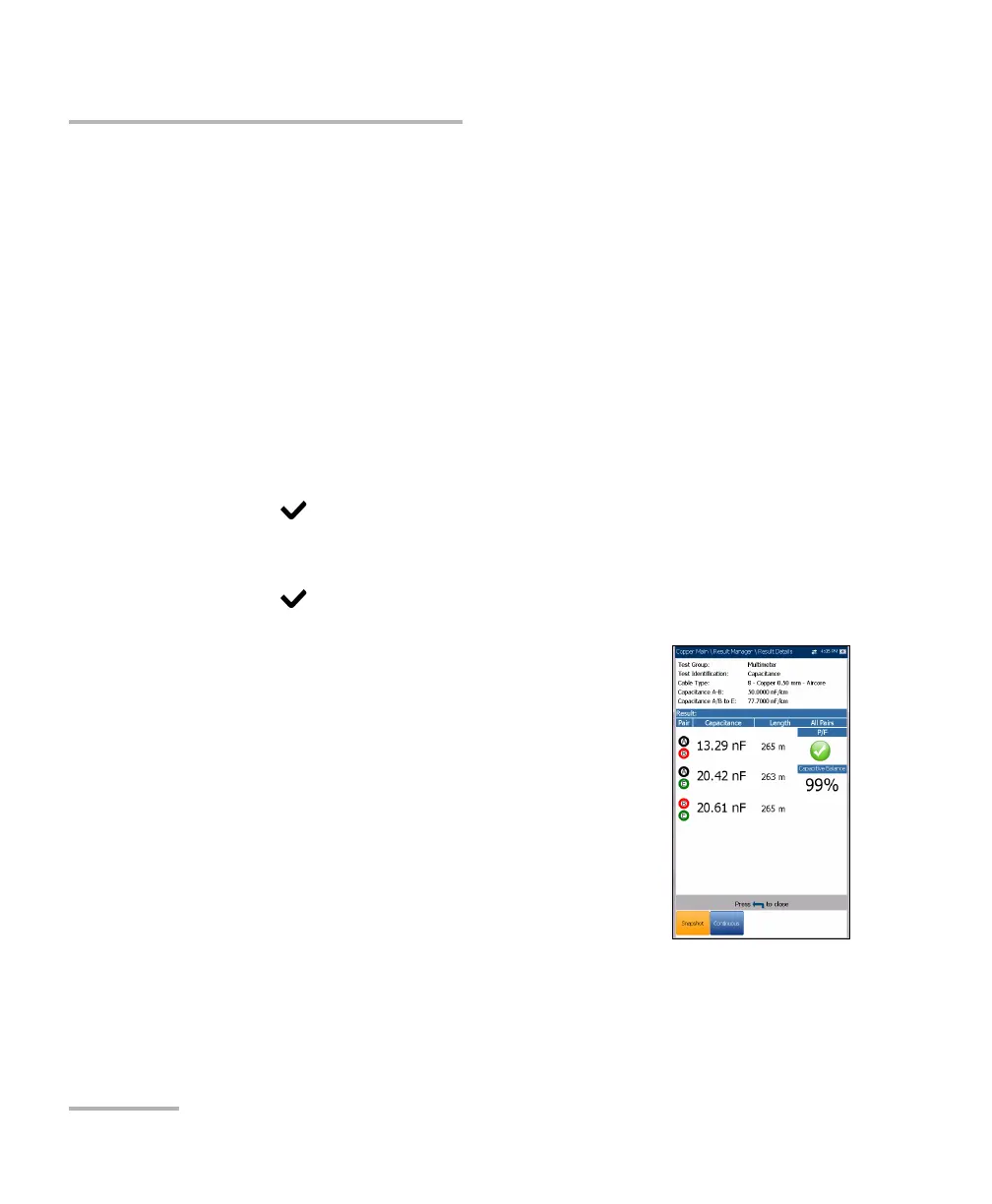
Result Details
The Results Details page allows you to view
measured results for each lead combination and
cable parameters of the selected test.













 To Next Page