TDR
272 MAX-635G
Cable Setup
Cable Setup
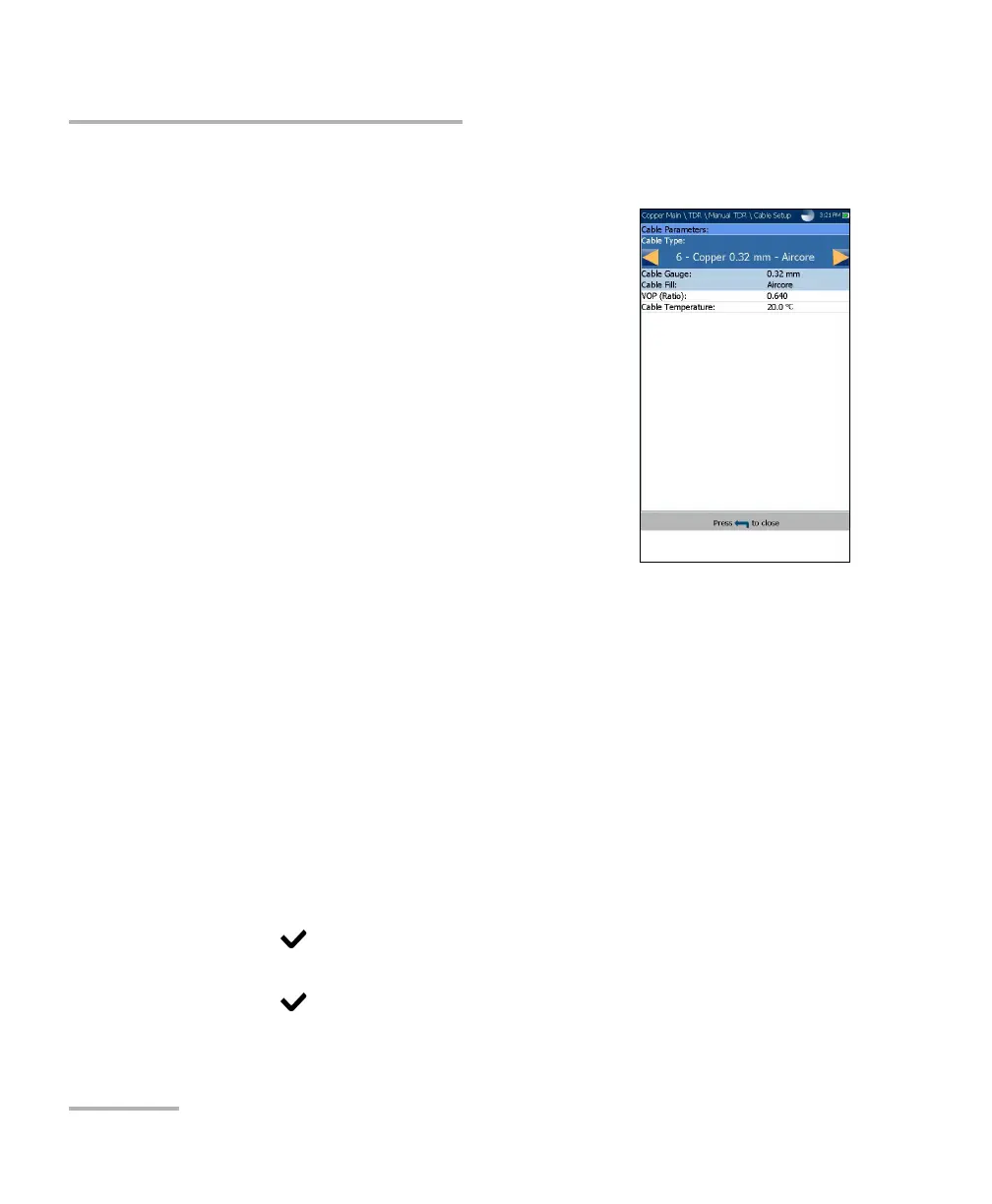
The Cable Setup page allows you to set Cable
Parameters for the TDR test. These values can be
set in Portrait or Landscape Mode.
Cable Type displays the ID, Cable Name and
Fill, and allows you to select an entry (with its
associated parameters) from the current
Cable Book, to use for testing. The selection is
not saved when leaving the test. The current
Cable Book entry is shown by default.
Cable Gauge identifies the gauge system for
measuring wire sizes, in AWG (American Wire
Gauge) units or mm (metric wire size).
Cable Fill read-only entry is the type of
material the cable is filled with: Aircore, Jelly,Pulp, 5 PR, or 2 PR.
Setup in the Cable Book.
VOP allows you to change the velocity of propagation value for the
cable as defined in m/μsec (meters per microsecond), a ratio, or
percentage of the speed of light.
Cable Temperature allows you to change the temperature of the cable
under test in either °F or °C.
To select the parameter values:
1. Press the up/down arrow keys to highlight the desired parameter.
2. Press the left/right arrow keys to view and select the options.
OR
3. Press on a value to open a list box of options or the alphanumeric
editor screen and use the navigation keys to scroll through.
4. Press to confirm the value.













 To Next Page