Setting Up Copper Tests
Copper and G.fast/VDSL2/ADSL2+ Multi-play Test Set 59
Setup
Setup
The Setup function allows you to set up parameters common to all tests.
To access the Setup function:
1. On the Home pane, highlight Copper Test, then press .
2. From the Copper Main page select Setup and press .
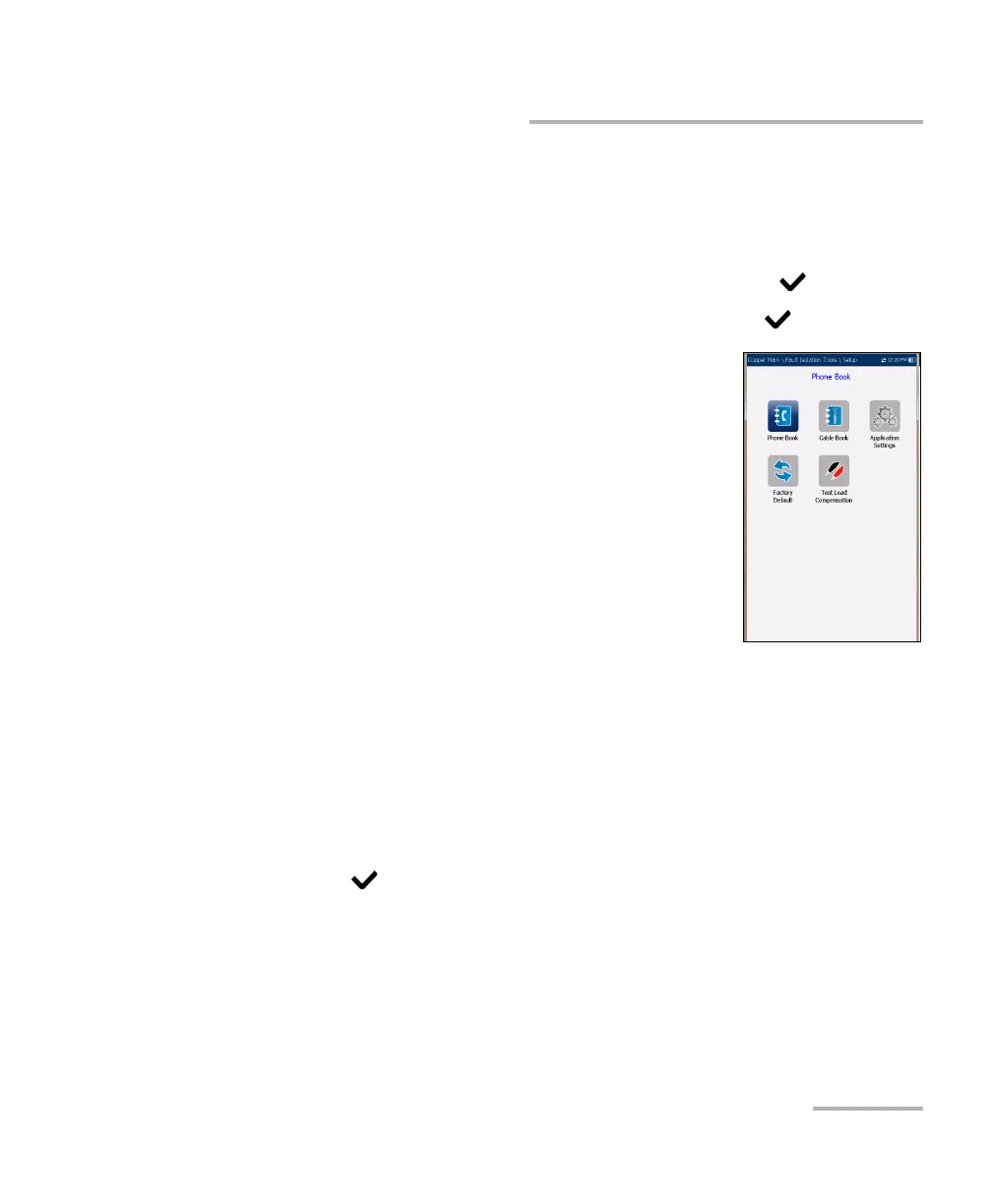
Setup presents a menu of items to setup copper tests.
Phone Book includes pages to setup and save
groups of phone numbers.
Cable Book includes pages to select, add, clone,
and delete a cable, as well as modify its details.
Application Settings include the following pages:
General, Standard, Identification, File Name,
and Buzzer. Current settings are kept in memory
and are independent of the profiles.
Factory Default allows you to revert the Phone
Book and/or Application Settings to the factory default values.
Test Lead Compensation overwrites the current test lead
characteristics to start resistance and capacitance compensation
based on the cable temperature of the test lead.
To navigate between the setup icons:
1. Press the up/down left/right arrow keys on the keypad to select an
icon.
2. Press to confirm your selection.













 To Next Page