Setting Up Copper Tests
58 MAX-635G
Test Configuration
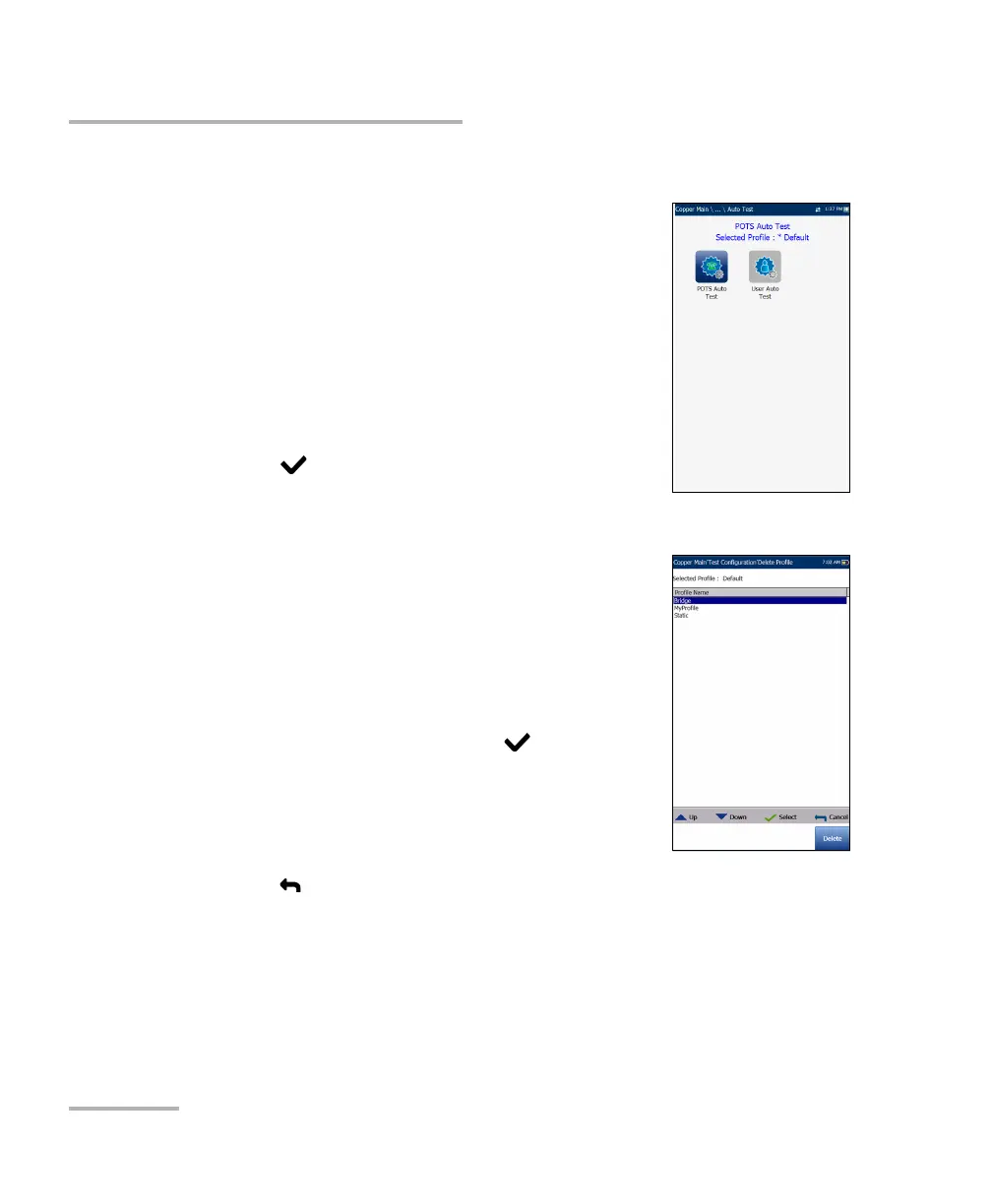
Auto Test Profile Details
The profile details Auto Test main menu allows you to
view the test threshold and parameters of the
following tests:
POTS Auto Test
User Auto Test
To navigate between the test profiles:
1. Press the up/down left/right arrow keys on the
keypad to select an icon.
2. Press to confirm your selection.
Delete Profile
Delete Profile lists all profiles found on the internal
memory except the default profile, which cannot be
removed.
Selected Profile displays the profile name in use.
To delete a profile:
1. Press the up/down arrow keys to highlight the
entry to be removed and press .
2. Press the Delete function key to remove the entry
from the unit.
OR
3. Press to cancel your selection, remove any display message, and go
back without impacting any profiles.













 To Next Page