TDR
254 MAX-635G
Continuous
Continuous
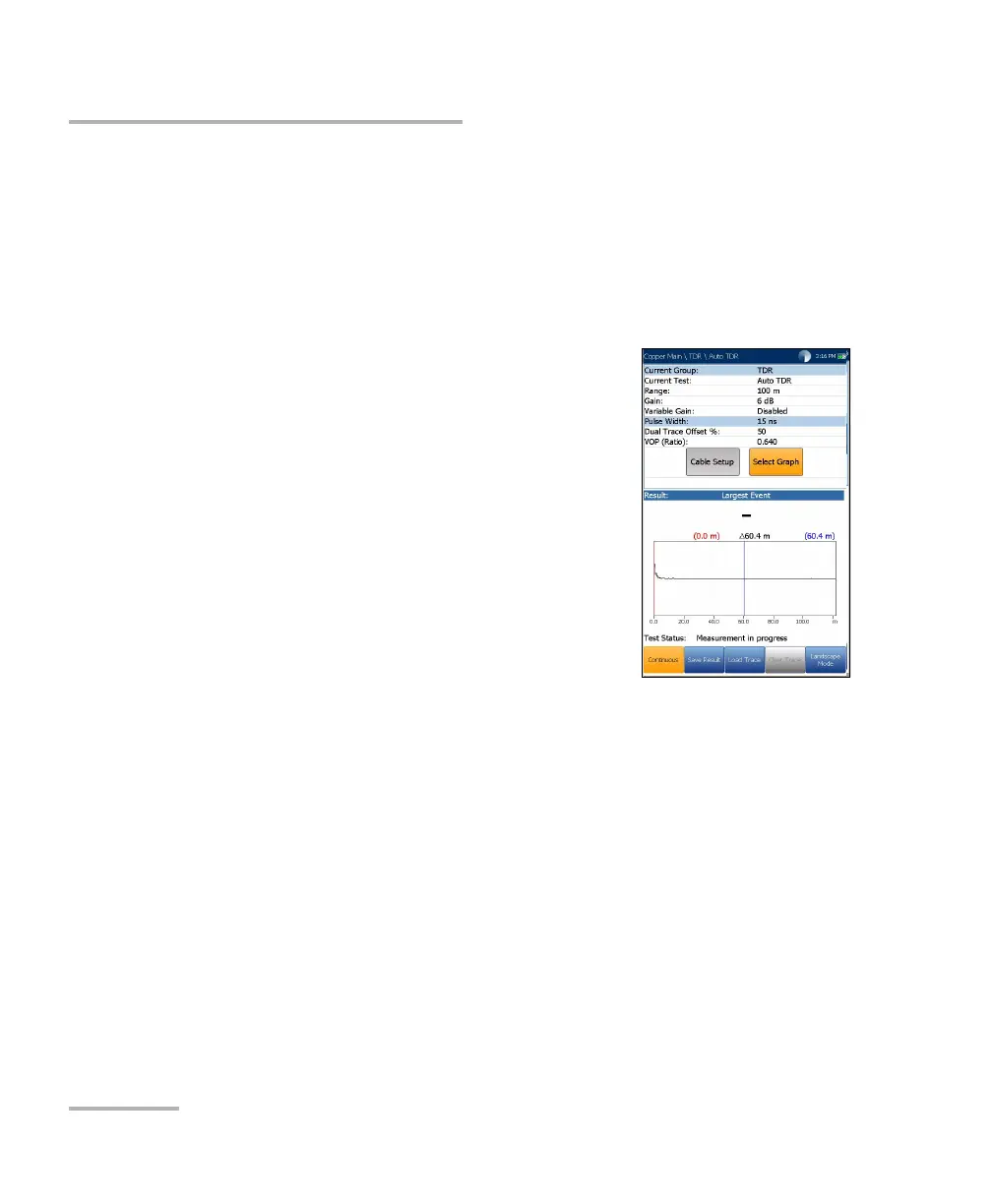
The Continuous function displays the line trace and is continuously on and
ready to use. It displays and updates results in real time, in either Portrait
or Landscape Mode, until you stop the test. The last valid results then
remain displayed. (Scroll down to see examples of some common faults
on the TDR.)
Current Group displays the test being
measured.
Current Test allows you to select either Auto,
Manual, or xTalk TDR.
Note: If you run Auto TDR first, and use the left/right
arrow keys to change the Current Test from Auto
TDR to Manual TDR, the test will copy the TDR
parameters from the Auto TDR to the Manual TDR,
but not to xTalk TDR.
Range allows you to set the range from the
given list.
Gain allows you to select a gain test parameter from the given list.
Variable Gain (Auto TDR only), when enabled, automatically
increases the amplitude gain as distance increases on the graph. In this
way, you do not have to tweak the gain just to see events at the far end.
Select from 4 possible entries:
Disabled
Enabled
Disabled with Auto Scale
Enabled with Auto Scale













 To Next Page