Setting Up the MAX-635G
36 MAX-635G
Information
Information
About EXFO
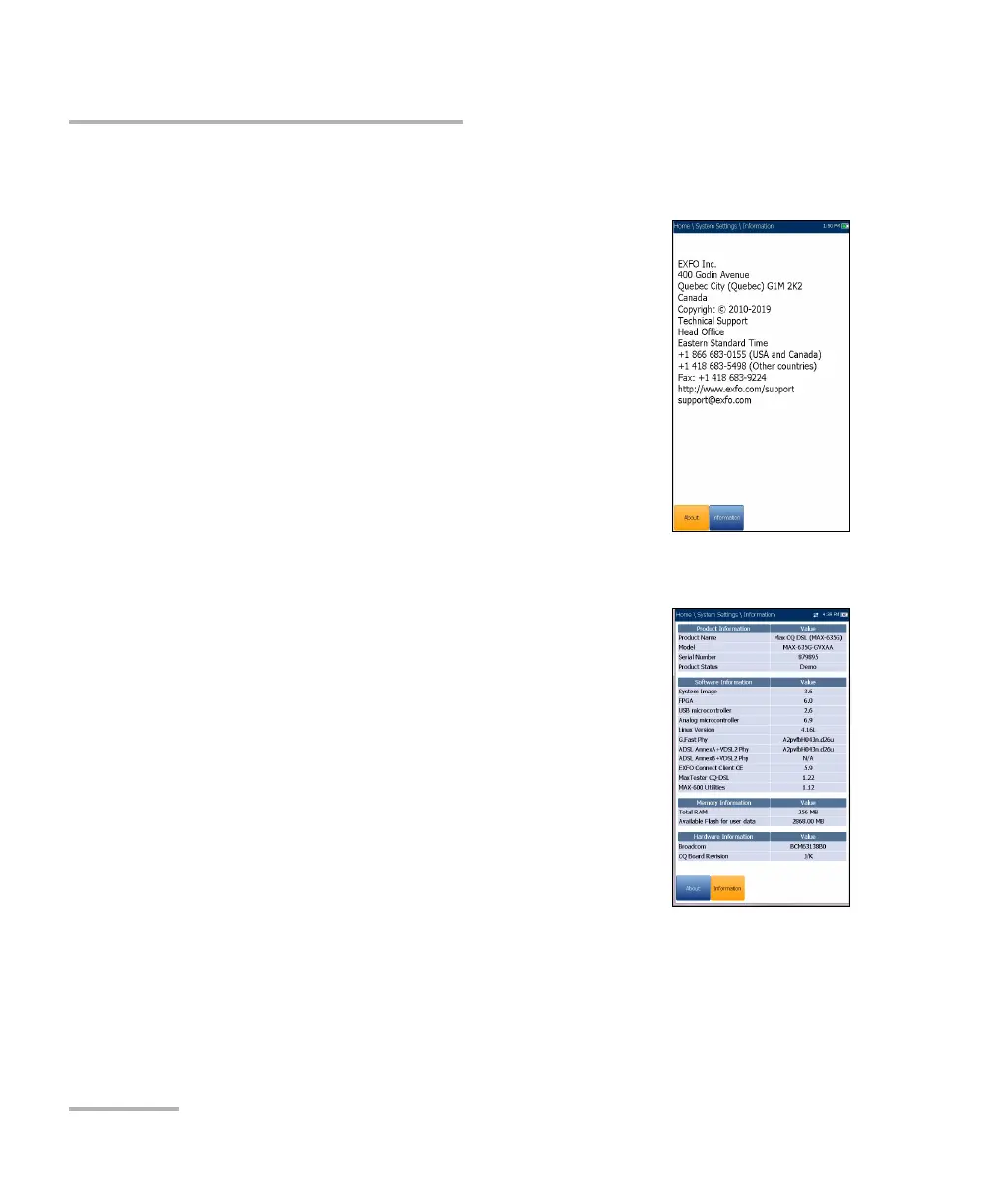
The About tab contains contact information should
you require technical assistance.
MAX-635G Information
The Information tab displays information about the
product, software, and memory installed on the
device. The page also identifies hardware
information.
To view the complete version numbers of the
software installed on the device:
1. Press the Information tab again.
2. Press the tab again to return to the original value.













 To Next Page