Running DSL/IP Tests and Viewing Results
Copper and G.fast/VDSL2/ADSL2+ Multi-play Test Set 403
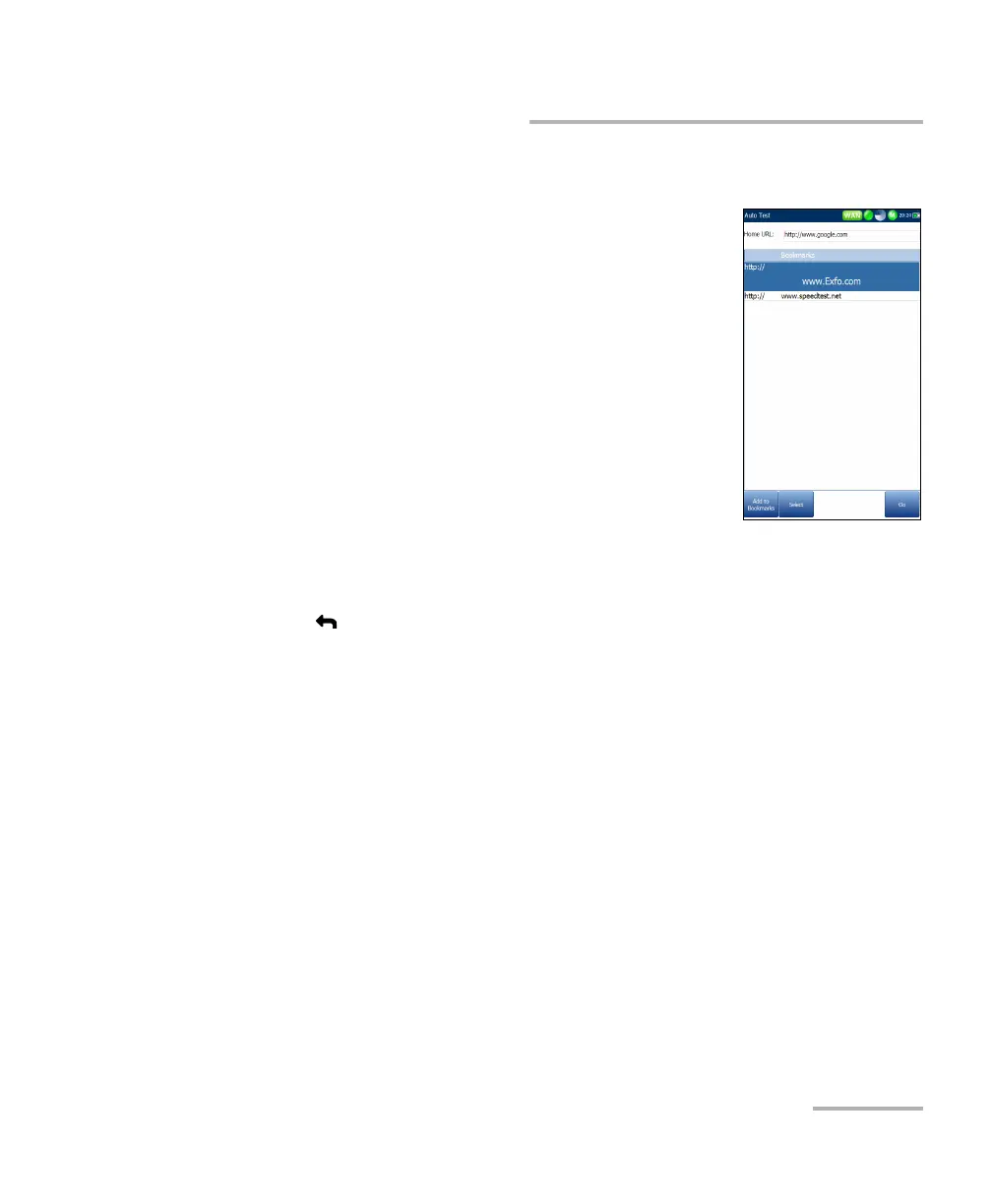
Bookmarks
Bookmarks
The Bookmarks page allows you to select from a list
of URLs or save the current one.
URL box shows the current URL in the web
browser page.
On-screen function keys:
Add to Bookmarks copies the current URL to
the Bookmarks list above the highlight. When
the list reaches the maximum 9 URLs, the key
is disabled.
Set as URL copies the highlighted URL to the
URL box.
GO saves the bookmarks and starts the web connection using the
address in URL box.
Press to exit from the Bookmarks page avoiding all actions and return
to the web browser page.













 To Next Page