Reading Saved Copper Test Results
Copper and G.fast/VDSL2/ADSL2+ Multi-play Test Set 107
Result Manager Menu
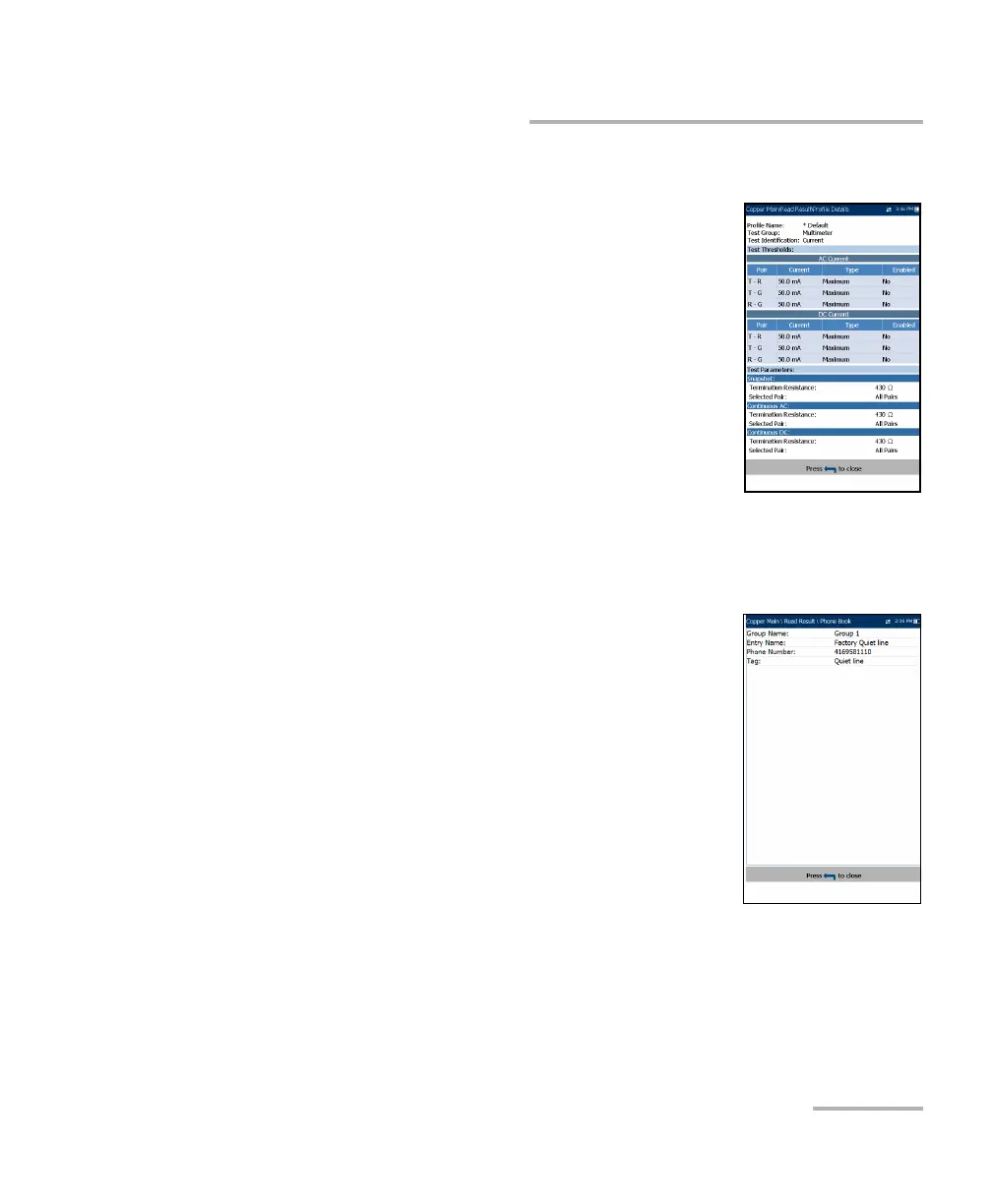
Profile Details
The Profile Details page displays read-only test
thresholds and/or parameters information about the
setup of the selected test, and may contain the
following entries:
Profile Name (only displayed in Results
Manager) is the file name of the selected saved
results.
Test Group is the overall test group of the
selected saved results file, for example
Multimeter.
Test Identification is the test type of the group, for
example Current.
Phone Book
The Phone Book page summarizes the Phone Book
details when loading a results file.
It contains information about group entries such as
group ID, name, phone numbers, and tags.
If the dialer was not used during the test, the Phone
Book icon will not appear as part of the Read Result
menu page.













 To Next Page