Multimeter Tests
146 MAX-635G
Station Ground
Show hookup diagram on test setup - If Yes, the Confirmation page
is prompted before every Station Ground test is started. Select No to
hide the diagram next time you run the test.
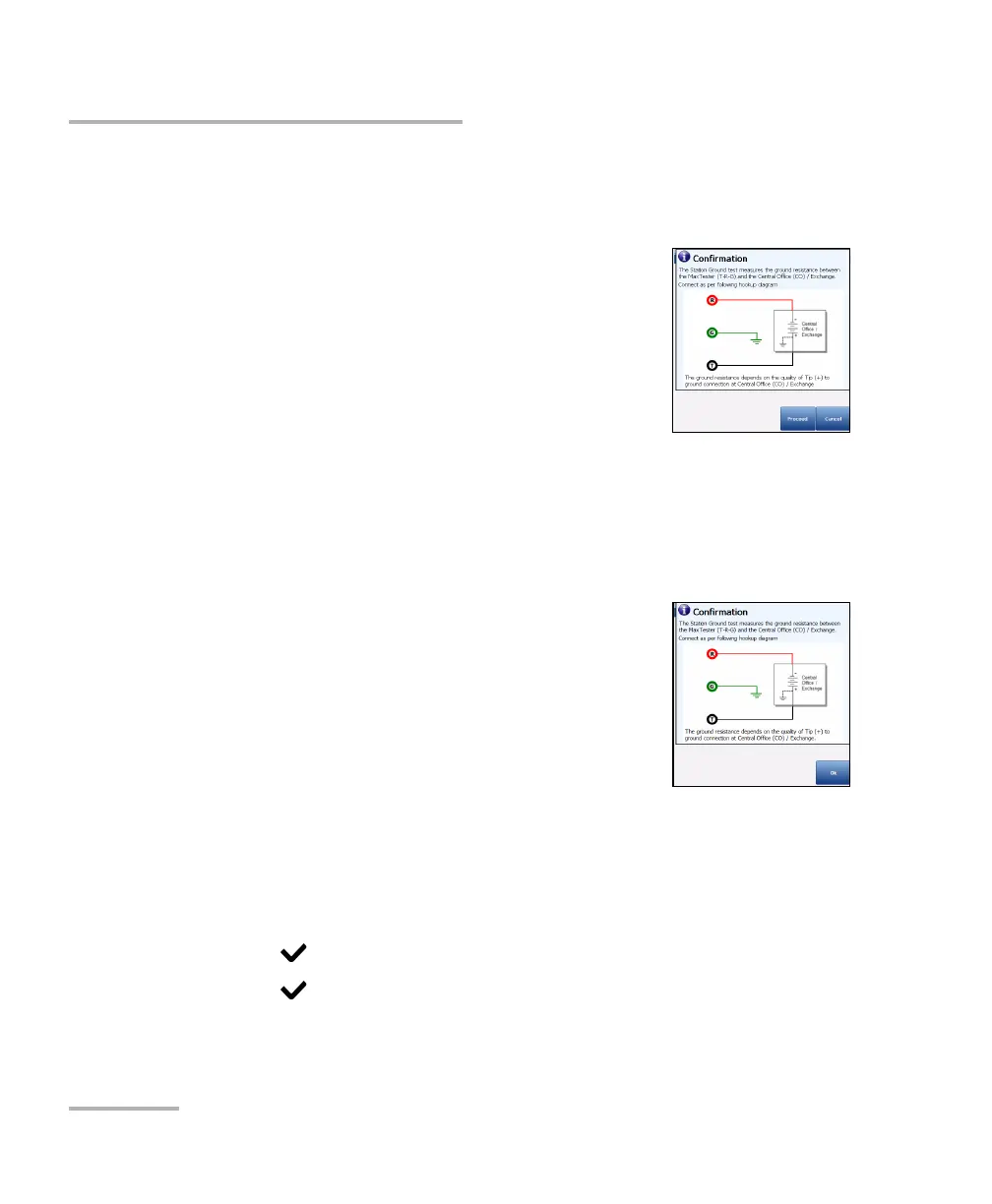
Hookup Diagram button opens a Confirmation
page displaying how to connect your leads at the
beginning of the test. The hookup diagram uses
the following graphic and textual components:
Proceed button closes the hookup diagram
prompt and starts the test.
Cancel button closes the hookup diagram
prompt only.
The Confirmation window is prompted before every Station
Ground test is started if you selected Yes for the Show hookup
diagram. You can select No to hide the diagram next time you run
the test.
However, you can check the connection
diagram at any time by pressing the Hookup
Diagram button. In this case, the test does not
start when you press the Ok button to close
the Confirmation window.
Test Status displays the current state of
measurement or an error message.
To select the Station Ground parameter values:
1. Press the up/down arrow keys to highlight the desired parameter.
2. Press the left/right arrow keys to view and select the options.
OR
3. Press on a value to open a list box of options.
4. Press to confirm the value.













 To Next Page