Setting Up DSL/IP Tests
358 MAX-635G
Test Setup
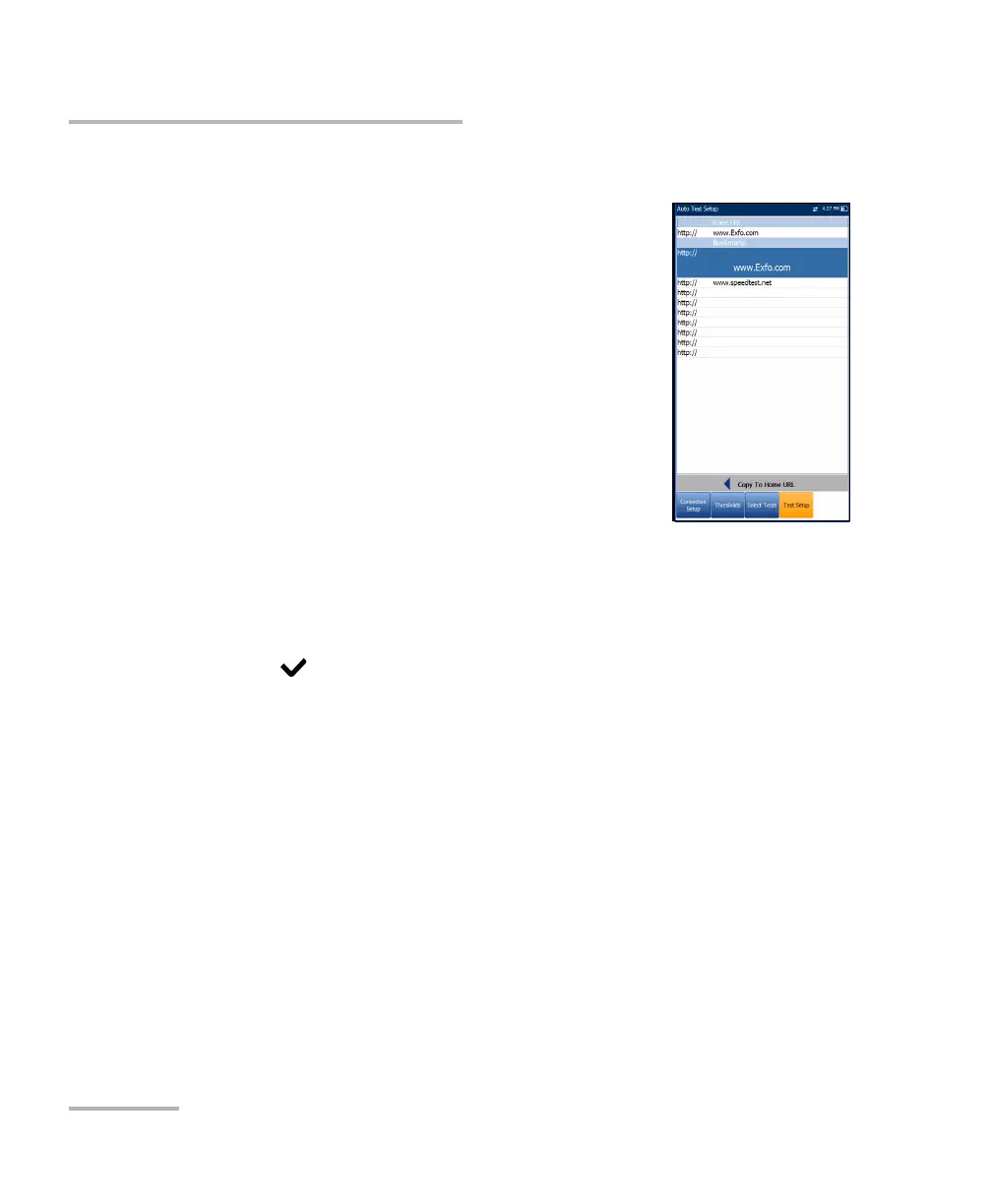
Web Browser Test Setup
The Test Setup page for the web browser content is
displayed when the Web Browser Test is highlighted
on the previous Select Tests tab. Here you can edit the
Bookmarks and Home URL.
Bookmarks lists 9 entries. The default is http://.
The Bookmarks list is shared by all 3 tests (Auto Test,
Manual, and Ethernet tests). If the list is changed in
one test, the changes are reflected in the other two.
Home URL acts as the Home URL for the web
browser test page when started. It is independent
among the 3 types of test applications.
Copy to Home URL allows you to set a highlighted URL as the Home
URL.
To configure the web browser setup:
1. Press the up/down arrows to highlight the desired entry in the list.
2. Press to access the edit screen.
3. If you make any changes to the test values, press the on-screen
function keys to save or cancel your input.













 To Next Page