Setting Up Copper Tests
80 MAX-635G
Cable Book
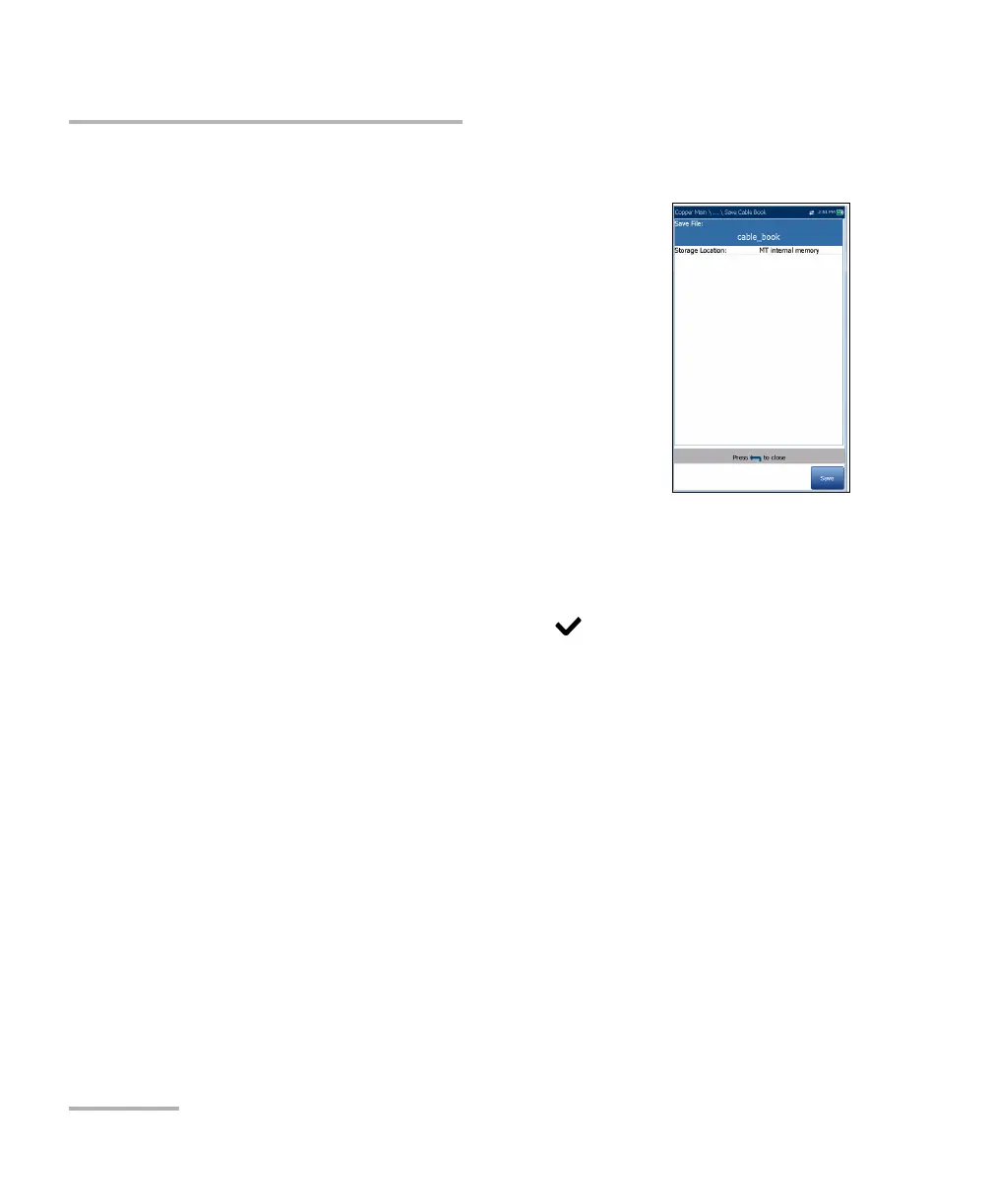
Save Cable Book
The Save Cable Book page allows you to save or
export a cable book.
Save File allows you to enter a file name of the
current cable book to save. By default, the name
is cable_book.csv.
The Storage Location lists the save destinations:
MT internal memory
USB
Save button saves the selected file.
Note: The unit will overwrite any document with the same file name found on the
disk, without warning.
To save a cable book:
1. Accept the default file name or press to create a new one using the
edit screen.
2. Select a Storage Location.
3. Press Save.













 To Next Page