Setting Up Copper Tests
Copper and G.fast/VDSL2/ADSL2+ Multi-play Test Set 79
Cable Book
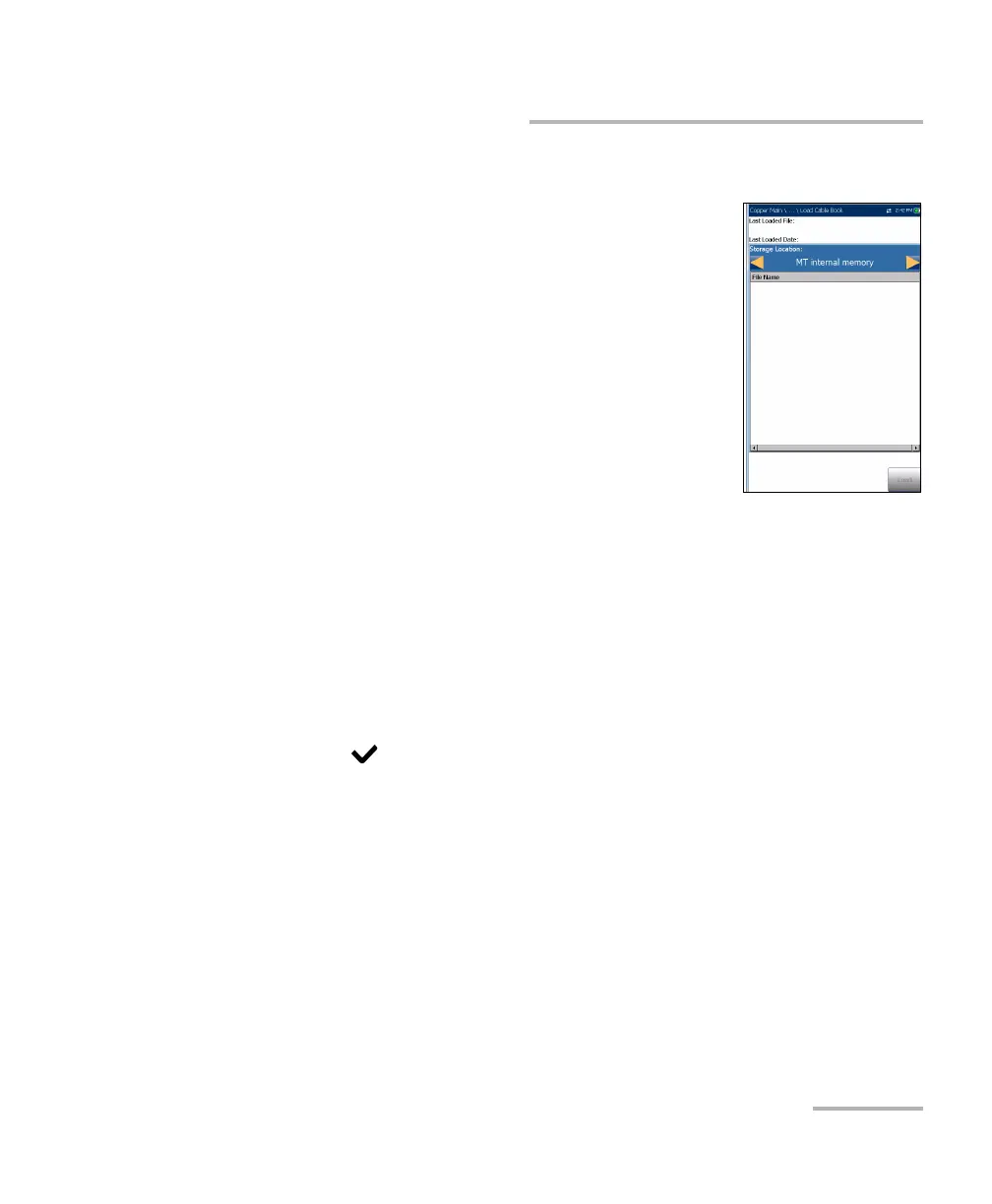
Load Cable Book
The Load Cable Book page allows you to import a
cable book. The page displays the file name and date
of the last phone book loaded. Only .csv files are
supported.
The Storage Location lists the load destinations:
MT internal memory
USB
File Name lists the cable book file name(s) to
load.
Load button imports the selected cable book. You
will be prompted for confirmation since this action will overwrite the
current cable book.
Cancel button removes the confirmation/warning message without
impacting the cable book.
To load a cable book:
1. Select the Storage Location using the left/right arrow keys.
OR
2. Press to display the list of options.
3. Using the up/down arrow keys, select a file name to load.
4. Press Load and confirm. The unit will remove the existing cable book
and replace it by the loaded one.
OR
5. Press Cancel to remove the message.













 To Next Page