Multimeter Tests
140 MAX-635G
Capacitance/Opens
To access Pair Detective from Multimeter tests:
1. Press
to return to the Copper Main menu.
2. Highlight Pair Detective and press
to launch the test.
See TDR on page 253 for more help on using this test.
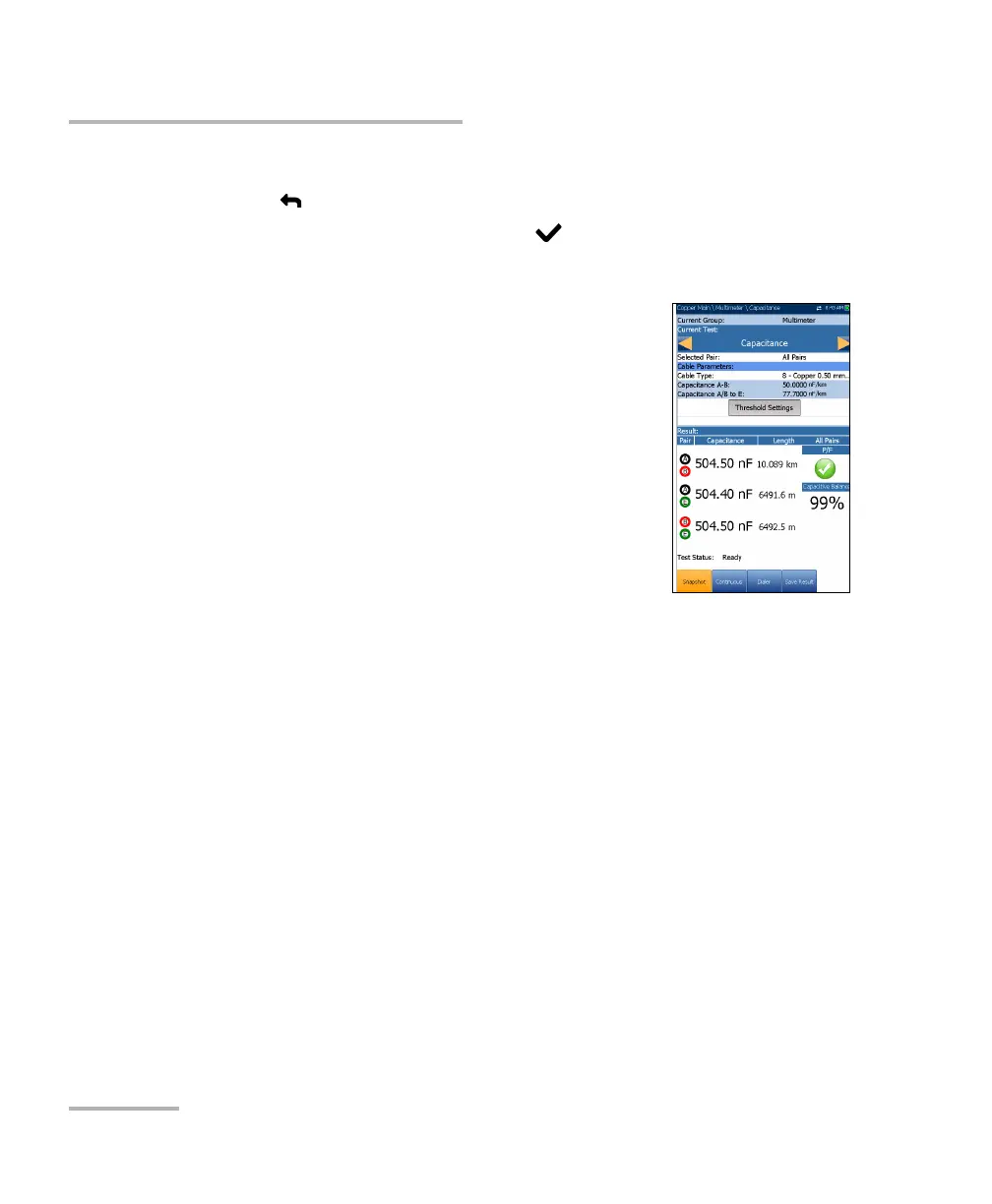
The Snapshot page shows measured Capacitance
values and Length for each lead combination. The
parameters are as follows:
Current Group is the current test group name, for
example Multimeter.
Current Test displays the test being measured.
When FED is Enabled, the FED icon and numeric
state are displayed beside the Current Test.
Here you can switch to another test from the given
list. However, this action will terminate the
ongoing measurement test.
Note: The accuracy of the 2 Terminal Capacitance Measurement is impacted by
the use of the FED, and the 3 Terminal (default) method is recommended
to be used instead.
Selected Pair allows you to select All Pairs or a single wire pair for
measurement.
Cable Parameters:
Cable Type displays the ID, Cable Name and Fill, and allows you to
select an entry (with its associated parameters) from the current
Cable Book, to use for testing. The selection is not saved when
leaving the test. The current Cable Book entry is shown by default.
Capacitance T-R/A-B displays the capacitance value from Tip to
Ring in nF/mi or km ranging from 10.0 to 500.0.













 To Next Page