Noise Tests
180 MAX-635G
Power Influence
Result Details
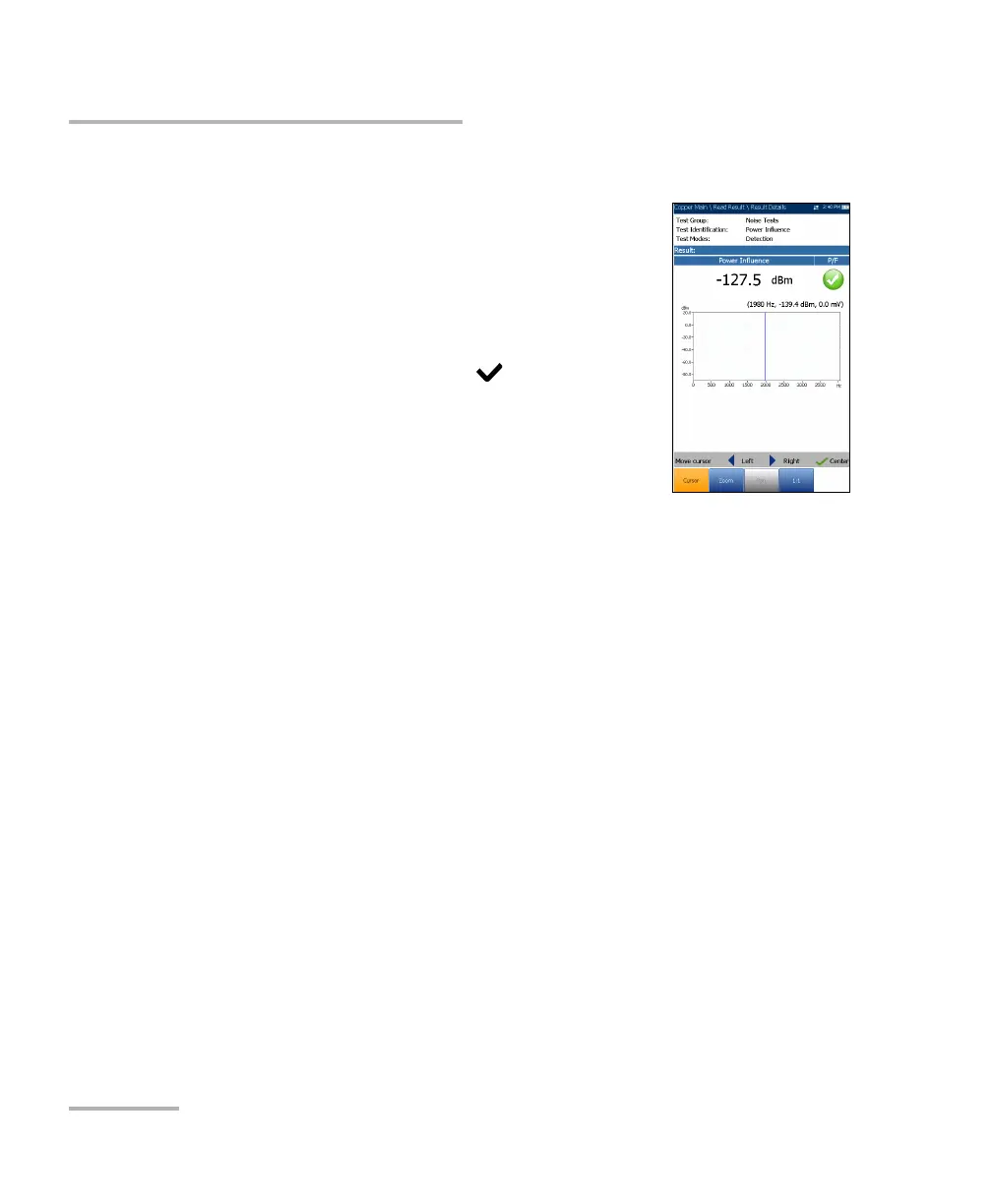
The Result Details page displays the Power Influence
value and graph, and the pass/fail status. You can
maneuver the graph as follows:
Cursor - press the left/right arrow keys to
decrease/increase the values by moving the
cursor. Press and hold the left/right arrow keys to
accelerate the cursor. Press to recall the
cursor and place it in the middle of the current
x-axis limits.
Zoom references the middle of the x/y axis
and not the cursor position. Press the arrow
keys as follows:
Right = x-axis zoom in.
Left = x-axis zoom out.
Up = y-axis zoom in.
Down = y-axis zoom out.
Pan - use left/right arrow keys to pan the x-axis and the up/down
arrow keys to pan the y-axis.
1:1 resets the x-axis and y-axis limits to full scale.













 To Next Page